Participant
July 27, 2024
Question

Trouble with captions

  • July 27, 2024
  • 1 reply
  • 2893 views

Hi all, 


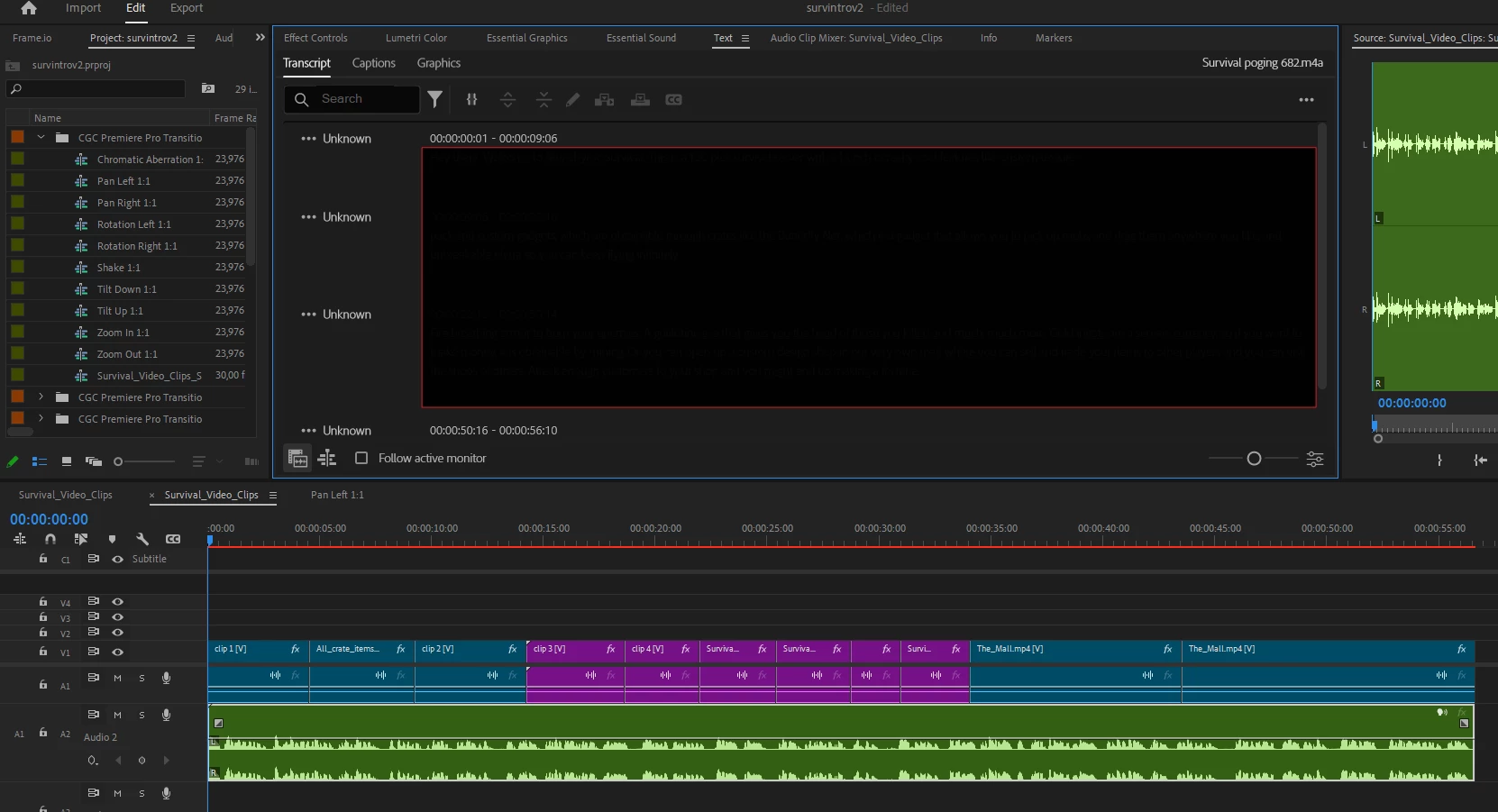
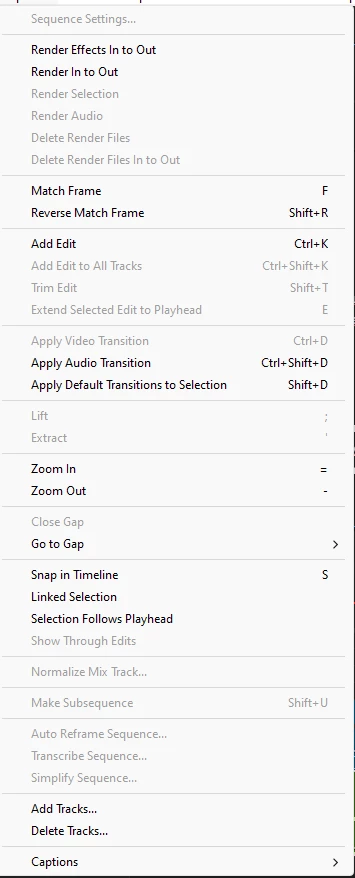
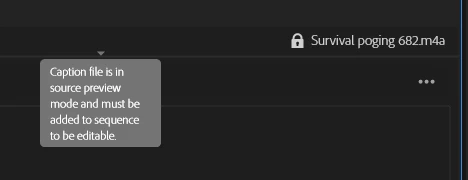
I'm new to Adobe Premiere so sorry if this problem is easy to fix. I'm trying to add subtitles to a clip. However I'm unable to click on the add captions button. I do see a lock with "caption file is in source preview mode and must be added to sequence to be editable". I've closed the source preview, however that doesn't fix the problem. Next to that I've tried to click on "Add Edit" under Sequence. No success. ". 

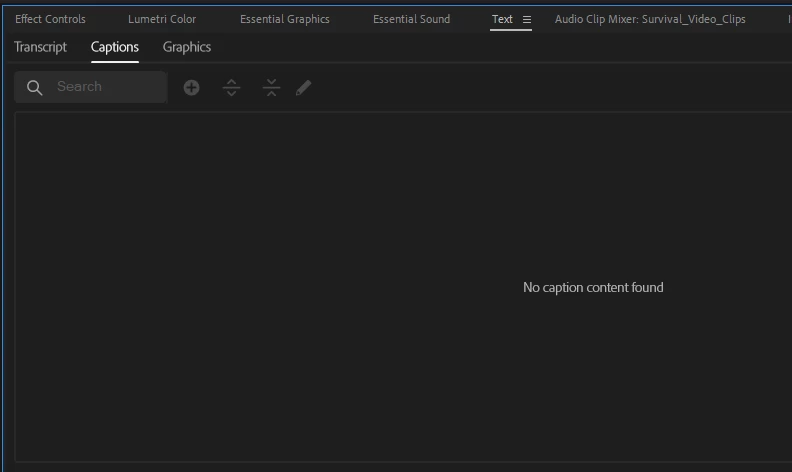
Last thing I've tried is Add new caption track... 


Here are some ss from my premiere (just to be clear, there's text behind the black square :)): 


1 reply

Community Expert
July 27, 2024

Hi Evelyn,


It looks like you have already created a transcription of your files. To turn these into captions, follow these steps:


  1. Select your Timeline panel.
  2. Open the Text panel and go to the Transcript tab.
  3. Click the Create Captions button (CC) in the top right of the panel.
  4. Go to the Create Captions window: Choose your caption settings, including format, style, and maximum length.
  5. Click Create: This will generate captions based on your transcription and place them on your timeline.


If you need more detailed instructions, here's a helpful guide: Speech to Text


Cheers,
Paul

Participant
August 30, 2024

So the error prevents you from selecting the button in your step #3. Under "Captions", there is a lock symbol next to the .mps file that has been transcribed. It says "caption file is in source preview mode and must be added to sequence to be editable"

Community Expert
August 30, 2024

If your Source Monitor was in focus before you switched to the Text panel, you won't be able to add captions. To enable this option, select your Timeline panel first, then go back to the Text panel.