
January 16, 2017
Answered

Trying to apply blur effect (Premiere Pro cs6)

  • January 16, 2017
  • 1 reply
  • 4373 views

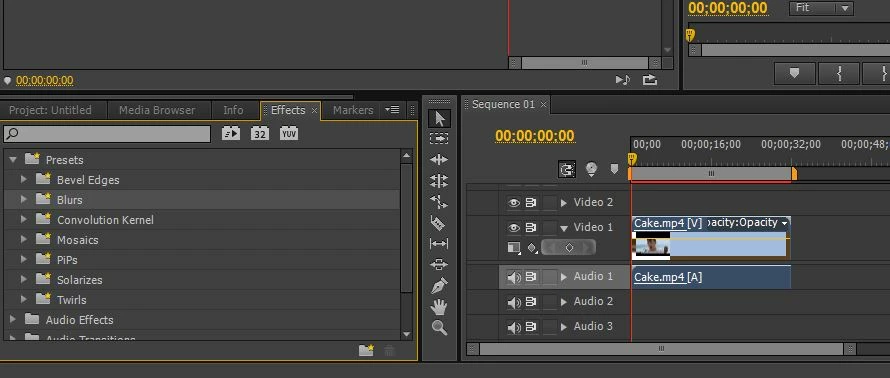
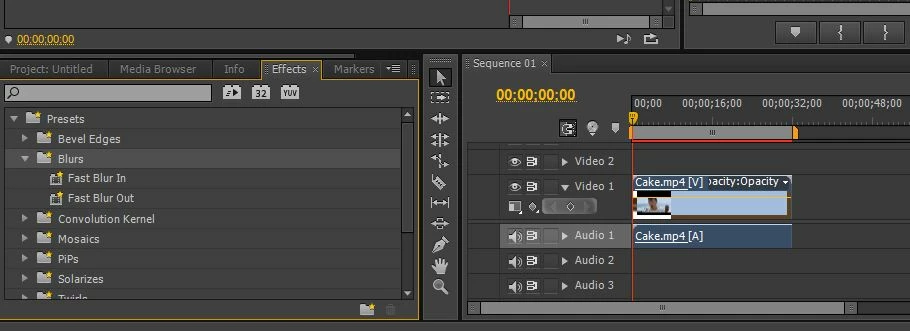
I am trying to apply a blur effect to my clip – the whole of it. However when I click on Blurs and drag it to the right onto the clip, it just doesn’t work. I think I have tried to drag it to anywhere possible on the right hand side panel but to no avail. Strangely, the Fast Blur In and Fast Blur Out effects work ok, but I want this blur effect to apply to my clip for its whole duration, not just at the beginning or the end of the clip. What am I doing wrong? Please help.
    This topic has been closed for replies.
    Correct answer Richard M Knight

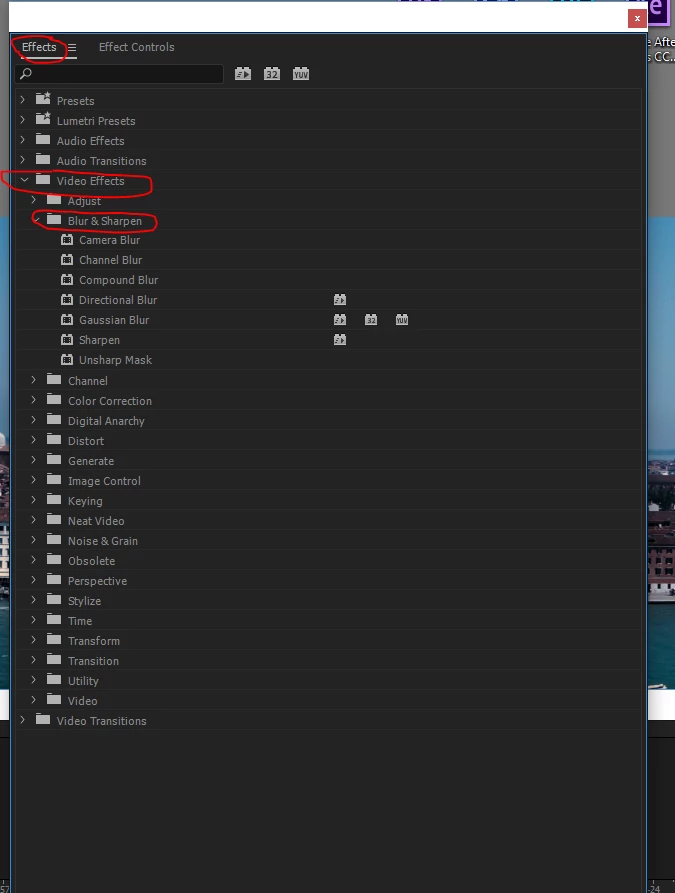
    You need to open the 'effects' window rather than the effects control. This is a screen shot from the CC version but cs6 is very similar.

    1 reply

    Community Expert
    January 16, 2017

    You need to add a blur from the video effects folder not the presets. There are many to choose from once you open the folder.

    January 16, 2017

    Thanks a lot. Please excuse my ignorance but I'm new to Premier Pro.... where exactly should I click to open the folder? I've tried but without any success.

    Richard M KnightCommunity ExpertCorrect answer
    Community Expert
    January 16, 2017

    You need to open the 'effects' window rather than the effects control. This is a screen shot from the CC version but cs6 is very similar.