Participant
May 19, 2020
Answered

Ultra Key not selecting black background

  • May 19, 2020
  • 3 replies
  • 38986 views

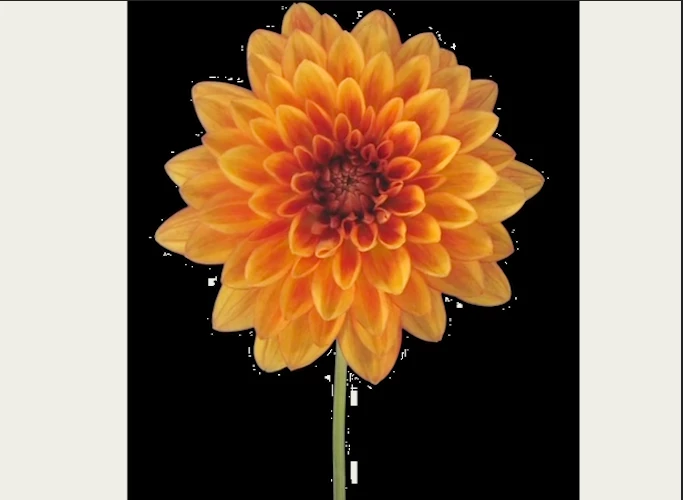
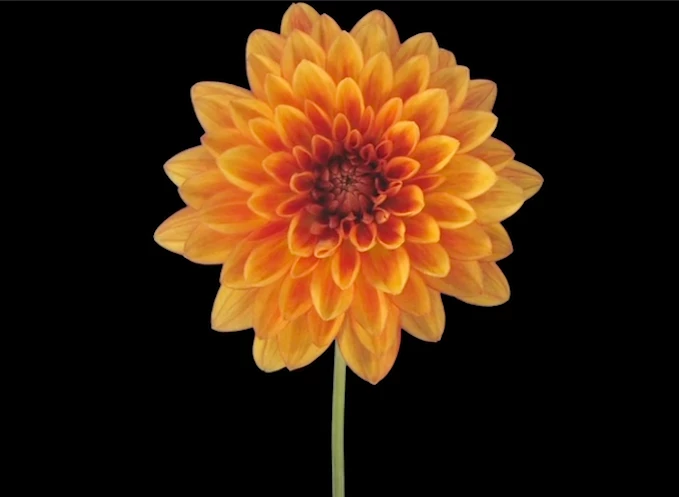
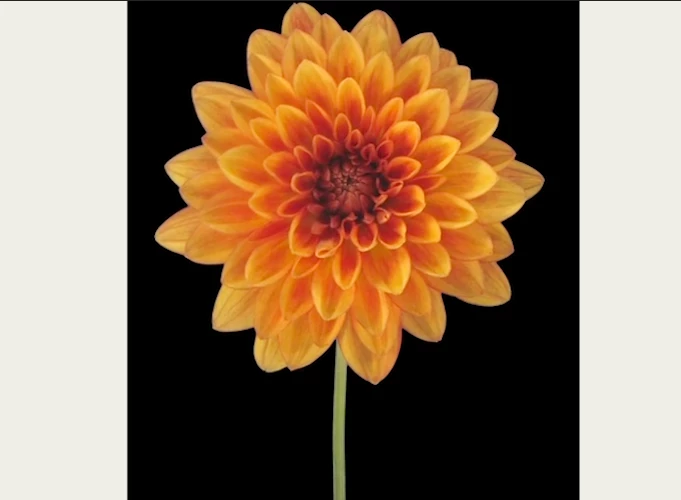
I have imported a simple video I'd like to remove the black background from. Screenshots attached.

I have a white background loaded behind the video which I can see when I crop the clip. 

I apply the Ultra Key, eye drop the black background, and set to 100% transparent and for some reason, it just removes patches around the flower, not the full black background.
 

I've tried:

- Not using multiple screens.

- Manually choosing black as a hex code

- I've played with all of the settings I can find under Ultra Key 

- Modify > Reinterpret the footage (oddly this wouldn't allow me to edit any alpha settings)


It's as though the black is already an alpha layer but not transparent for some reason. I purchased the clip from Vimeo so maybe it was compressed and that messed with the file?


Any ideas?

Correct answer Graeme Bull

Ultra key is more for green and blue screens, just use color key and set to black. If you need you can mask so you only affect the outer edge as your flower has black in it too.

3 replies

Participating Frequently
July 7, 2020

UPDATE TO ULTRA KEY PICKER PROBLEM.

Stumbled on the fix. If you hold the Command and Option down at same time while you drag the Dropper around, you will see the color box reflect the dropper's color. Clicking locks the keying in and voilá the chroma disappears.

yvonnalynn
Participant
September 21, 2020

WOW! thanks...

Graeme Bull
Community Expert
Graeme BullCommunity ExpertCorrect answer
Community Expert
May 20, 2020

Ultra key is more for green and blue screens, just use color key and set to black. If you need you can mask so you only affect the outer edge as your flower has black in it too.

origAuthor
Participant
May 20, 2020

Thanks! Color Key definitely got me much closer:

And then I used the Ultra Key matte settings to clean up the edge:

Thanks for your help @Graeme_Bull and @NRGeorge.

rachelcenter
Legend
June 14, 2025

color key kind of works for gray but the fine details it struggles with

cine24studio
Participating Frequently
May 20, 2020

Hi, yes I've had the same problem. For some reason, you can't Ultra Key the color black. It takes out some of it but it's not good enough. 

Have you tried using Color Key?

I've had better luck with Color Key effect for removing the color black. 

Neil Georgecine24.studio