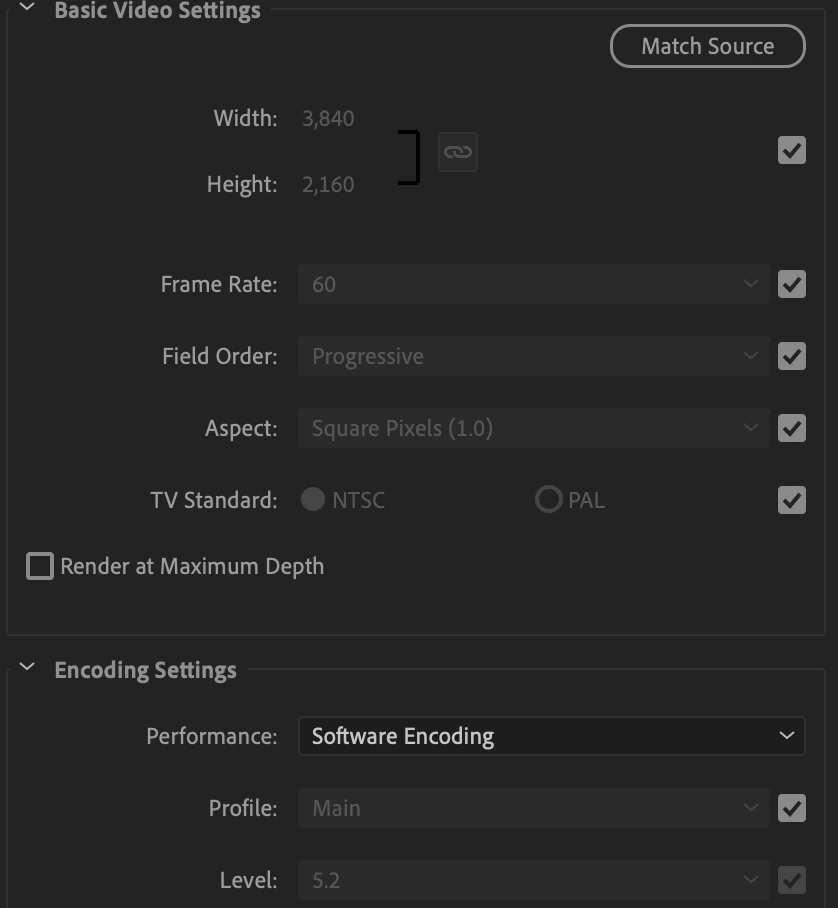
That 'software encoding' is not the same thing at all as the general use of the GPU in the Project settings dialog.
The GPU options set whether, for what Premiere uses a GPU for, it will work with your GPU (if it's a usable one). But it only uses the GPU for certain things ... color, warp, some things like that.
The hardware/software encoding in the box you show is ONLY about H.264 encoding, which is a very different thing. Some CPUs have extra hardware included so they can use it for H.264 encodes. Some GPUs have bits that work for H.264 encodes. For some CPUs, they're faster at internally handling H.264 encodes than most GPUs. For those, or for the ones that can work with a GPU that can handle H.264 encodes, you'll see 'hardware encoding' as an option here.
For the CPUs without the extra bit, and aren't set to use a GPU's capabilities if it has them, you'll see software only.
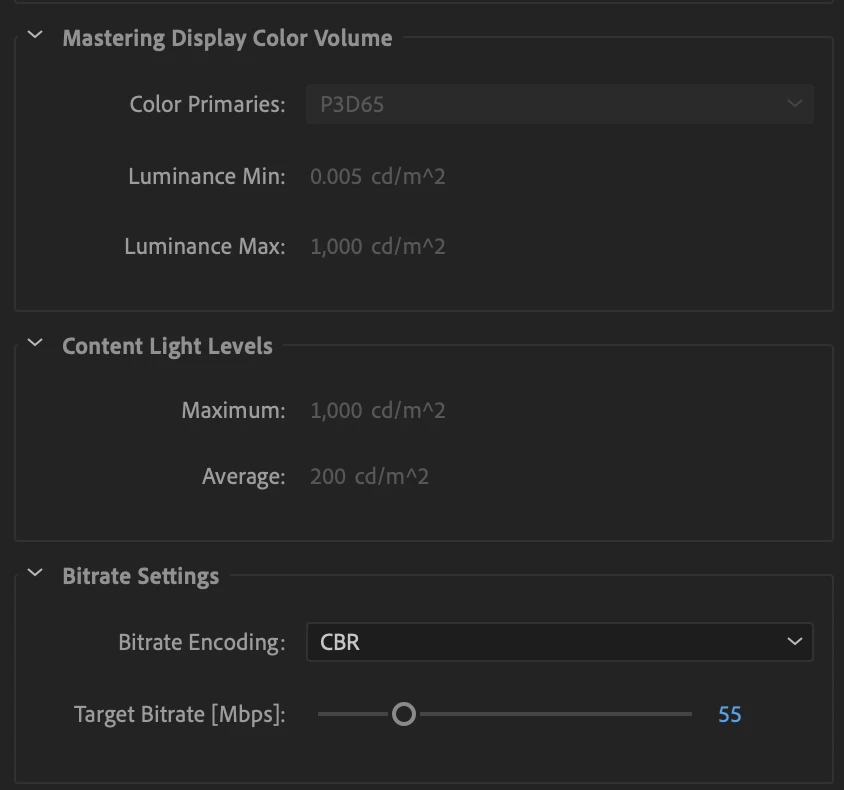
And ... on all two-pass encodes, you'll see software only, as no 'hardware encoding' is possible for 2-pass encodes in any program on any machine.
Neil

 AdChoices