
Unable to install Fram.io extension
I had the Frame.io extension installed just last week, but now it seems to have disappeared.
I double checked that it was installed through Adobe Exchange and that the Creative Cloud Desktop App is installed with file syncing turned on. All of this was good yet still no extension.
I then tried to install the extension manually using the instructions from here: Install Instructions
I downloaded the .zxp file, downloaded and installed Anastasiy’s Extension Manager, and then tried to install the extension that way, but got an odd error that said, "The extension is damaged or cannot be accessed, please re-download it. You may need to use a different browser or download manager. Please also try repairing your disk permissions using Disk Utility or Windows Explorer"
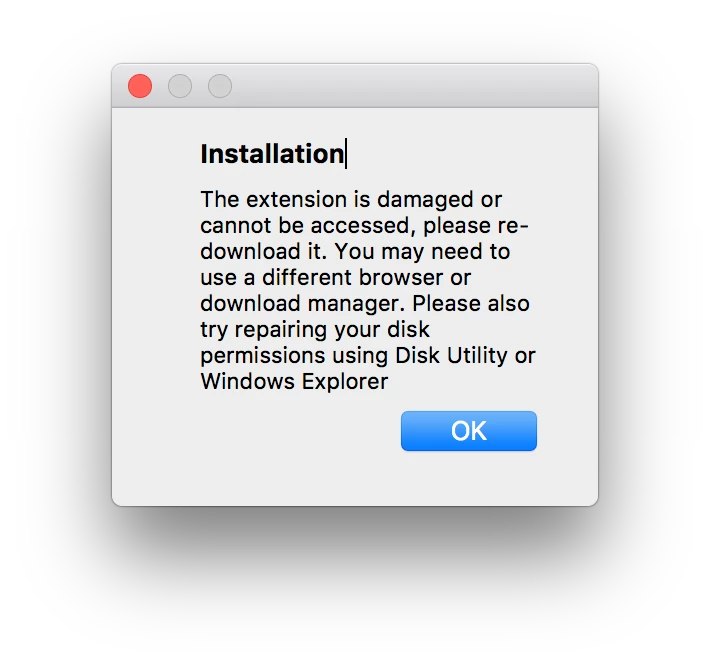
I then tired re-downloading the .zxp file with no luck.
Anyone have a solution?
 AdChoices