Participant
December 26, 2018
Answered

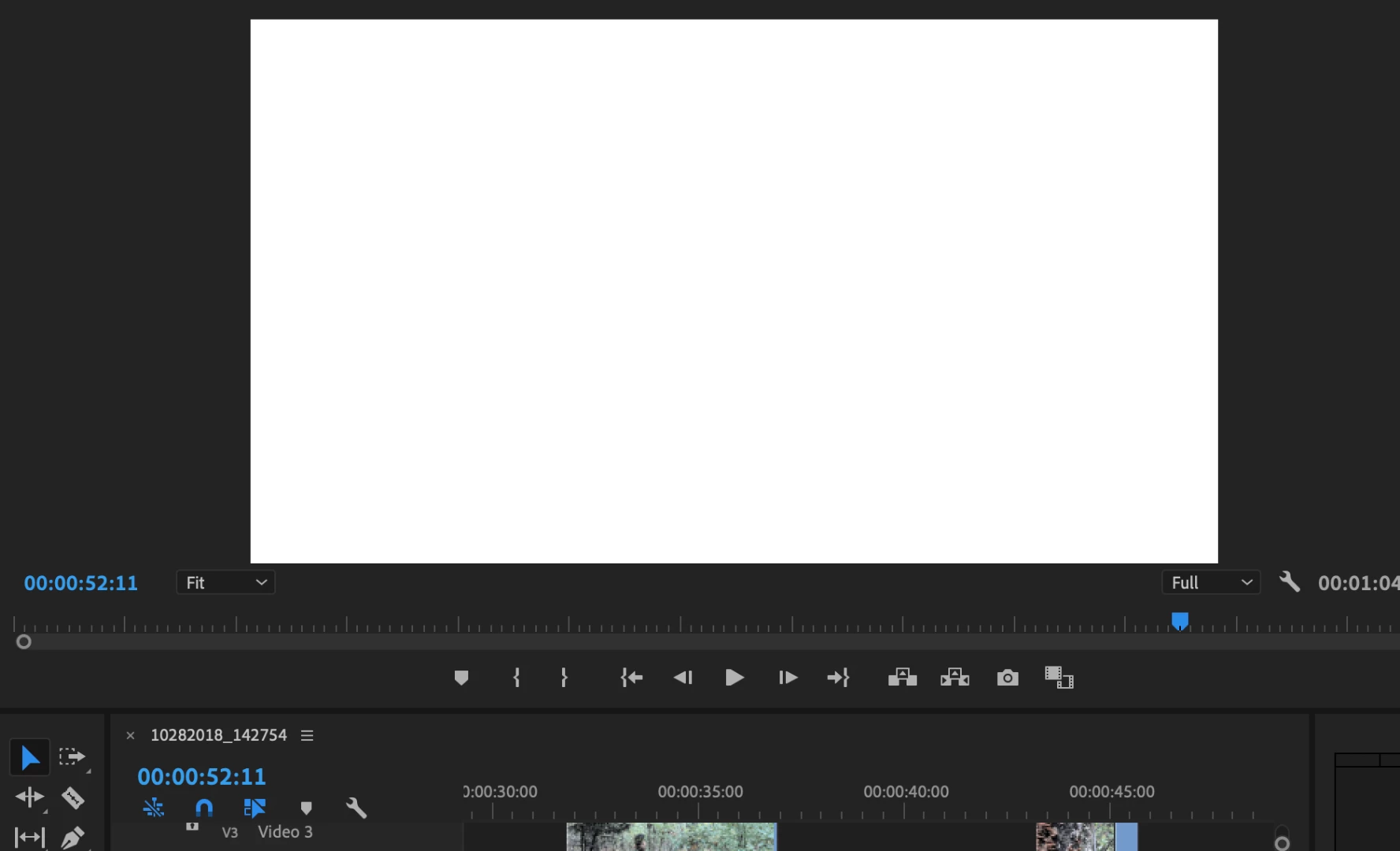
Unable to preview clips in Premiere Pro, only shows white screen

  • December 26, 2018
  • 2 replies
  • 1114 views

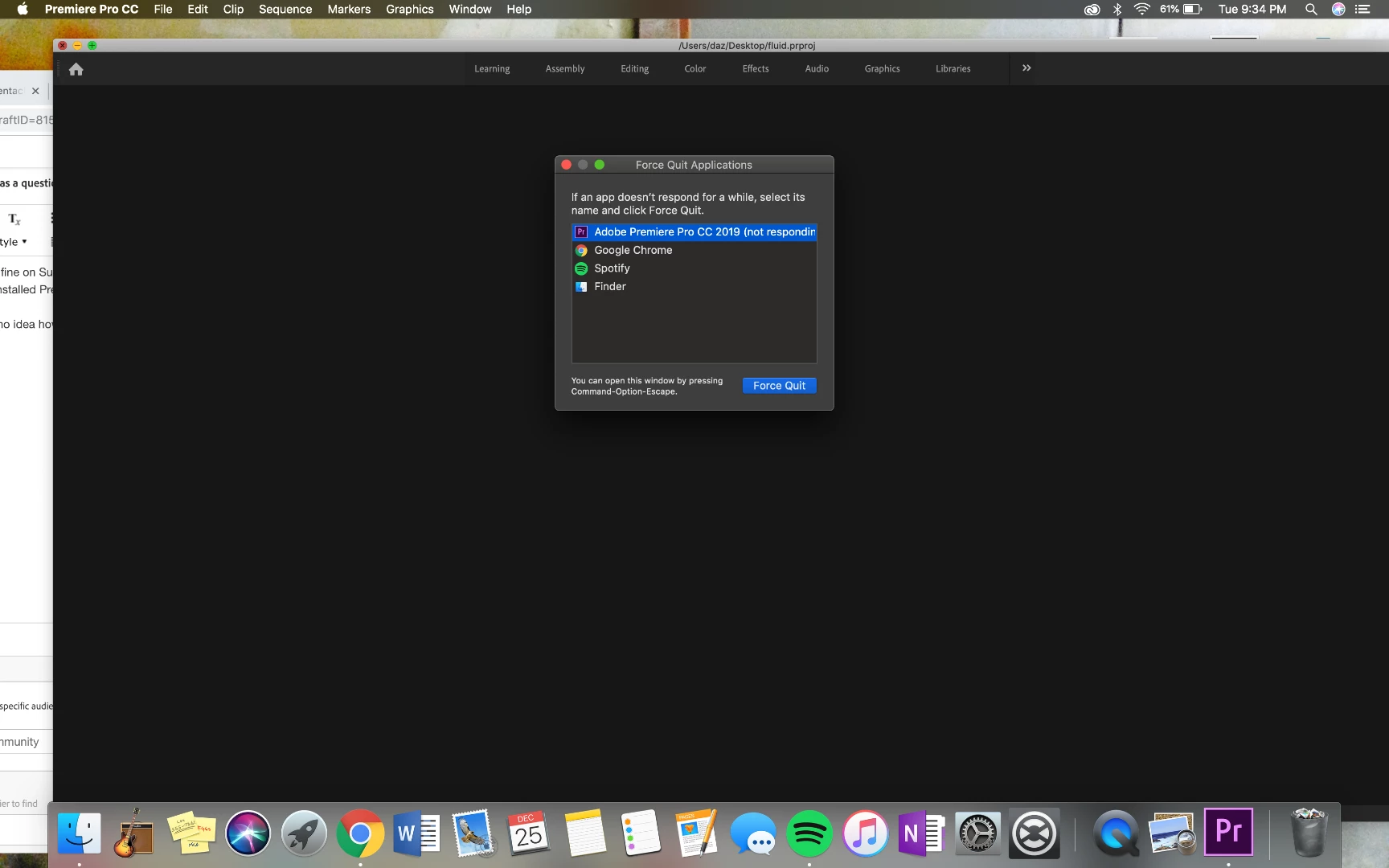
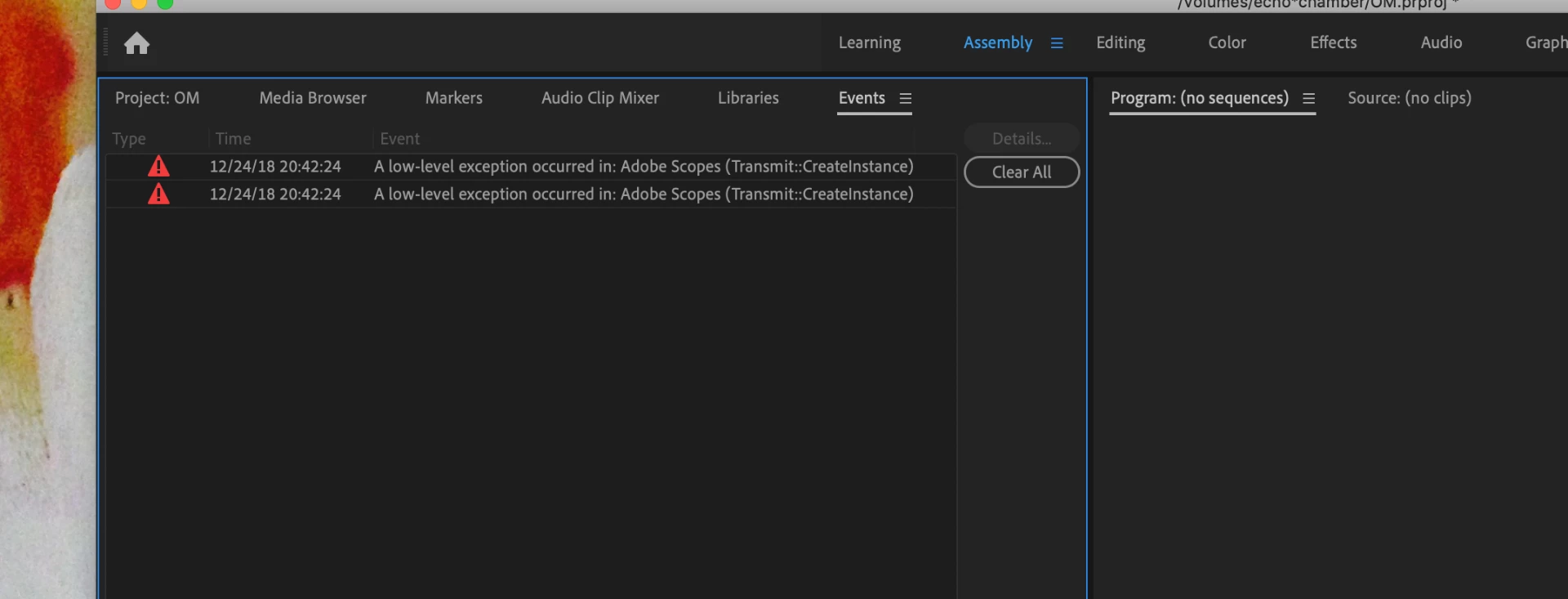
I was editing my film just fine on Sunday. After I returned to it in the evening, I was unable to preview the clips, the playback wasn't working, and when I tried to quit, the system froze. I've reinstalled Premiere Pro CC 2019, updated my iOS Mojave (I'm running on 10.14.2) and I keep getting the same message (see attached photo). I tried working on an older version, but my prproj didn't support it.

I'm totally stuck. Is it the new update? I have no idea how to fix this and really need to wrap up this project. Any help will be greatly appreciated. Thanks in advance!
This topic has been closed for replies.
Correct answer daz1587

Hi everyone, I have a solution for anyone who is having the same problem. Turns out my issue was from the auto update, which downloaded the 2019 version. My graphics card supports the 2018 version of Premiere and now I've reinstalled that and everything is working fine. So to avoid panic, check which version you're using and make sure your computer supports it. Hope this helps!

2 replies

daz1587AuthorCorrect answer
Participant
December 27, 2018

Hi everyone, I have a solution for anyone who is having the same problem. Turns out my issue was from the auto update, which downloaded the 2019 version. My graphics card supports the 2018 version of Premiere and now I've reinstalled that and everything is working fine. So to avoid panic, check which version you're using and make sure your computer supports it. Hope this helps!

Ann Bens
Community Expert
Community Expert
December 26, 2018

I am guessing you have multiple screens?

Not sure if it has something to do with full screen as in ctrl+\

What if you disabled transmit?

daz1587Author
Participant
December 27, 2018

Hi Anne, I'm working with one screen (laptop). How do you disable transmit? Thanks in advance.

Vidya Sagar
Participating Frequently
December 27, 2018

Hi daz1587,

You can disable transmit from Preferences > Playback > Uncheck "Enable Mercury Transmit"

Please let us know the status after testing.

Thanks,

Vidya