Participant
March 10, 2020
Question

"Unable to update workspaces" crash preventing deployment of premiere pro cc?

  • March 10, 2020
  • 2 replies
  • 1412 views

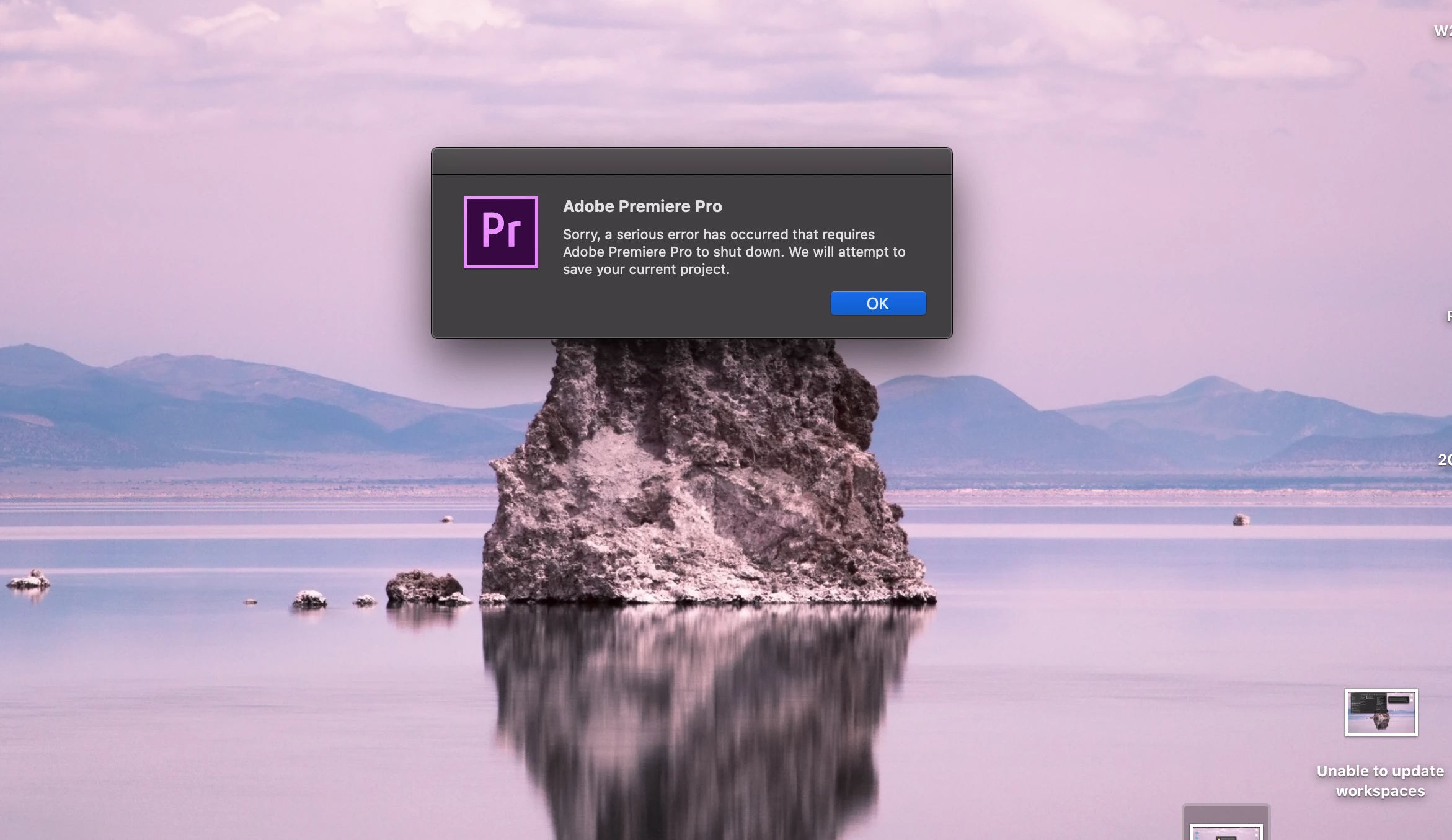
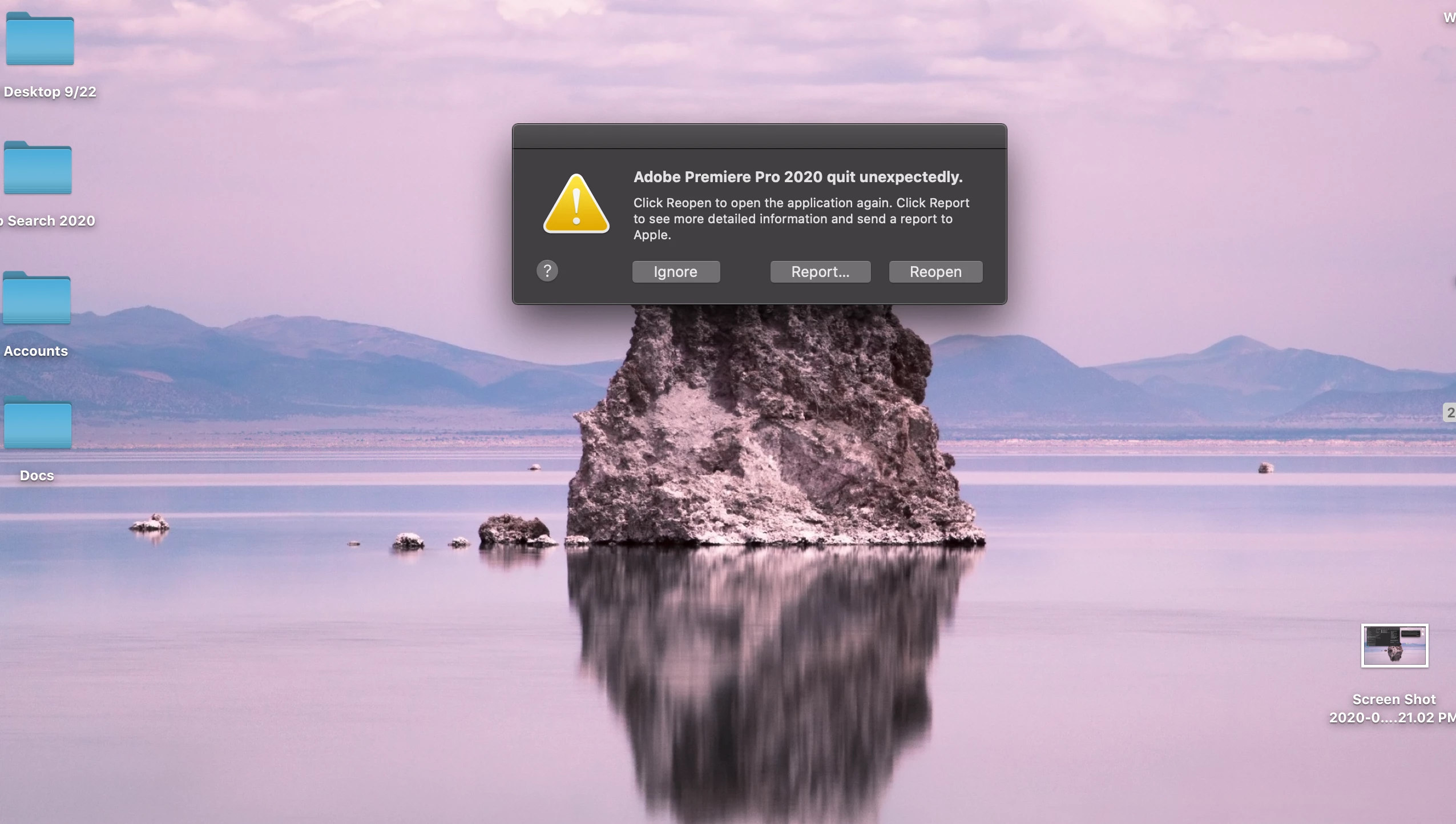
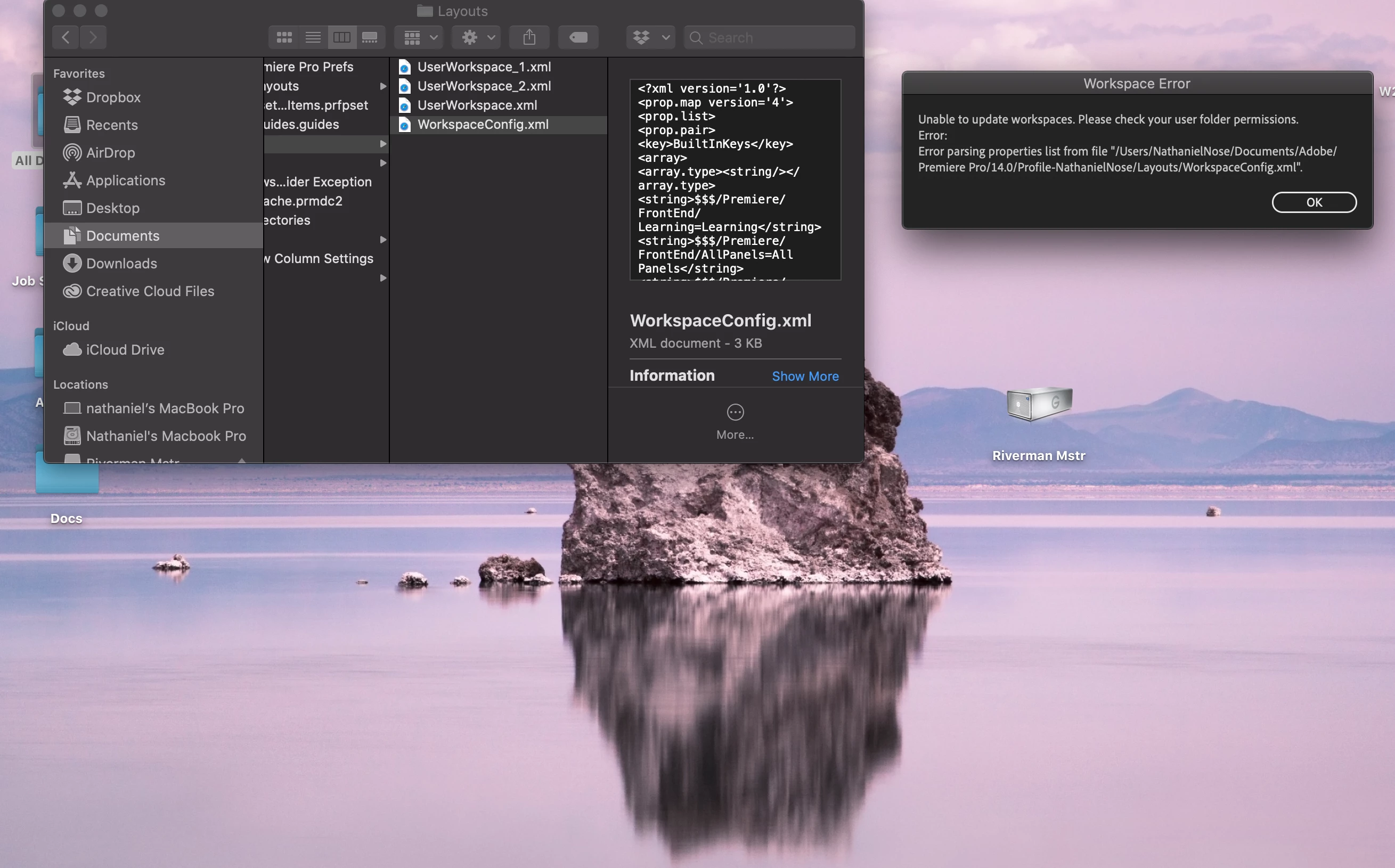
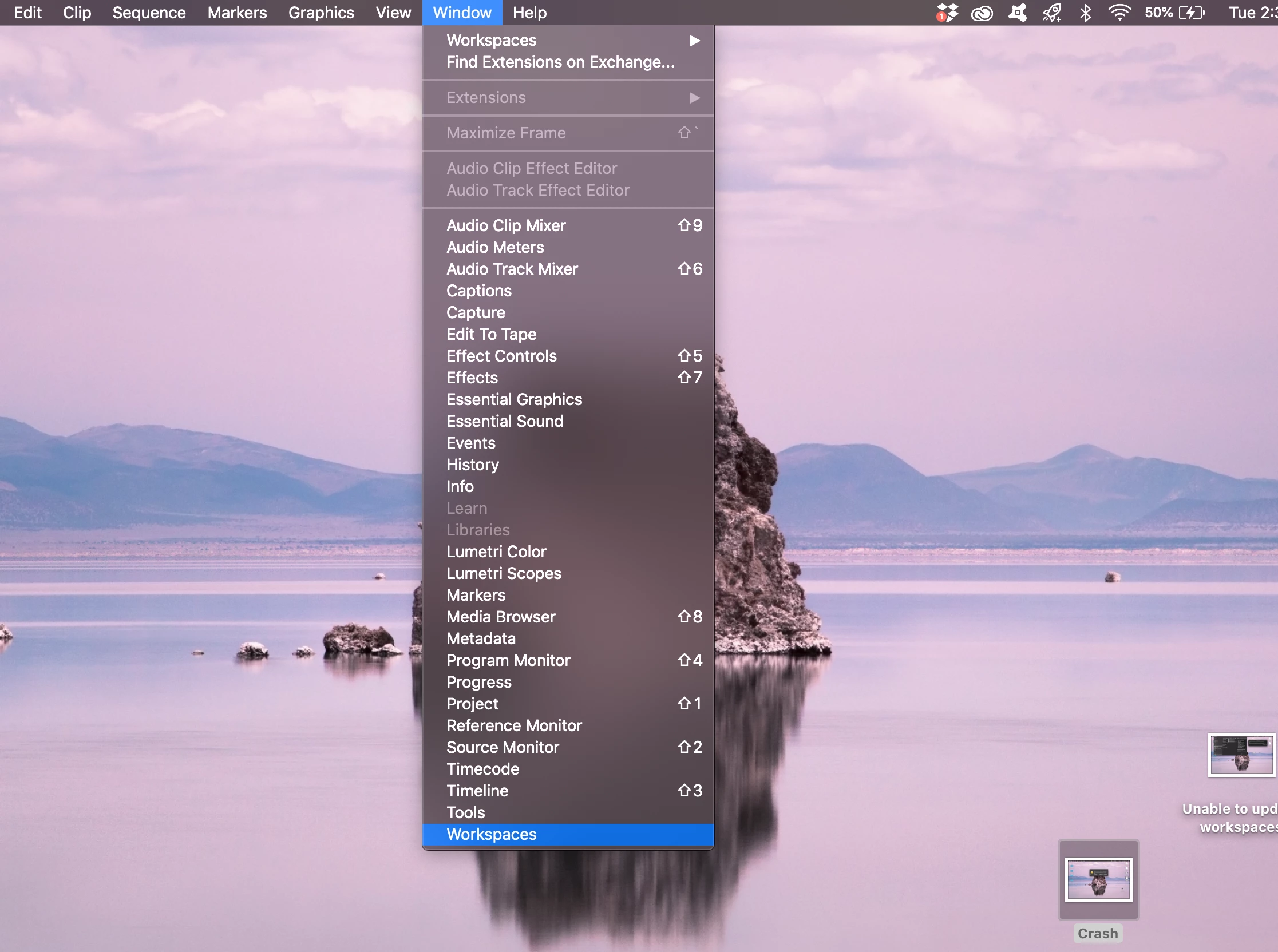
I recently installed and deployed premiere pro on my 2015 laptop. It works fine on my other machines but for some reason I get an error that allows me to open it, but without any workspace layouts saved. No windows fire upon launch but I can open them one by one. If I try to open a workspace layout, even the default, the app crashes hard. I've uninstalled and reinstalled several times with the same result. I've dumped the layout permissions folder and reinstalled. Nothing seems to do the trick? 
    This topic has been closed for replies.

    2 replies

    Peru Bob
    Community Expert
    Community Expert
    March 10, 2020

    Try resetting the preferences:
    https://community.adobe.com/t5/Premiere-Pro/FAQ-How-to-reset-trash-preferences-in-Premiere-Pro/td-p/8236158

    If that doesn't work, try resetting the Workspaces:
    Reset a workspace
    Reset the current workspace to return to its original, saved layout of panels.
    1. Do one of the following:
    • Click the Workspace menu icon and select Reset to Saved Layout.
    • Choose Window > Workspace > Reset to Saved Layout.
    from here:
    https://helpx.adobe.com/premiere-pro/using/workspaces.html

    If that doesn’t work, try updating or rolling back your graphics driver directly from the video card manufacturer’s site.

    John T Smith
    Community Expert
    Community Expert
    March 10, 2020

    You say deployed... does that mean you have a Team or Enterprise account?

    KidCameraAuthor
    Participant
    March 10, 2020

    No enterprise or team account, just a newer user. I put it on my other machines a couple months ago and haven't had any issue except on my 2015 laptop.