Unresponsive lag and disappearing panels with GoPro footage after update to 14.3.2
Interaction with timeline panel lagging significantly or completely unresponsive when editing GoPro footage (as-is, no effects applied). Timeline panel, right-hand editing panel, and workspaces panel are not appearing at startup with certain project files containing GoPro footage (attached screenshot). They reappear after clicking a dropdown menu from the top (like 'File' or 'View', etc.), but once they reappear they are unresponsive/frozen. Other visible panels seem to be responsive.
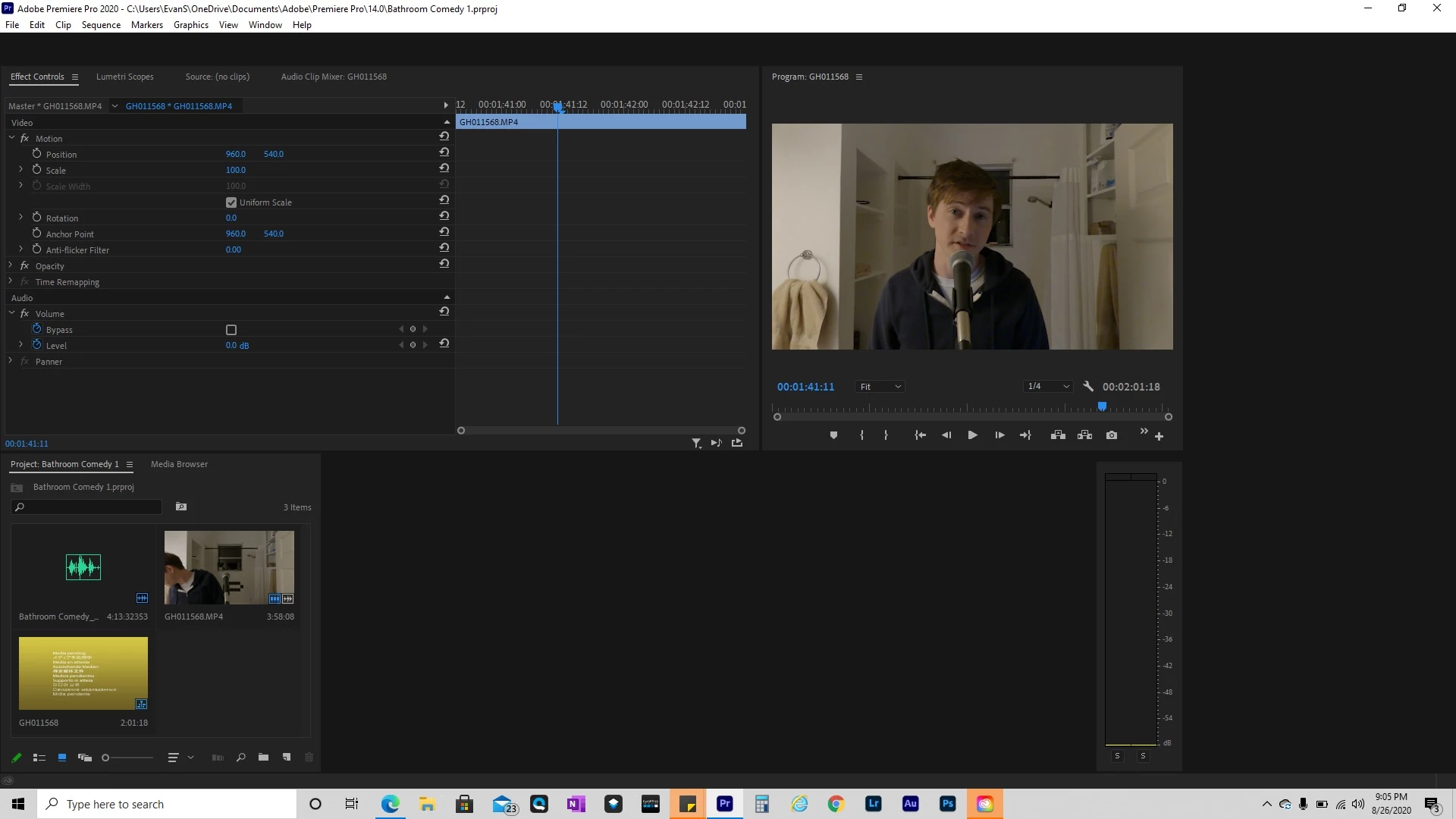
Freezing problem started after updating to Premiere Pro version 14.3.2, but reverting back to 14.3.1 did not resolve the problem. Computer restarts and GPU driver updates also had no impact. I'm not sure whether the version update was to blame or not.
Lag in playback and interaction with timeline panel was observed previously when working with a single 2 minute GoPro video file. But the new major unresponsive/freezing incident is occuring on a project file with a single 4-5 minute GoPro video file cut into several smaller clips without effects applied.
I am fairly new to Premiere Pro and am not well-versed on the intricacies of computer performance and impact of file types. I thought I got decent specs on my laptop, but performance with Premiere Pro has been problematic.
Guidance greatly appreciated!
System Info:
Dell XPS 15 9570
Windows 10 - 64 bit
Intel Core i7-8750H CPU @ 2.2GHz, 6 cores
16GB RAM
Intel UHD Graphics 630
NVIDIA GeForce GTX 1050 Ti w/ Max-Q
GoPro video files are .MP4 at 1080p
Thanks!
 AdChoices