
Participant
December 7, 2017
Question

Unsupported Format or Damaged File Adobe Premiere Pro CC 2017

  • December 7, 2017
  • 3 replies
  • 4048 views

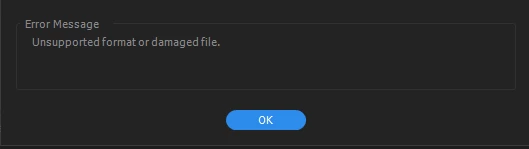
I used to never have issues importing videos to Adobe Premiere but as of late I keep getting this error and do not understand how to fix it. I have tried clearing the Media cache, restarting PC, and nothing works. Nothing new has changed on my end and I used to be able to import mov files with no problems but now it is giving the attached error. Can anyone assist in getting this fixed?

Thank you!
This topic has been closed for replies.

3 replies

Legend
December 8, 2017

What camera was used to record the footage?

Community Expert
December 7, 2017

A similar discussion has occurred in the thread below.
Project could not be loaded, it may be damaged or contain outdated elements.

From my experience, which perhaps could help you -

I had a problem with Windows Premiere saying the file is damaged when I opened my project file by double clicking it. However, it I opened Premiere first, then opened the file, it worked.

Participant
December 7, 2017

I always open Premiere and open the project that way. I am opening the program and dragging the file over and its giving me the error. I try to do it on File, Import but the same result. Everything was working fine less than a month ago. Not sure what has changed to cause this problem.

Ann Bens
Community Expert
Community Expert
December 7, 2017

Dragging files can cause errors.

Use the Media Browser to ingest footage.

Ann Bens
Community Expert
Community Expert
December 7, 2017