
Question
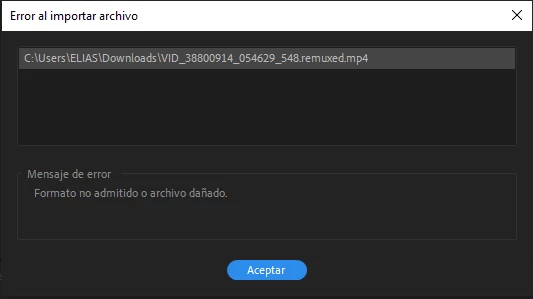
'Unsupported format or damaged file' Error importing files into Premiere Help.
When I try to import video files I get the following error: 'Unsupported format or damaged file'. I have no idea why it could be, I'm a bit desperate. It does not let me import anything that is mp4 and when I open premiere it does not let me open the test videos either, I tried thousands of solutions but none of them work for me.
I also tried to pass it through to H264 something like that and back to mp4 and it didn't work for me either
I have tried to uninstall Premiere and nothing. I hope you can help me because I have to set up a job for the day after tomorrow... Thanks in advance.


 AdChoices