Unwanted artifacts show up in my export
I'm working on a music video where I achieve a wiping transition effect by layering a clip on top of other clips in the timeline and applying the crop effect with a mask that I track throughout the top clip's duration. Here is a photo of what the project looks like in premiere: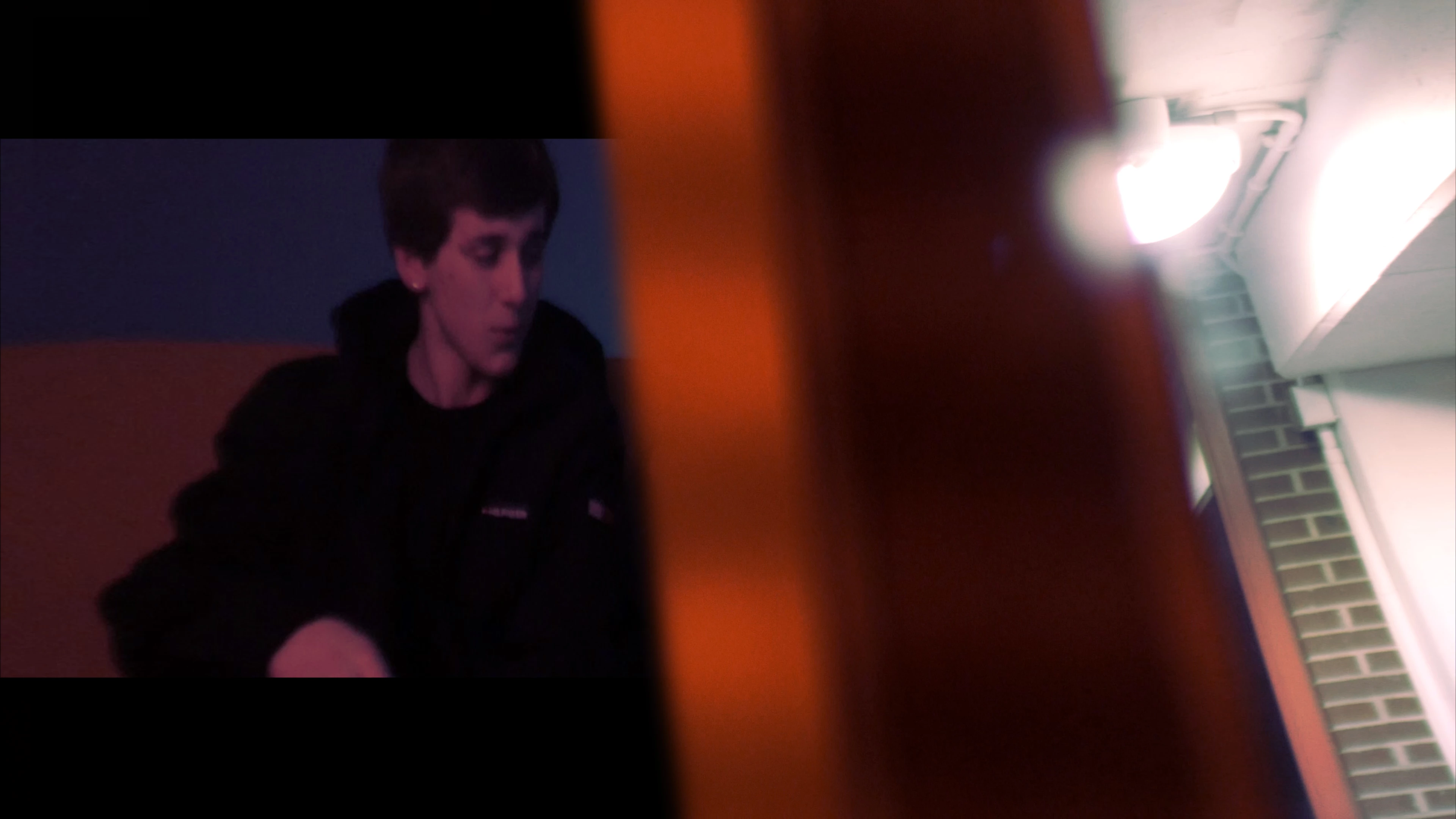
Here's a photo of what it looks like after I export it:
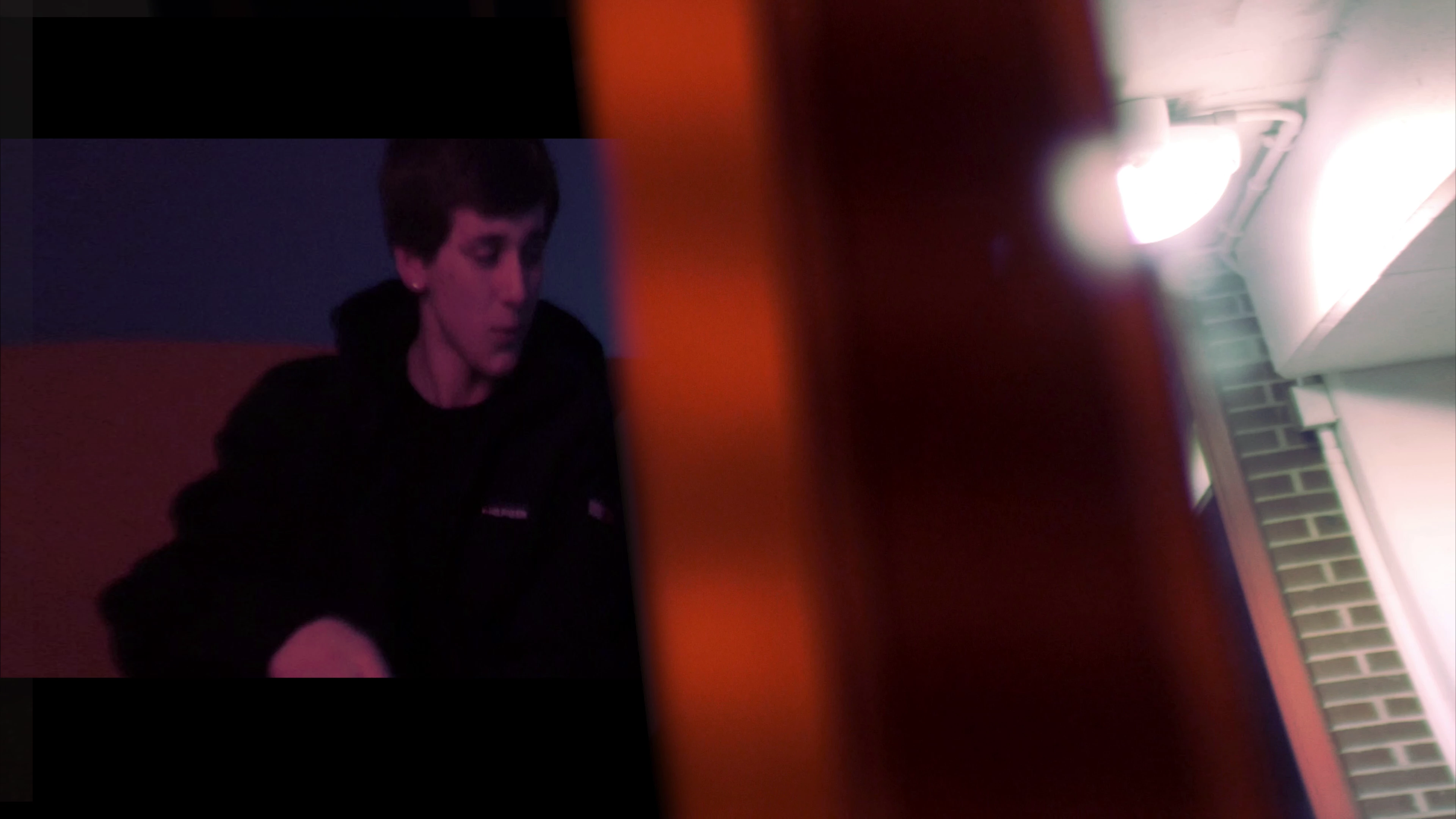
Notice the faded bars on the left side of the clip (they're easier to see when you look at an angle for some reason). Why do these appear? How do I get rid of them? My theory is that it has something to do with the crop effect but I have no idea why it doesn't show up when I have the project opened in premiere. PLEASE HELP ME
I'm also including a photo of my timeline at the point of the affected clip as well as a photo of the effects used on the top clip.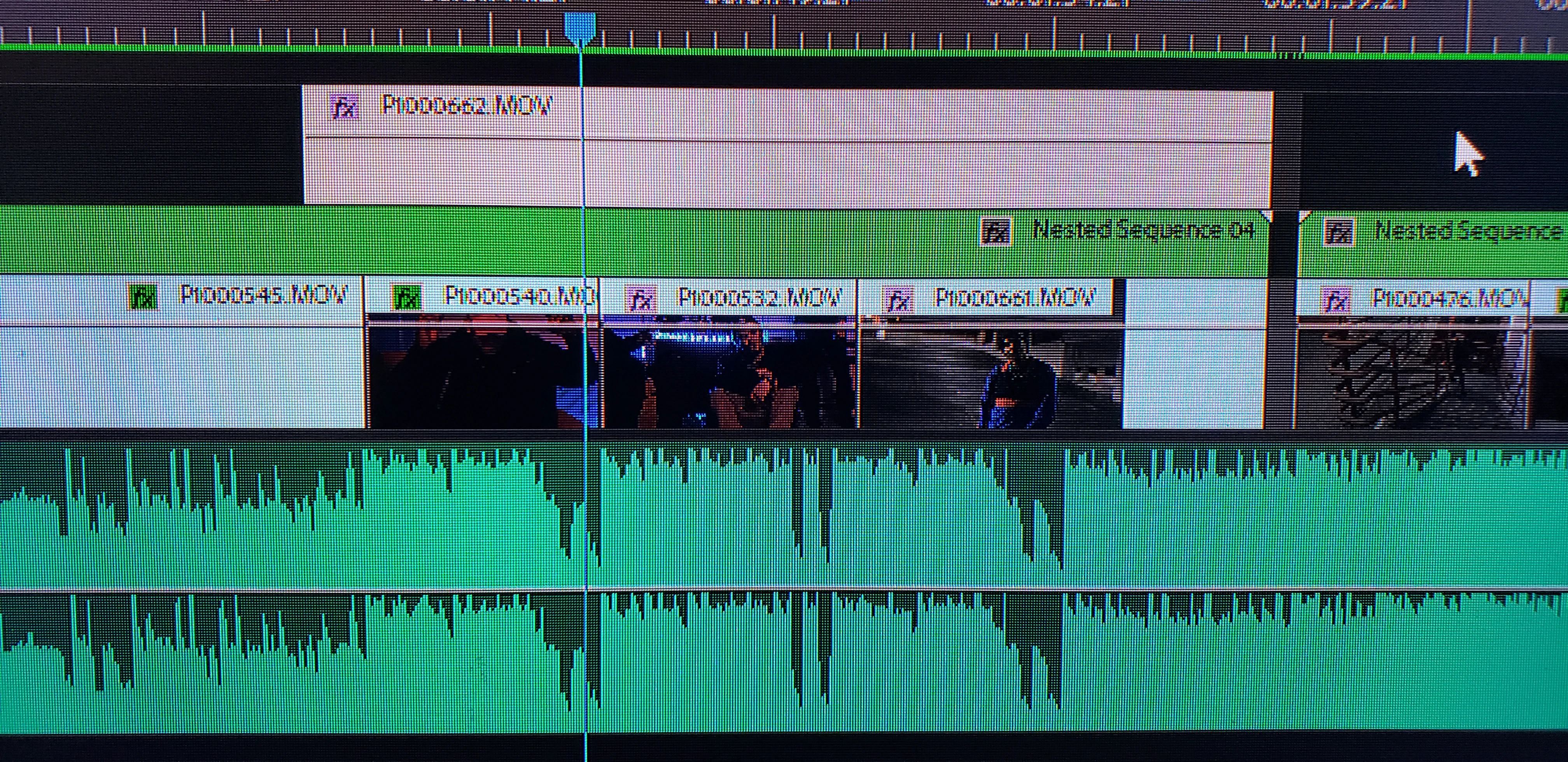
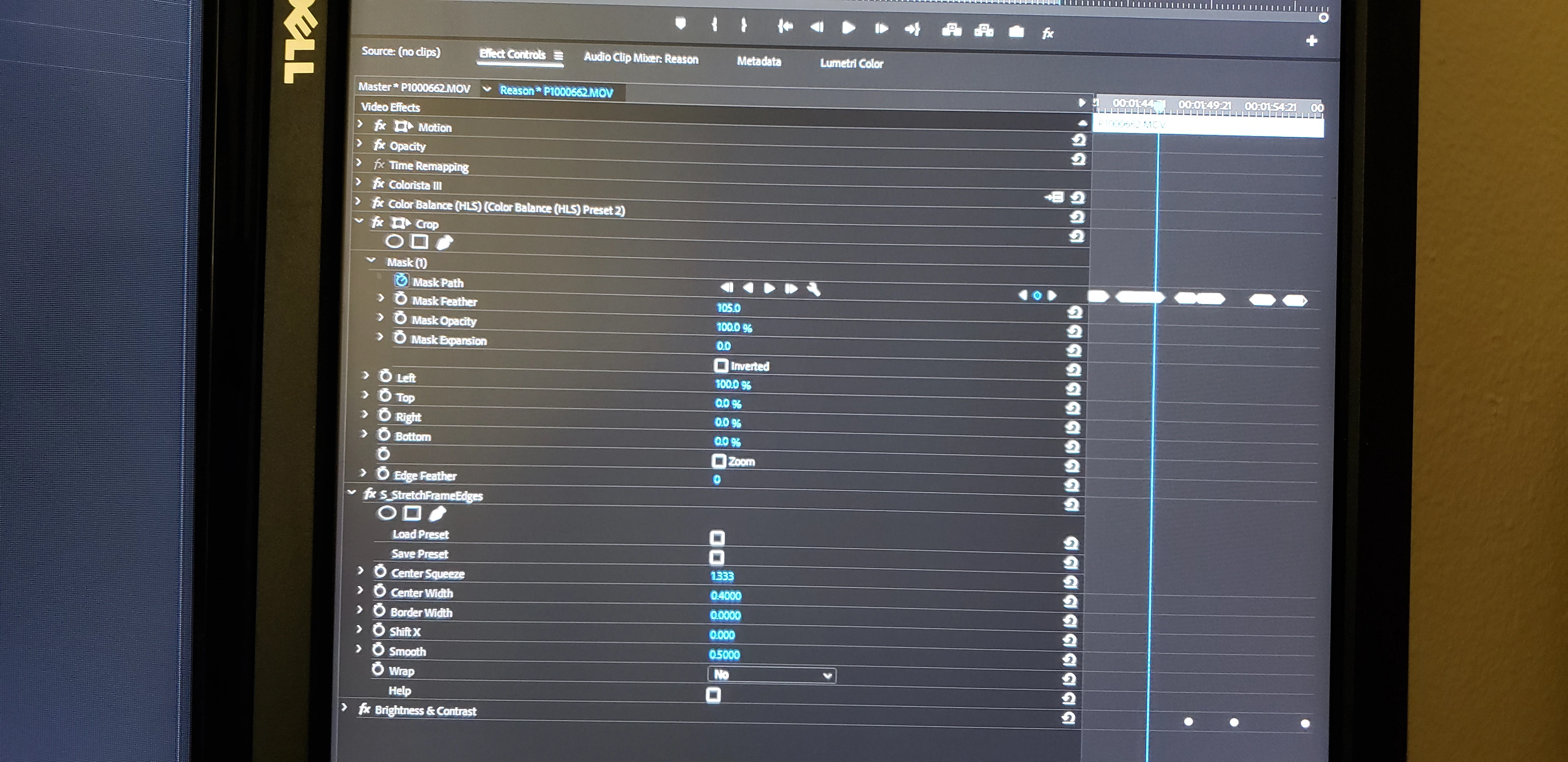
 AdChoices