
Participant
July 16, 2023
Answered

Unwanted Color Shift When Viewing Video On YouTube Via Chrome Browser

  • July 16, 2023
  • 3 replies
  • 2599 views

Hello Adobe Community –


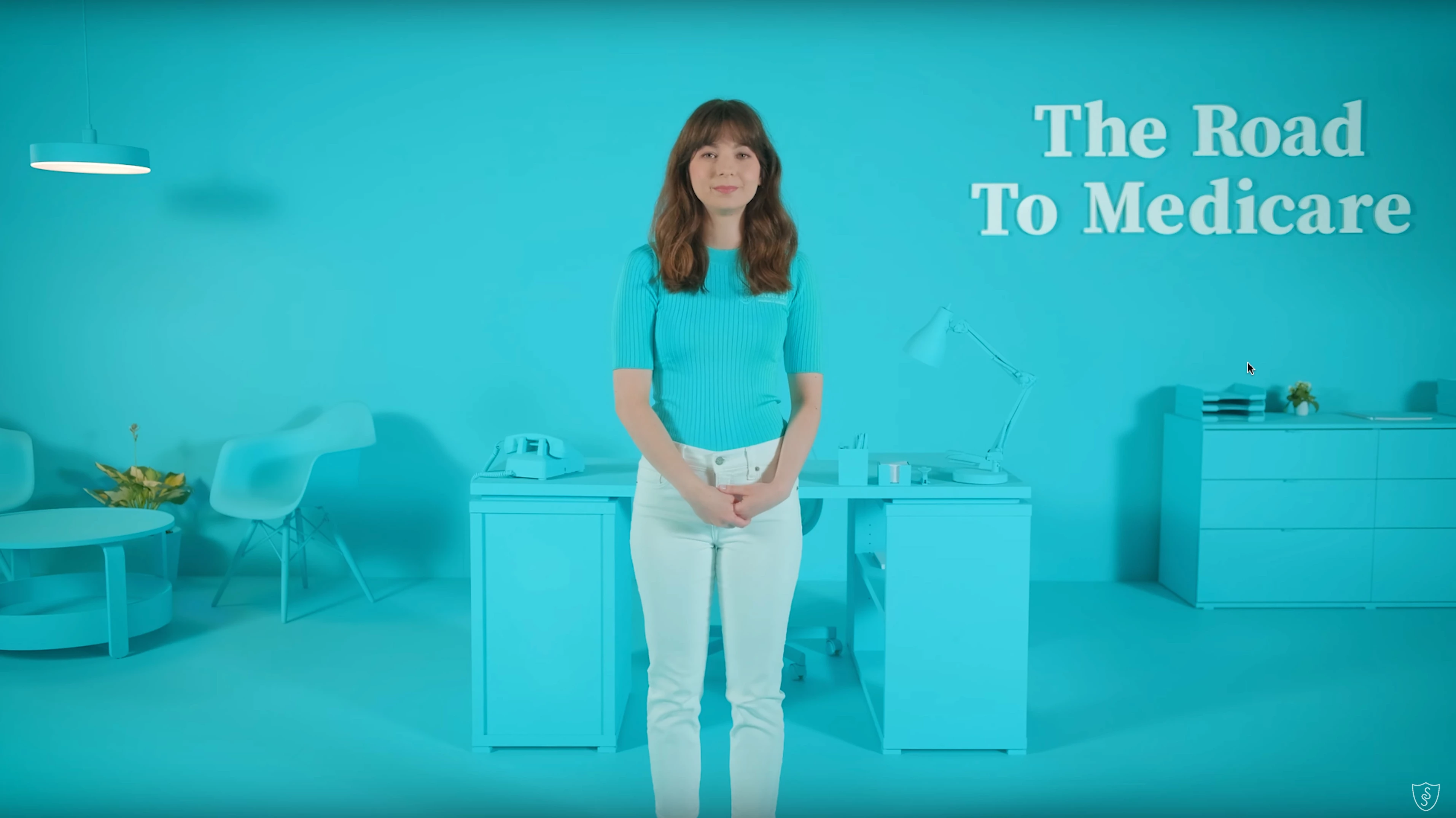
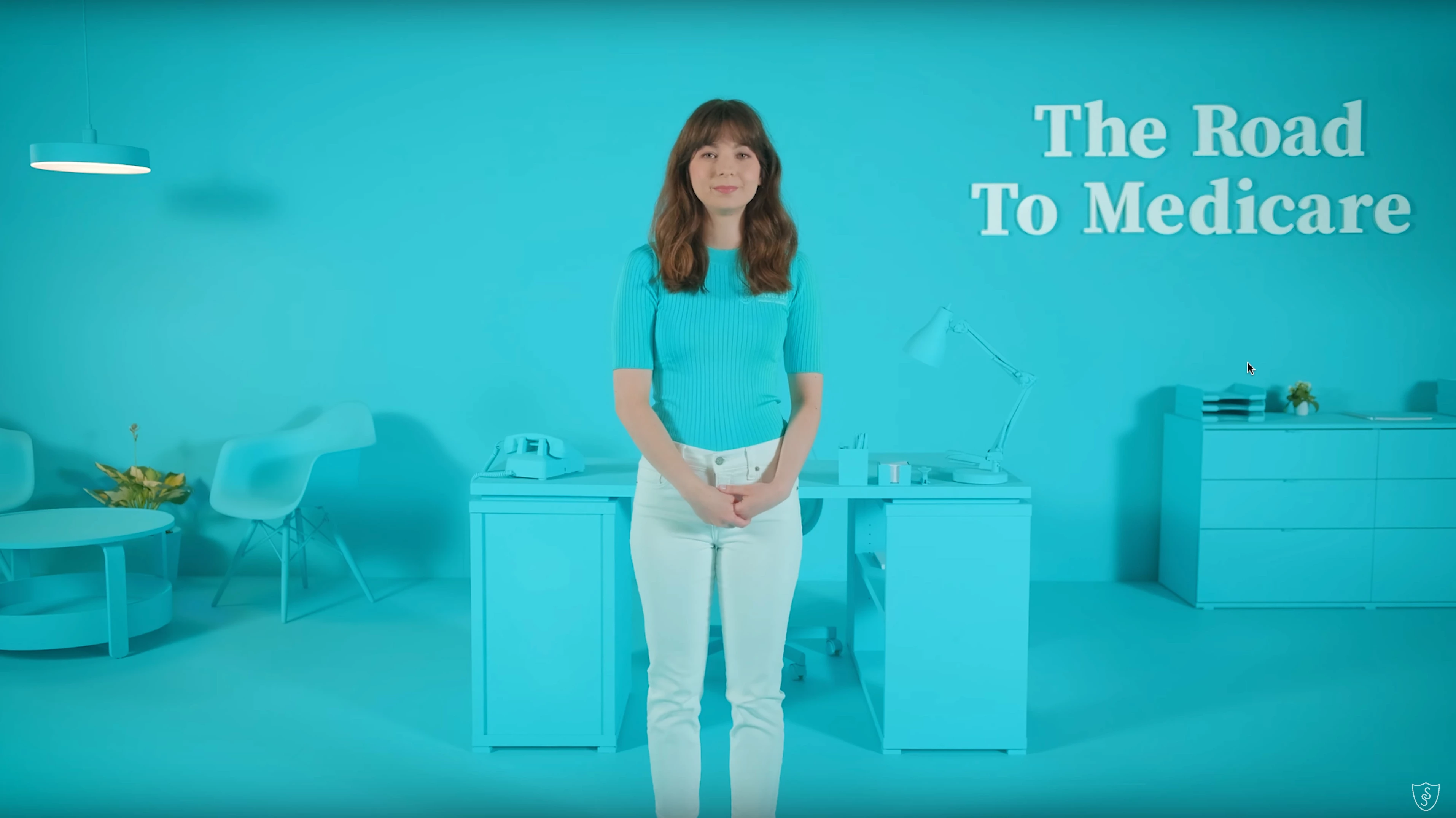
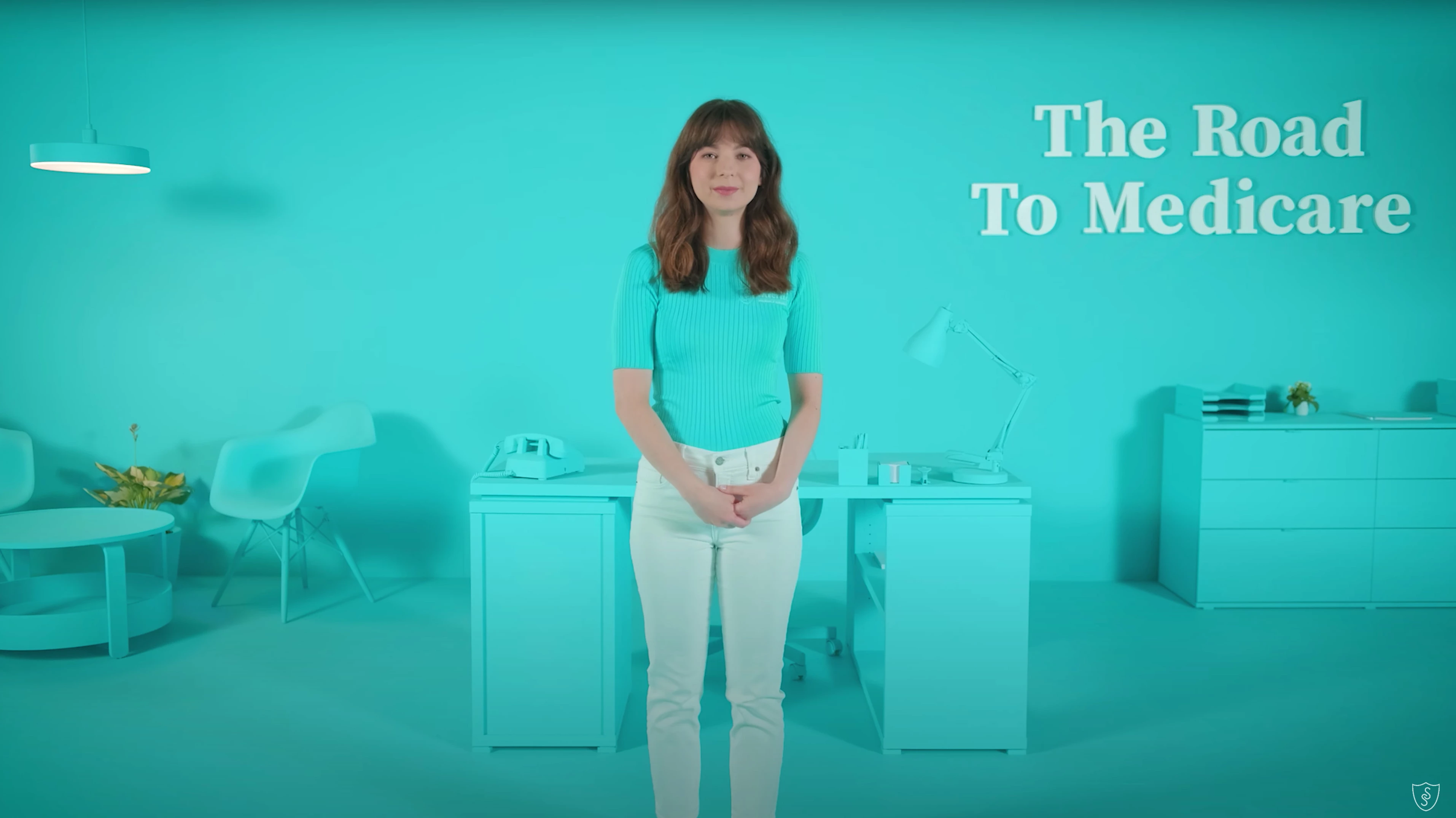
I'm working on a commercial project and I'm running into an issue with color management after I export from Premiere Pro and upload to YouTube. For example, when viewing the uploaded video on Safari or Firefox versus Chrome, the colors seem to shift as illustrated below. The first two examples (Safari/Firefox) represent the desired output.


Safari - YouTube
 

Firefox - YouTube
 

Chrome - YouTube
 

Here's some additional information regarding equipment, raw footage specifications, and adjusted settings within Premiere Pro.


Computer:

MacBook Pro (Retina, 15-inch, Mid 2015)


Raw Footage:

Camera: Fuji Film Degital Camera GFX 100S

Output: Apple ProRes 4444 XQ

Codec: Timecode, Linear PCM, HEVC

Color Profile: PAL (1-1-6)

Color Space: Rec. 601 (NTSC)


Interpret Footage:

Color Space Override: Rec. 709


Project Settings:

Renderer: Mecury Playback Engine GPU Acceleration (Metal)

HDR GraphicsWhite (Nits): 203 (75% HLG, 58% PQ)

3D LUT Interpolation: Tetrahedral


Seqeuence Settings:

Working Color Space: Rec. 709

Composite Linear Color: Checked


Edit Settings:

Input LUT: GFX100S_FLog_FGamut_to_FLog_BT.709_33grid_V.1.01.cube


Export Settings:

Format: QuickTime

Video Codec: Apple ProRes 4444 XQ

Frame Size: UHD 3840x2160

Export Color Space: Rec. 709

Depth: 8-bpc

Maximum Render Depth: Checked

Maximum Render Quality: Checked


I've searched countless forums and adjusted the export settings but I can't seem to calibrate the color correctly when uploaded to YouTube and viewed on Chrome. That said, when I force the Chrome Color Profile from 'Default' to 'scRGB linear (HDR where available)' the video looks as expected. However, given the purpsoe of running ads on YouTube and the majority of people using Chrome with the setting on 'Default' this doesn't seem like the most appropriate option.


Any help would be greatly appreciated.


Thanks much,

Andy

This topic has been closed for replies.
Correct answer Andy Quella

Hi Adobe Community –


After some trial and error, I was able to achieve the desired result and the color appearance now aligns within Premiere Pro prior to exporting and how it is displayed on YouTube via Chrome. That said, in order to accomplish I was forced to scale down the final export from 4k to 1080p. Not ideal but decent short-term solution if you encounter a similar issue.


For those who replied previously, if you have any comments or suggestions to investigate further based on this additional finding please let me know. Ideally, I would like to utilize the 4k footage but feels like I'm missing something as it relates to color management and working with LUTs or how YouTube treats 4k uploads differently than traditional high definition video.


Thanks all,
Andy


@Kevin-Monahan @R Neil Haugen

3 replies

Andy QuellaAuthorCorrect answer
Participant
September 21, 2023

Hi Adobe Community –


After some trial and error, I was able to achieve the desired result and the color appearance now aligns within Premiere Pro prior to exporting and how it is displayed on YouTube via Chrome. That said, in order to accomplish I was forced to scale down the final export from 4k to 1080p. Not ideal but decent short-term solution if you encounter a similar issue.


For those who replied previously, if you have any comments or suggestions to investigate further based on this additional finding please let me know. Ideally, I would like to utilize the 4k footage but feels like I'm missing something as it relates to color management and working with LUTs or how YouTube treats 4k uploads differently than traditional high definition video.


Thanks all,
Andy


@Kevin-Monahan @R Neil Haugen

R Neil Haugen
Legend
July 17, 2023

Unfortunately Kevin is correct.


I work for/with/teach professional colorists, and they must learn at the start this simple dictum:


You can't fix Gramma's green TV.


Meaning you have no control over other screens. And no one will ever see exactly what you saw.


So you set up the closest, tightest by the book color management and screen calibration on your system possible. And grade to that.


As every screen out there, no matter what browser,  OS, or player, will show it at least a little if not a lot different.


But if you grade tight to the standards, your media will display like other professionally graded media on that machine. And no-one will ever notice.


Because it will look "normal" compared to what they are used to.


Neil

Everyone's mileage always varies ...
Participant
July 18, 2023

Hi Neil –


Thanks for the note and advice. Wiser words have never been spoken in regards to color management and calibration. With all the devices, operating systems, and settings out there it seems best to play the odds and do what you can to set yourself up for success.


Cheers,
Andy

R Neil Haugen
Legend
July 18, 2023

I learned that from a whole host of wise color experts and colorists, from Steve Shaw of LightIllusions.com, who makes one of the two calibration/profile software setups used around the world for pro work ... from Alexis Van Hurkman, who didn't just write "a" book about color correction and processes for video, but several of the main books on it, besides writing the Resolve manual (all several thousand pages) through several versions (now an Adobe employee, btw) ... and Robbie Carman & Pat Inhofer and others through MixingLight.com, a top level pro subscription teaching/sharing site.


During a discussion on how to try and get different systems to see the same thing, one noted colorist quoted Gandalf on Saruman's decision to quest with Sauron for the control of the Ring ... "That way lies madness!!"


Both funny, and true.


Neil

Everyone's mileage always varies ...
Kevin J. Monahan Jr.
Community Manager
Community Manager
July 17, 2023

Hey @Andy Quella,

Thanks for the info. I'm afraid there is no magical solution for this problem as there is no standardization between how browsers display colors. I'd say, grade for the main browser you think most people are using and you'll just have to live with what other browsers are showing you. This is a frustrating, but common problem. I'm sorry about that. If the community can offer any other words of advice, I'm sure they'll chime in. Right folks? Sorry again, Andy.


Thanks,
Kevin

Kevin Monahan - Sr. Community and Engagement Strategist – Adobe Pro Video and Audio
Participant
July 18, 2023

Hi Kevin –


Greatly appreciate the reply and direction. I figured that was the case but wanted to check with the community before pushing things live. I will be sure to take your advice into account moving forward.


All the best,

Andy