

Participant
November 1, 2024
Question

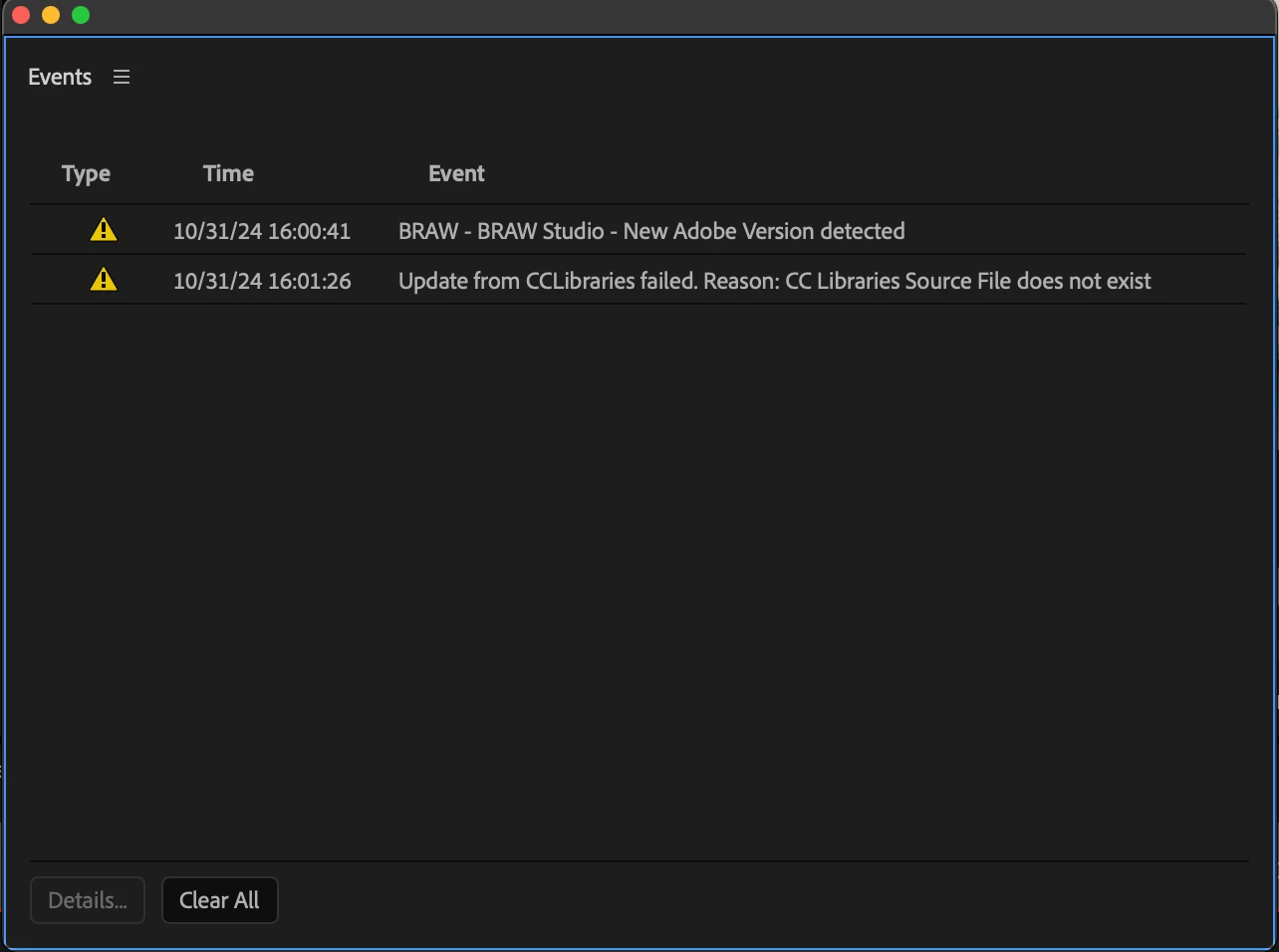
Update from CCLibraries failed. Reason: CC Libraries Source File doesn't exist (Premiere 2025)

  • November 1, 2024
  • 1 reply
  • 329 views

Hello,


I recently updated to Premiere 2025. Opening my project with motion graphic template files reconnected in the prject in Premiere. As soon as I send my timeline to Media Encoder to export, my motion graphics appear as offline in Media Ecoder despite being online/reconnected in Premiere.


I've cleared my cache, tried removing and reinstalling premiere, with no luck.


This topic has been closed for replies.

1 reply

Theresa Rostek
Community Manager
Community Manager
November 1, 2024

Hi @Hasaanah A.W.,


Sorry for the frustration.


For the Library issue, try signing out of Creative Cloud and back in again. Let me know if the error does or doesn't resolve.

For the mogrt issue, please let me know the following after trying them:

  • Does this happen only with old converted projects or also with new ones?
  • With all mogrts or just certain mogrts?
  • Are the mogrts that aren't rendering in your Library?
  • Can you check if the "Import sequences natively" Preference is checked in Media Encoder and try rendering again?
  • Which version of Mac OS are you using?


Thanks,

Theresa

Motion Graphics, Premiere Pro