
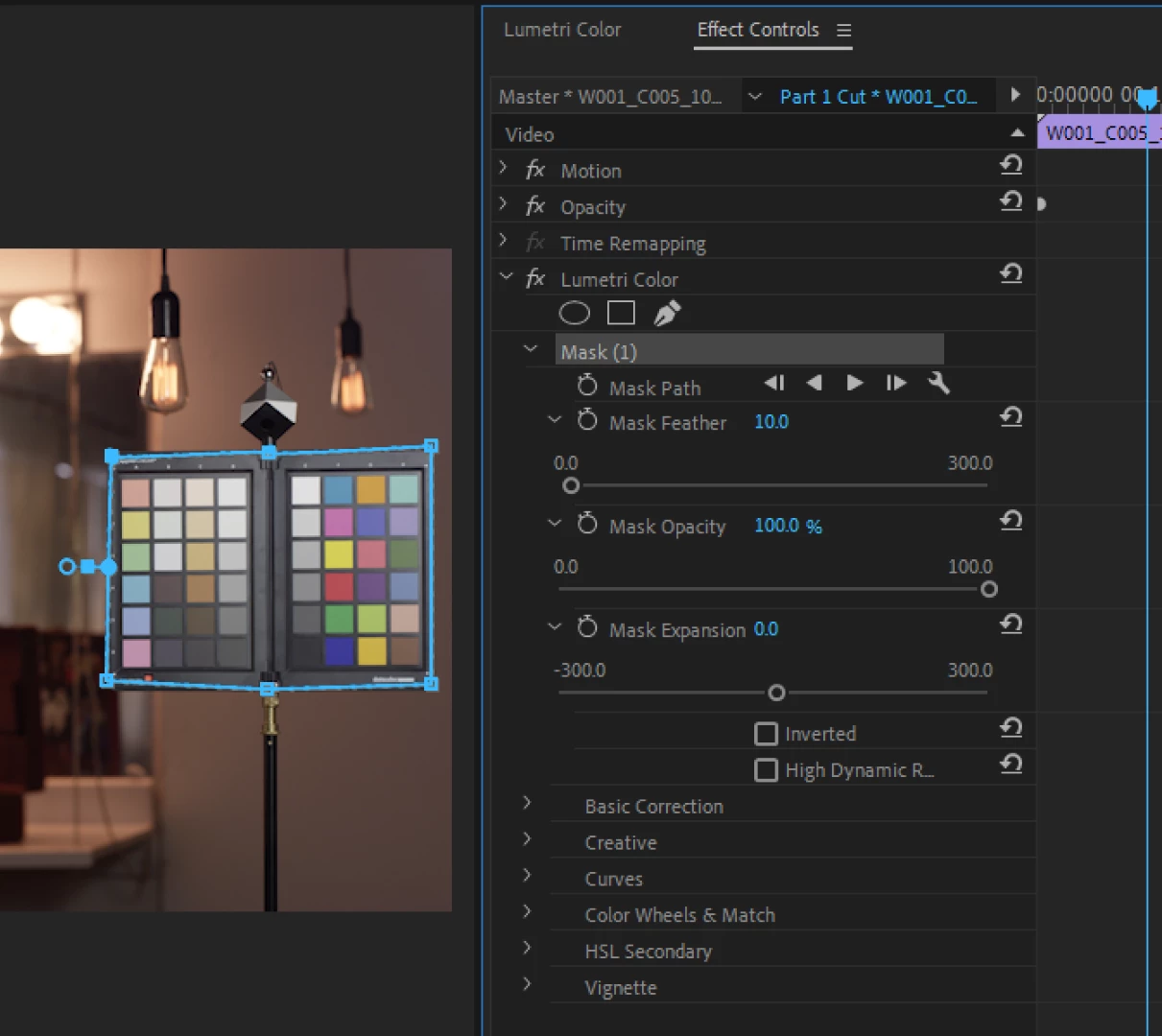
Using masks to highlight or reduce attention to elements in video
Since I have completed my basic color corrections I have become a bit addicted to trying to make my video have as much depth as possible without over doing it,
After basic color corrections, what are some tricks to make a video shine/pop
https://forums.adobe.com/thread/2619273
For some reasons creating video for years as a hobby I never knew to explore the magical wonders of what vignette can do to add depth.
Anyways moving forward, since I have the overall depth I am looking for on the surface of my timelapse project (see past content posts if curious) I am looking to add what I consider the last bit of depth to my project and that is to highlight or take light away from specific parts of video.
My question is what are some techniques have you found work best in doing so, and what are the best results to subtlety make this possible. Meaning ideas for light intensity, radius of light etc, any info in exploring this.
The last thing I am looking for is for it to be overdone, and even noticeable (unless really looking for it) As the saying goes, every edit is a lie, and to me using masks could act as the final touches of makeup to really make a video shine.
Thanks for any suggestions !

 AdChoices