Participant
March 24, 2020
Question

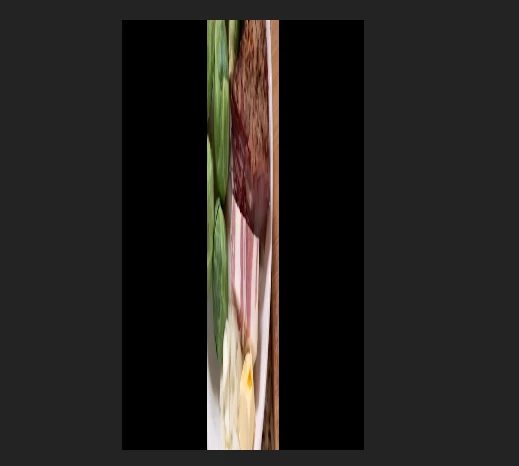
Vertical Footage Distorted When imported from Iphone XR
  • March 24, 2020
  • 3 replies
  • 1197 views

Video that was shot vertically on iphone appears like the above in premiere. Video that was shot horizontally appears normally. Right when I import this vertical video, it appears normally in premiere, but within a few minutes it snaps back to this distorted view for some reason. There is very little I have been able to find about this problem. Apparently transcoding the video is a possible solution, but is there a way to do this within premiere? I'm not sure why simple vertical video shot on iphone XR would appear distorted like this with no obvious fix.

This topic has been closed for replies.

3 replies

Participant
August 15, 2022

Did you ever find a solution? I'm still dealing with the same thing!

Participant
June 5, 2023

Hello, any solution? The same thing just happened to me. The video was fine until I rendered the sequence and now it is all distorted.

Warren Heaton
Community Expert
Community Expert
March 24, 2020

Compare the PAR value of the source (which should be 1.0) to the PAR value of the Sequence.


Also, if you go to the Effect Controls, what do you see for the Scale value of the clip?

Participant
March 24, 2020

Hi Warren, the PAR value is 1 for both the sequence and the clip.


The scale value in effects controls is 100.

Participant
March 24, 2020

To clarify further, the distorted imported vertical footage is rotated 90 degrees and then stretched such that its 1280 side becomes its 720 side and vice versa.