
very complicated frame rate scenario - please help
Hi to all.
I want to create a video clip.
It is a piano performance captured from 3 cameras.
The most important thing for me is audio and sync.
Piano player is pressing piano keys very fast and I want this to be perfectly synchronized with the audio from the beginning to the end.
so
I have 3 video sources
1) Go PRO - 29.97 fps
2) Samsung Galaxy S8 - 30.01 fps
3) Screen capture - 30 fps
What is the best way to combine it and be "in sync" ???
I know that if there are different frame rates for the video and audio after a while it will eventually get out of sync
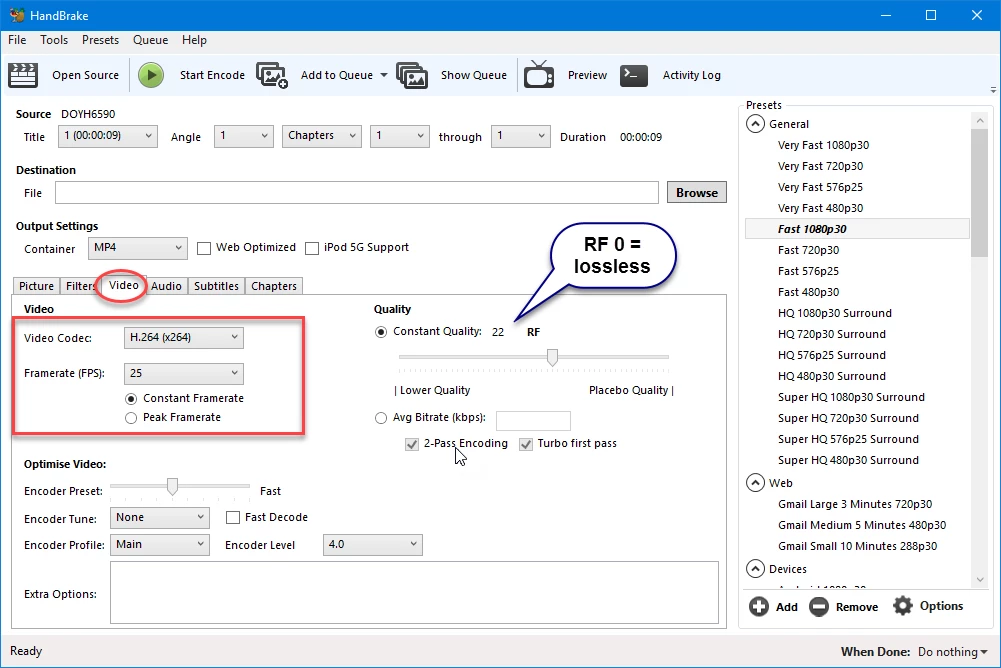
Should I convert all the videos to 30 fps or 29.97 fps ? How to do this ?
Should my project in Adobe Premiere be set to 29.97 or 30 fps ?
And there is dfps (drop frame) setting as well which makes everything even more complicated.
I can take care of the audio in Cubase and export a WAV mixdown.
I have 4 options in Cubase to choose for export
29.97 fps
29.97 dfps
30 fps
30 dfps
So which one should I use for Audio ???
This is very confusing to me.
I have 3 video files - 3 different fps
then I have audio file that i have to choose fps as weel
also i have to choose the timecode (fps) in adobe premiere
and when export i have to choose fps as well...
Thank you very much for helping me out.
I could do everything alone with 1 video or 3 videos with the same sample rate but now I am honestly lost
and don't see a light to find a way out of it.
Please help.
 AdChoices