

Answered
Video
Can anyone tell me how to remove the translucent V/A timing screen from my program sequence? I do not refer to it when I am assembling a video and it blocks my view of the captions.
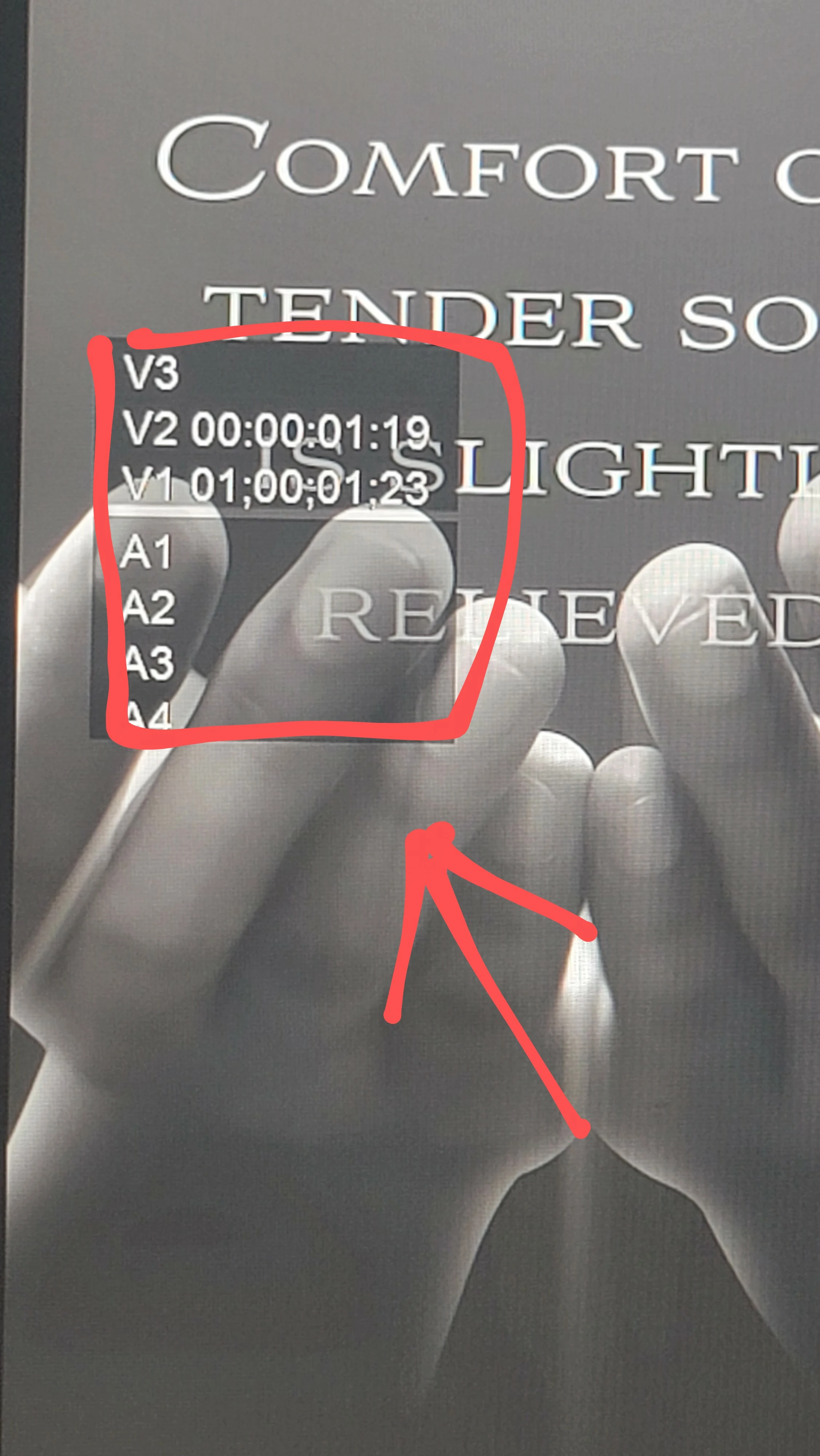

Can anyone tell me how to remove the translucent V/A timing screen from my program sequence? I do not refer to it when I am assembling a video and it blocks my view of the captions.
Already have an account? Login
Enter your E-mail address. We'll send you an e-mail with instructions to reset your password.

 AdChoices