Video and audio tracks have unlinked, cannot re-link
Hello all-
I didn't catch this issue with my project until quite late - but somehow almost my entire project and each clips video and audio have become unlinked from one another.
Before even asking if there's a quick fix to fix all of the clips in my timeline... I can't even seem to get one clip back together! The strangest thing is, when I right click a clip, or shift click + then right click a clip... I'm shown no option to link the clips, just an "unlink" option.... how could this be?!
I figured it was a glitch, so I've tried shift clicking audio and video tracks for a set clip, clicking unlink (even though they're already technically unlinked!) - which then gives me the "link" option again afterwards - to no avail.
Can anyone help? I've attached a screengrab.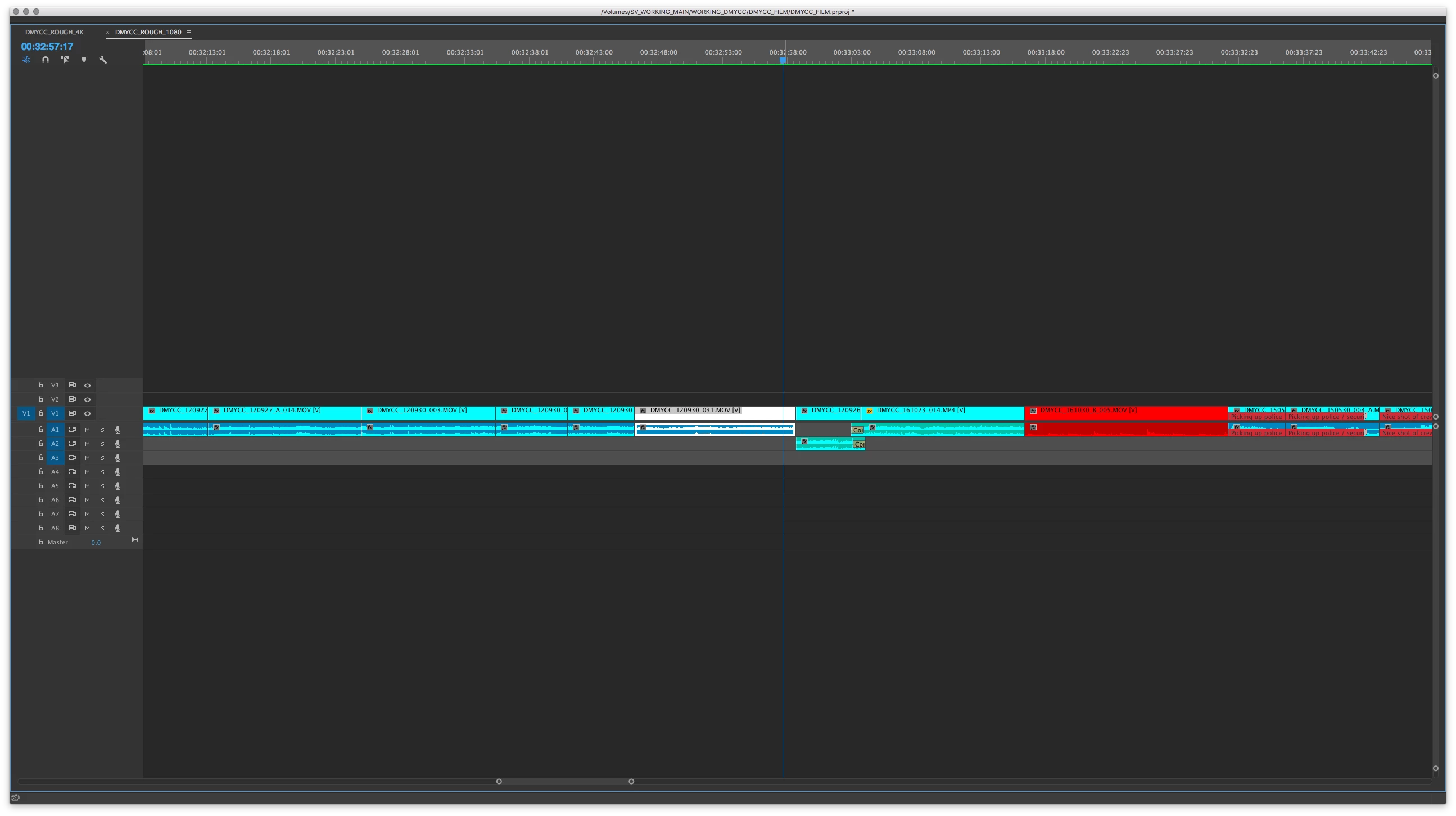
 AdChoices