

Question
Video color looks different in Premiere than in Finder
The left image is a video displayed in Finder. The right video is the clip in my Premiere timeline.
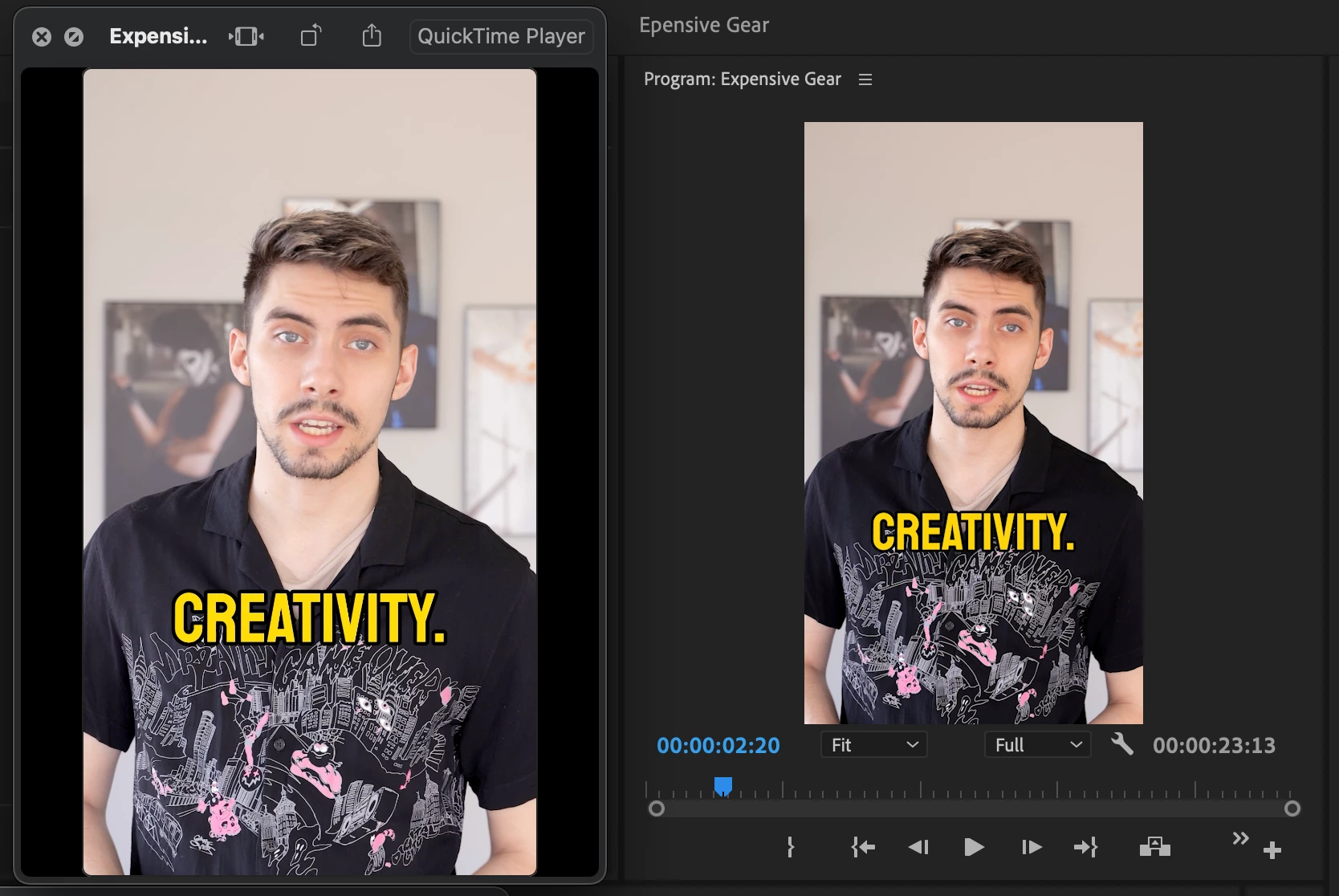
Whenever I export my videos from Premiere I review them in Finder's quick view using the spacebar. The footage always looks completely washed out in Finder and I'm not sure why. I have Display Color Management turned on in the Preferences and I don't believe this is a monitor calibration issue because I'm looking at the videos side-by-side on the same screen.
Specs:
Video - H.264 shot on Canon R5 1080p
Computer: 2021 M1 Mac Pro 32GB Memory
OS: Ventura 13.0
 AdChoices