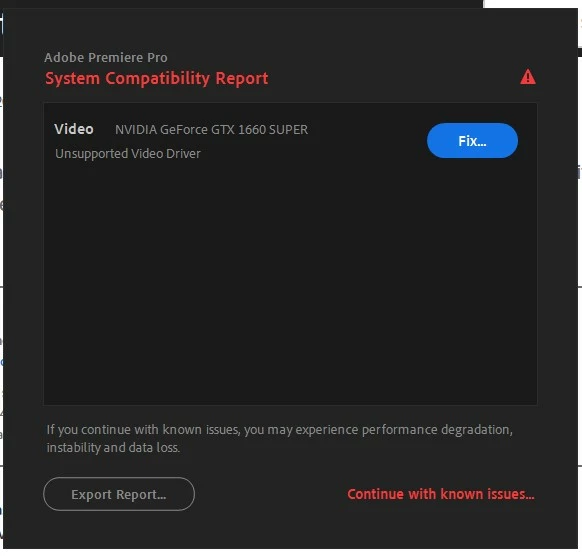
Video driver error message
I've been using Premiere Pro successfully on my year old Dell XPS 8940, but this week when I open Premiere Pro it's telling me I have a video driver issue. As far as I can tell I have the latest driver available, so I have no clue how to fix this and need some guidance please.
Below is a screenshot of the error I'm getting, and I can close this and work anyway, seemingly without any glitches so far, but this popping up all the time is becoming annoying.
I'm not even sure what other info I should post here about my system, other than I'm running Windows 11 and PP 2023, and it is fully updated. I almost think the last update is what is causing this problem, but can't be sure. I have no idea how to find exactly what driver I am using, but when searching for updated versions, I updated with Dell a few weeks ago, and when I go to the NVIDIA site, the most recent they have is August 2022.
Please help 🙂
 AdChoices