
Video loop wont loop outside Premiere Pro
Hello all.
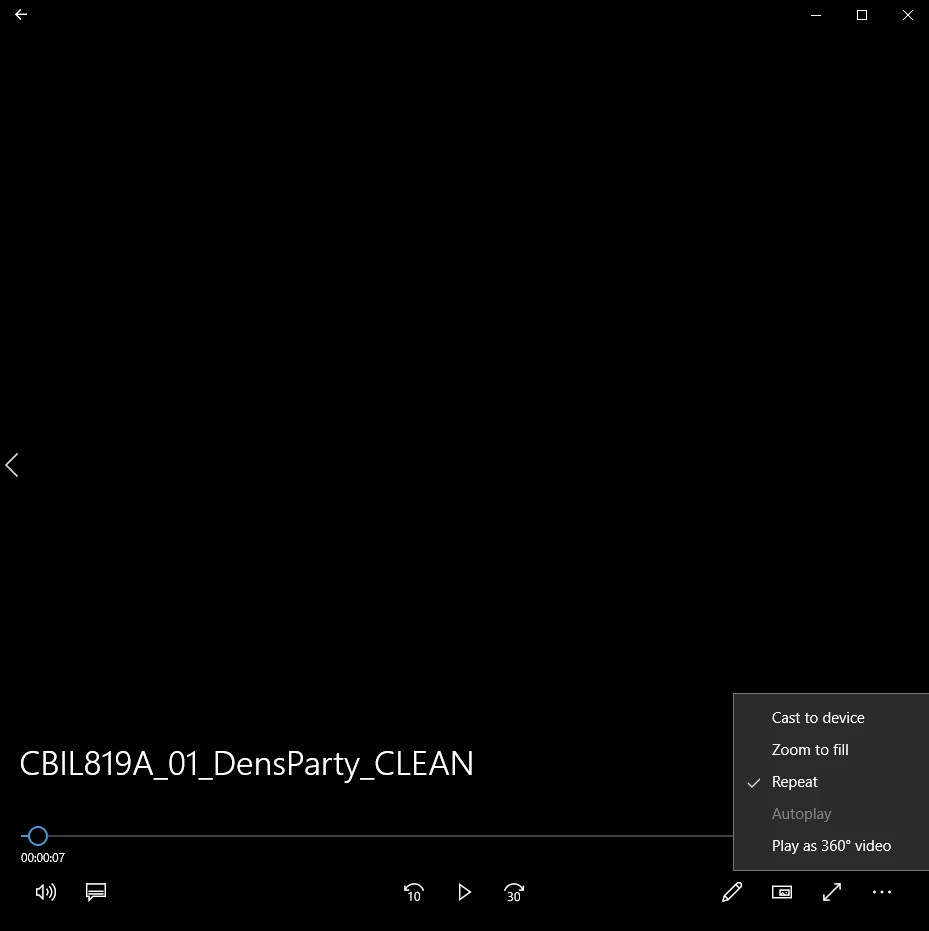
I am very new to Premiere Pro so I am assuming I am missing something obvious here, but I have followed online tutorials and seem to have made the clip loop fine in Premiere Pro, but once its exported and I play it with my default movie player (I can't tell what the player is unfortunately but suspect its Windows media player since it was chosen for me) it only plays once.
This was a longer time-lapse video that I clipped in PP. I am making a small loop for my website so I need to really shrink the time-lapse from its original size. Anyway, I clipped a section of the video so it was only 10 seconds long.
Then I moved that to the start of the time lime.
Then I split it with the razor, moved the front to the back, used the cross dissolve in the center to smooth the transition, added the loop tool and turned it on and away it went. Works great in PP and plays until I stop it.
However, it will only play once after its exported.
Is there something I need to check in the export window to export it as a continuous loop?
I appreciate any advice or help you can offer. I have googled the heck out of this and can't find an answer.
Thanks!!!
 AdChoices