
Inspiring
July 27, 2020
Answered

Video not playing or stuttering after export

  • July 27, 2020
  • 5 replies
  • 10190 views

Hi guys,

I've been facing stuttering problems with my exported videos for my drone clips. The stutters on the exported clip are exactly at the same timings. However, the playback on original clip and on the timeline is working fine.

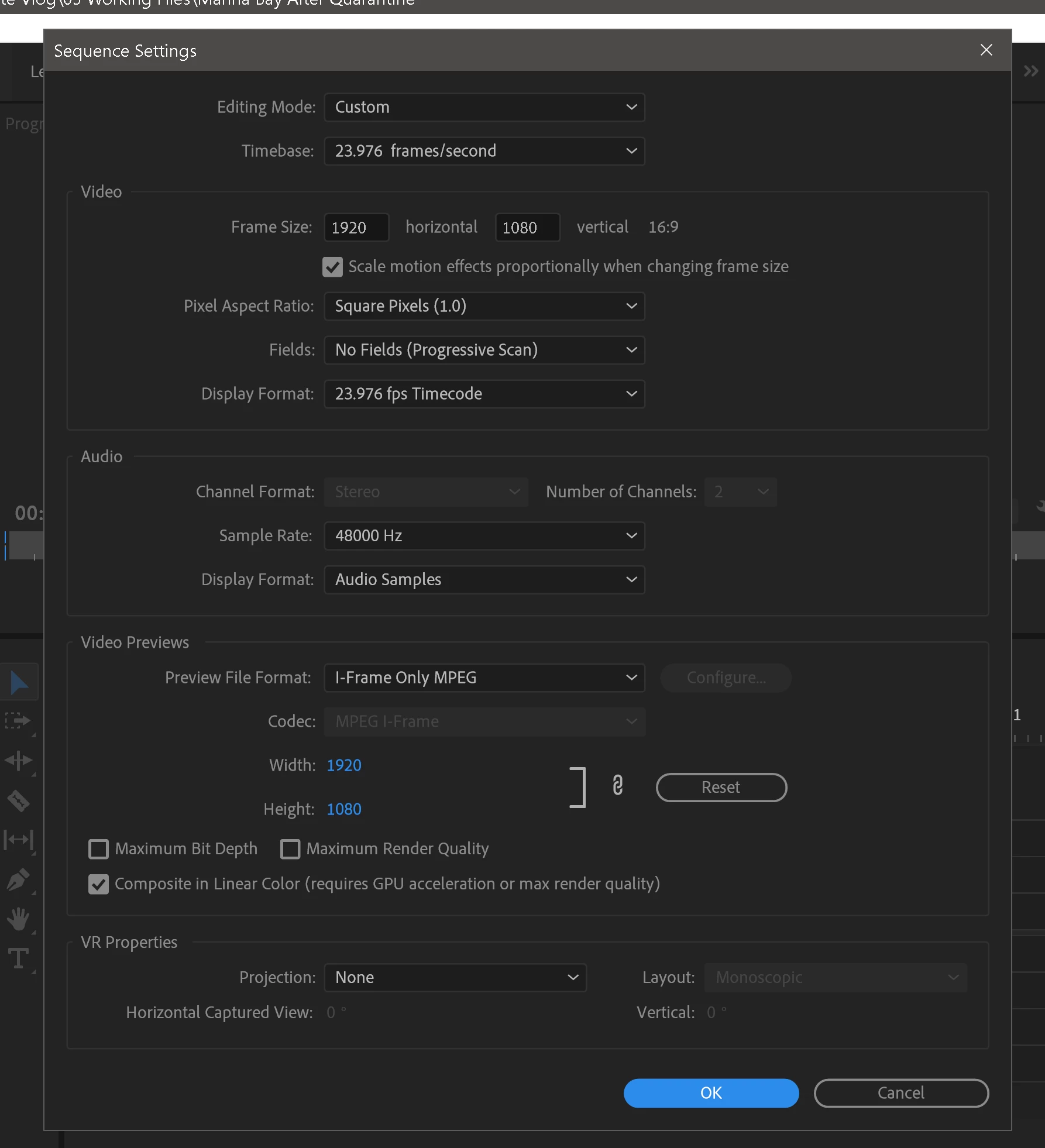
My drone clips are shot on 4k 29.97fps. My sequence settings, I've tried 4k/1080p 23.976fps and also 1080p 29.97fps.
For export settings, I've tried exporting them on 4k 23.976fps and also 4k 29.97fps, and set to frame blending and also on optical flow.

I've tried almost everything, but the exported video still stutters at the same timings. I've tried importing the video back on Premiere Pro to playback on the timeline as well and also having the same problems.

The only way i can get it to play it smoothly after I export is when I speed up the clips to 200% before exporting.

Please help!
Thank you in advance!


This topic has been closed for replies.
Correct answer binbinbinbin

Dont use Match sequence either. It uses the wrong codec.

Use a preset. (e.g. H.264 YT)


Omg. I've finally found the solution after much trial & error!!!!!
I think the file got corrupted during import into Premiere Pro.
So i went to delete the entire Media Cache under Preference and it solved the issue. T.T

5 replies

Richard van den Boogaard
Community Expert
Community Expert
July 28, 2020

In all honesty, I can't really say that I see a lot of stutter in the links you've provided.

Can you replicate the problem on several other computers / tablets / phones?

Inspiring
July 27, 2020

maybe check camera menu settings when in the house so you can see the LCD screen OK. I do that with my digital cameras cause I'm blind as a bat when I got out to shoot. Can't see the settings on screen ( menus ).

Just double check what's being recorded... 


Inspiring
July 27, 2020

well,  that's weird.

I  looked up the codec (ISO mp41) and I guess it's based on Quicktime stuff. I don't think Adobe supports any quicktime stuff anymore but I don't have the latest PPro stuff so who knows.

Your export says source is full HD and export is 4k, but I doubt that is the problem. It would just look blurry and ugly but should still play after export.

I'm wondering if you can record with a different codec ... like mp4 h264 etc. ??

The source stuff is kinda weird in terms of the codec.


Inspiring
July 27, 2020

That's weird. If i'm not wrong the drone footage is shot in h.265 MP4.


I remember i don't have this issue before because I've been using it for quite sometime. 

Ann Bens
Community Expert
Community Expert
July 28, 2020


robinlam

Please post computer specs.


Inspiring
July 27, 2020
Inspiring
July 27, 2020

Oops my bad. Here it is.


Inspiring
July 27, 2020

please take one of your clips ( doesn't matter which one ) and use mediainfo tree view .... and post a screenshot of that here. That will tell us what your source wrapper and codec is, plus whether it is variable frame rate ( VFR ) or not.


Inspiring
July 27, 2020

I'm not sure if this is what you are refering to?

Ann Bens
Community Expert
Community Expert
July 27, 2020

Please post your video on Youtube so we dont have to download unkown files.


Also post screenshot of export settings.