Video with inherent grain/noise looks fine in file, but has artifacts once uploaded -- better export settings?
Hey all,
Working on an experimental short film that has a high grain content as part of its aesthetic. It took a little trial and error, but I got it to come through clearly on export, but once I uploaded it to Youtube and Vimeo it started showing artifacts.
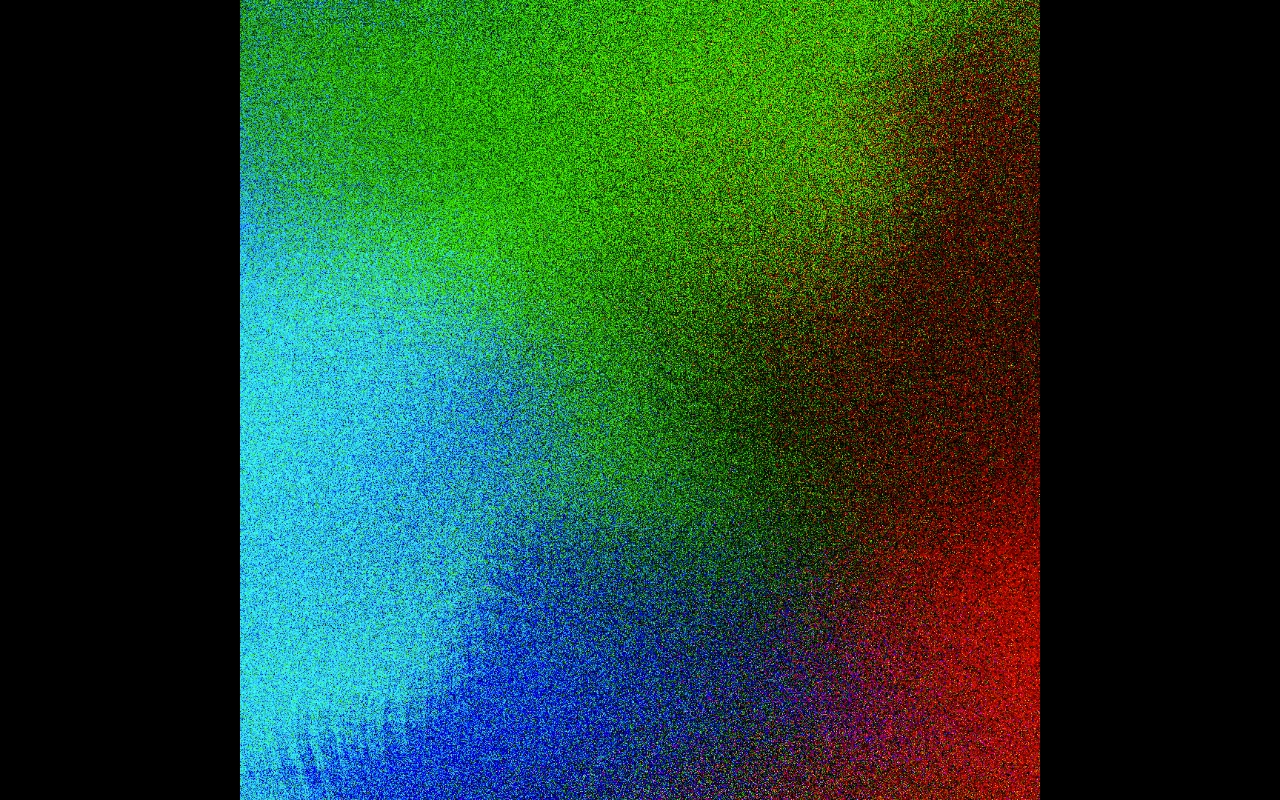
Here's what the file itself looks like:
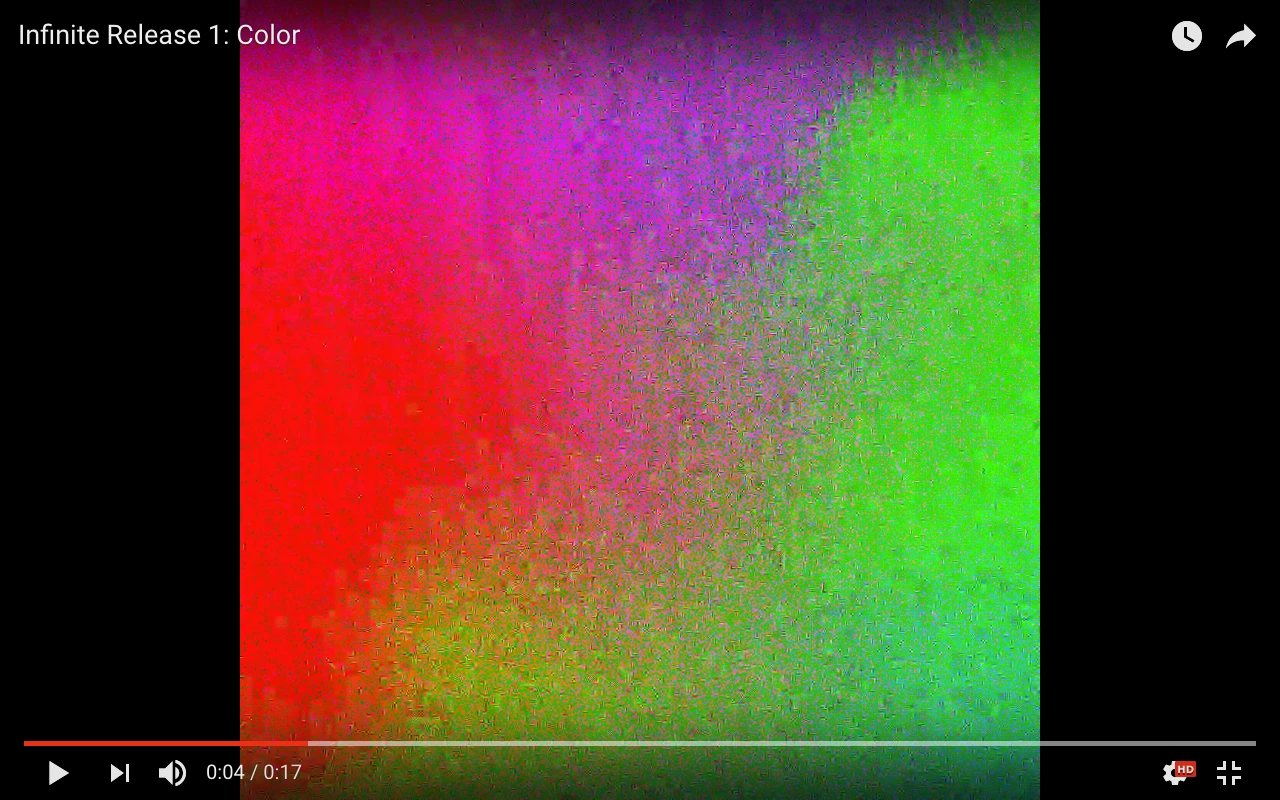
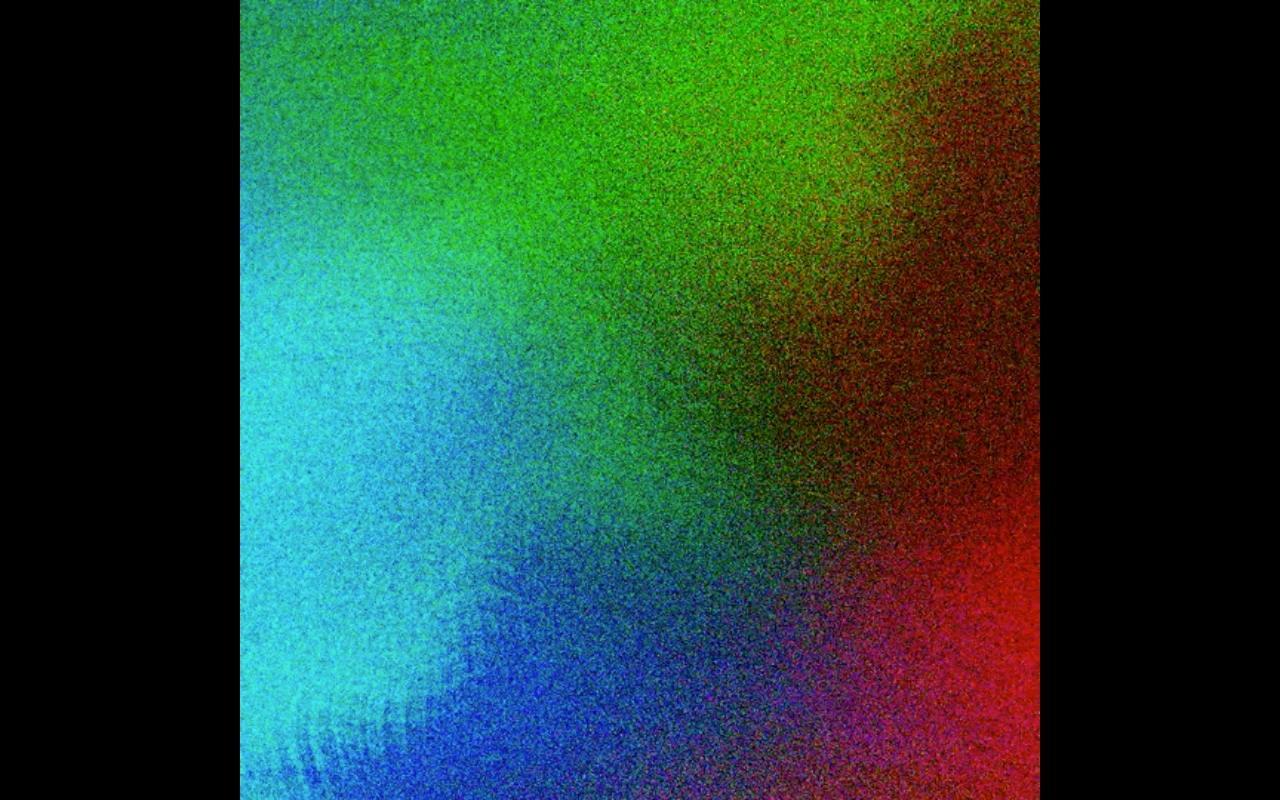
And here's what it looks like on Youtube (1080p) and Vimeo:
Export settings are as follows:
Format: H.264
Preset: Youtube 1080p HD
constrained to 1080x1080 (original file size)
VBR 2 Pass at highest possible target bitrate + maximum bitrate
with "Use Maximum Render Quality" ticked
Original files are just static pngs which I manipulated using premiere's effects.
Is it a fool's errand to try and get this to look clean on streaming sites or am I missing something in the export settings?
 AdChoices