Inspiring
March 5, 2017
Answered

View Position keyframes

  • March 5, 2017
  • 1 reply
  • 1955 views

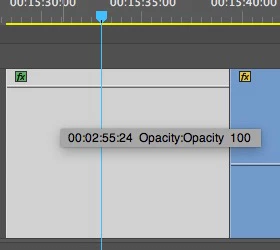
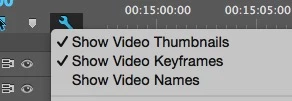
I cannot view the Position keyframes in the timeline view: I select Wrench icon> Show Video Keyframes, but it only displays the Opacity Keyframe

Is there any way to switch it from Opacity timeline to position?

Using Premiere Pro 2015.3 on OSX 10.10.5

Thanks
This topic has been closed for replies.
Correct answer eikonoklastes

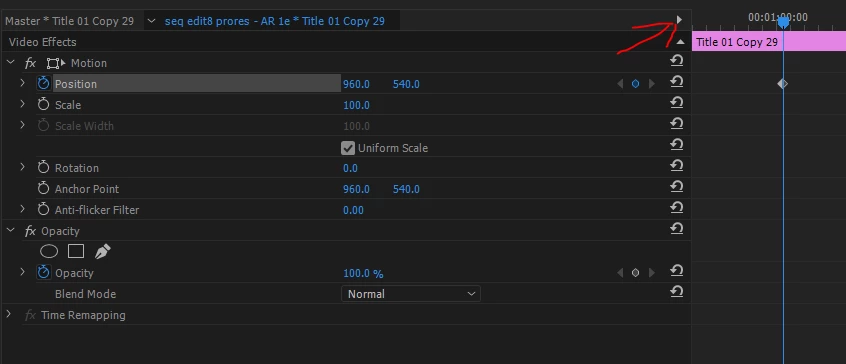
Because I cannot re-adjust the position of the keyframes after creating them. See more detailed Screencap with Effects controls:


In the Effect Controls panel, you can view and reposition keyframes. If they are not visible, click the little triangle in the top right corner and they should show up. Either that, or you might not have enough space to view the whole panel, so try resizing the panel so it has more space horizontally.

1 reply

Legend
March 5, 2017

Right click the green fx icon in the upper left corner of the clip.

Inspiring
March 6, 2017

Thanks, I select Position, but it doesn't change and Opacity still remains selected:

Ann Bens
Community Expert
Community Expert
March 6, 2017

Restart computer and try again.

You need to click on Position to get it selected.