
Participating Frequently
March 16, 2024
Question

Visual Bug after delaying payment

  • March 16, 2024
  • 2 replies
  • 230 views

I noticed this visual bug a month later, but I thought it was some kind of visual glitch while updating Premiere. Now I got this bug again and I'm pretty much sure the reason is this payment info showing up before everything else:
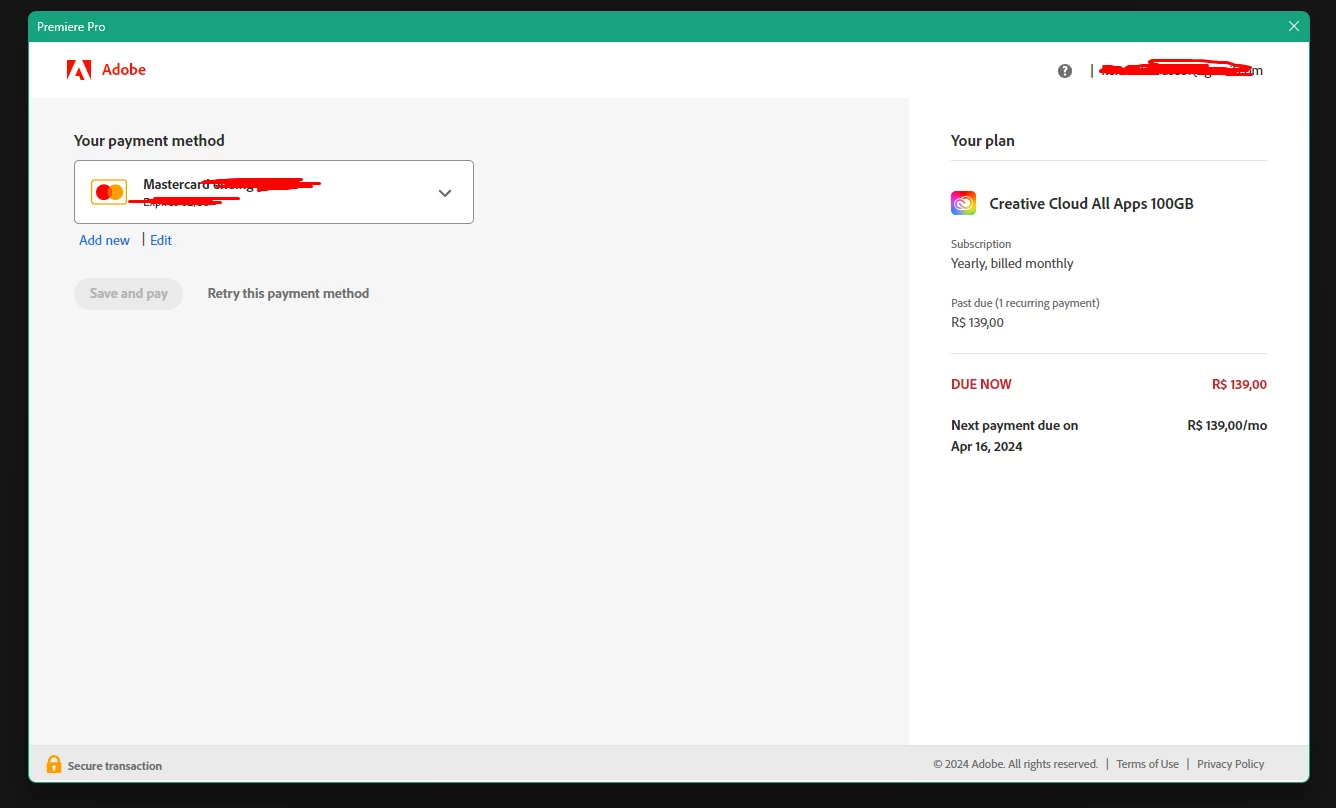
 

The bug I'm facing is this:


So that's how Adobe's handling anyone who delays a single day, huh? Don't wanna trust this is a thing y'all are doing with intention and just an ANNOYING bug. Does anyone have the same issue as me?

2 replies

Participant
July 26, 2024

I have to agree with you, from using adobe for almost a year in a row, and then suddenly delaying the payment cause me the same bug, the UI became a mess and restarting + re-installing don't help.

Ishan Y
Community Manager
Community Manager
March 20, 2024

Hi there,

I'm sorry to hear about this. This seems to be an issue with your current workspace. To test this, please go to C:\Users\(username)\Documents\Adobe\Premiere Pro\24.0\Profile-(username)\Layouts and move the folder's contents to another location. Launch Premiere Pro and create a new project. Check if you're still seeing the issue. To recover your workspaces, move the files back to the Layout folder.


Thanks,

Ishan