
Visual Glitch on imported video
I apologise if I am a little confused Im very new to premiere pro!
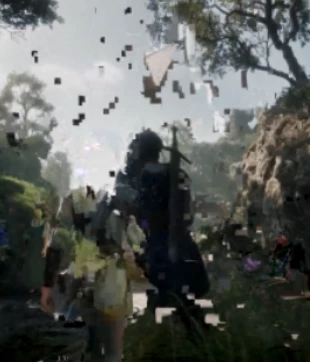
I started using it today and I am editing a trailer for a game and was importing a video into premiere pro. Before import there were no issues at all with the video nothing visually that was causing issues, after importing or even just cutting the video down I have come across a visual glitch on the video itself and I have no idea why! If I pause the video on the clip itself the clip looks perfectly normal but scrubbing across it and playing it, it shows obvious visual glitches, This issue persists after export too. I wouldnt mind if it was just a in software visual bug but its ruining the entire video. does anyone know how to fix this?? I never had issues like this with any other software at all.
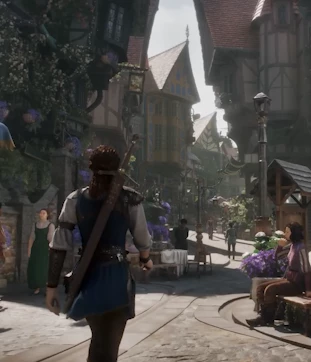
Paused the video over the clip:
Play the clip or scrubbing over it:


 AdChoices