
Participant
October 11, 2024
Question

Waiting to use Copy and Paste Correctly

  • October 11, 2024
  • 10 replies
  • 606 views

I've used Premiere Pro for over 15 years, and I'm still missing how to do copy and paste correctly when selecting and in and out point.


** Is there the correct keystroke available copy and paste the in and out point, no matter what else is selected?


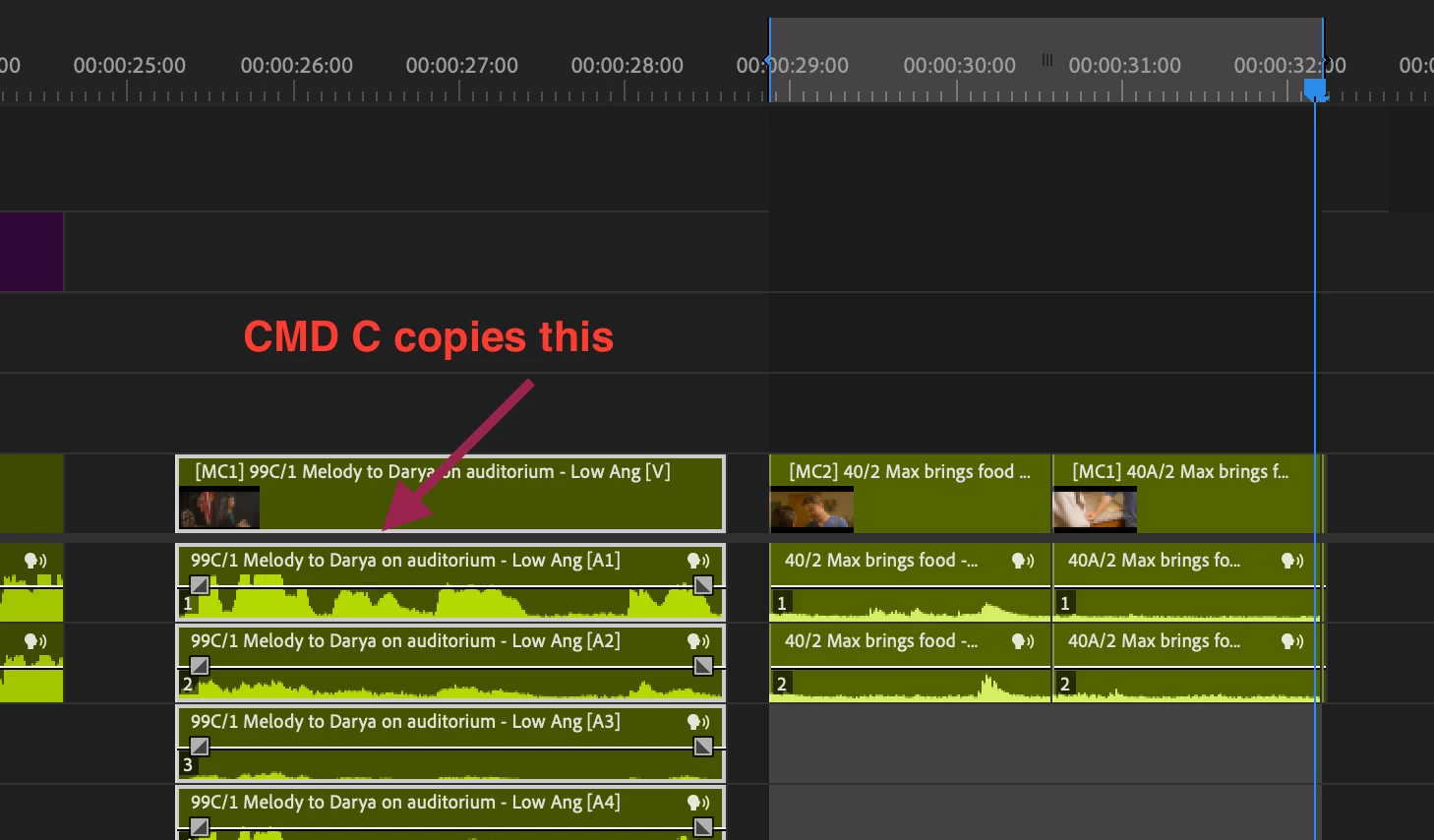
The meaning is that CMD c will copy what is "highlighted" not necessary the in and out point.
 

This topic has been closed for replies.

10 replies

R Neil Haugen
Legend
October 11, 2024

So you have a clip on a timeline, and want to hit i and o, then copy, and be able to copy that segment of the clip to somewhere else on the same timeline. Ok.


I don't think there's a way to do that from that timeline. From the Source panel or bin, yes. In pancake work, drag/drop to the other sequence. But from one place on a timeline to another, I can't think of a way.

Everyone's mileage always varies ...
Warren Heaton
Community Expert
Community Expert
October 11, 2024

When using Edit > Copy, a direct selection of a Clip or Clips overrides a marked Clip or marked Clips.  

If I have a Time Range marked that I intend to copy, I often use Deselect All (command/control shift a) before copying.  

Participant
October 11, 2024

thats a good idea to deselect clips before CMD copy.  


To be clear, no one knows how to "Copy In point to outpoint" like you can in Media Composer?

Its seems to be a vast oversight on Adobe.

R Neil Haugen
Legend
October 11, 2024

That's more of an insert or overwrite option in Premiere, if I understand what you want. Not 'copy' per se.

Everyone's mileage always varies ...