
Participant
September 29, 2022
Question

Warp Stabilizer moves video into corner during playback.

  • September 29, 2022
  • 3 replies
  • 712 views

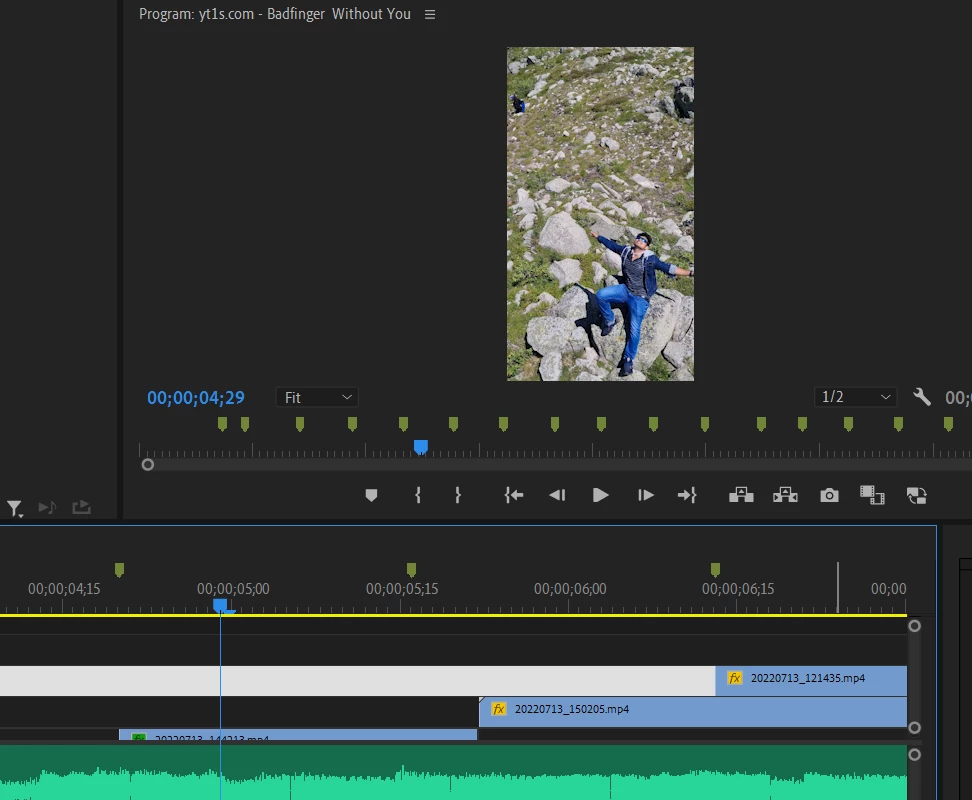
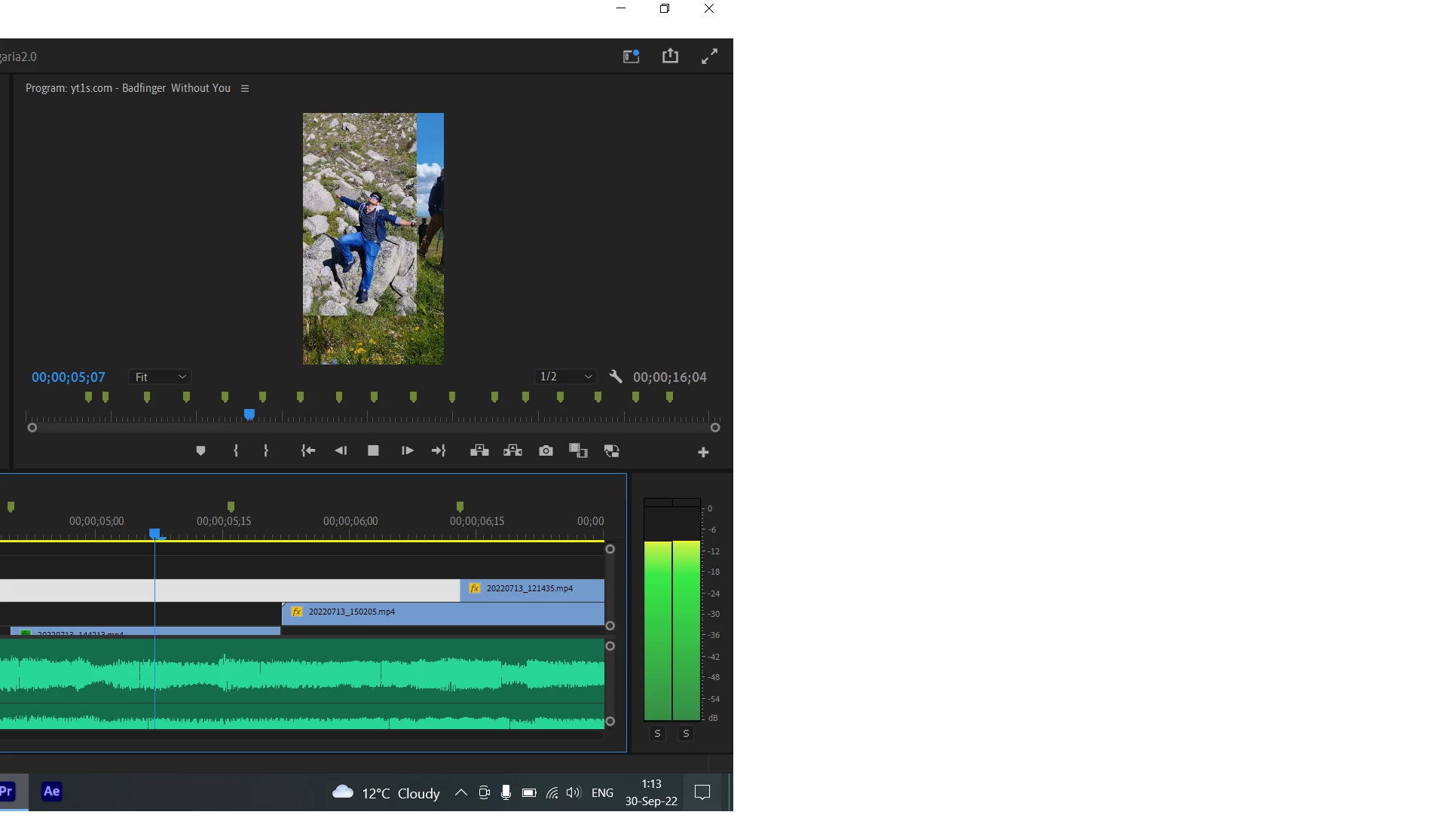
hello. I've been trying to warp stabilize a video and i noticed a strange behaviour.

while paused, it's all good, but if i play the preview, the video goes to a corner. how can i fix this?
3 replies

Inspiring
September 30, 2022

Keep in mind that video playback is currently set at 1/2 resolution —  which may affect the effect.
There is also a setting for High-Quality Playback (wrench-icon >> Check High-Quality Playback)
Generally, low-quality playback may affect the Stabilizer effect.

Participant
January 22, 2025

Turning on High-Quality playback worked for me. Thanks!

Peru Bob
Community Expert
Community Expert
September 29, 2022

Delete the Media Cache and Media Cache files:
https://community.adobe.com/t5/premiere-pro/faq-how-to-clear-your-media-cache-in-30-seconds-in-premiere-pro-2020/m-p/11017257/thread-id/260446?page=1
Then try Sequence > Render work area from the menu to render the timeline.

Peru Bob
Community Expert
Community Expert
September 29, 2022

That may be how it was stabilized.  Try a different setting.