waveforms missing in audio tracks
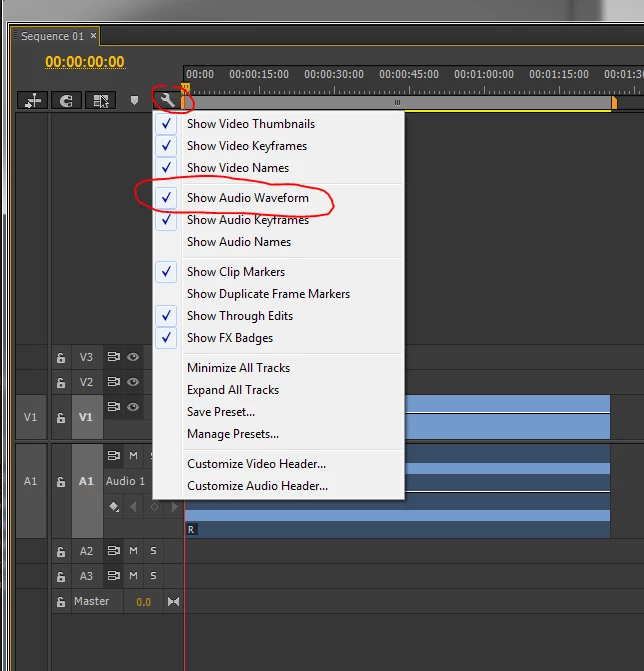
I have finished editing the audio in my project, and wanted to add some slow motion video from another project, so I imported that sequence and used cmd + r to play around with the speed of the video. However I want to fine tune the audio (an interview consisting of just speech, no music) and I was shown how to adjust the audio waveforms using keyframes (called audio ducking I believe). But when I was shown this technique they just dragged the bottom of the audio track down and the waveforms appeared in the track. This doesn't happen in mine, and I want to know have I accidentally changed some setting, or did I disable something?
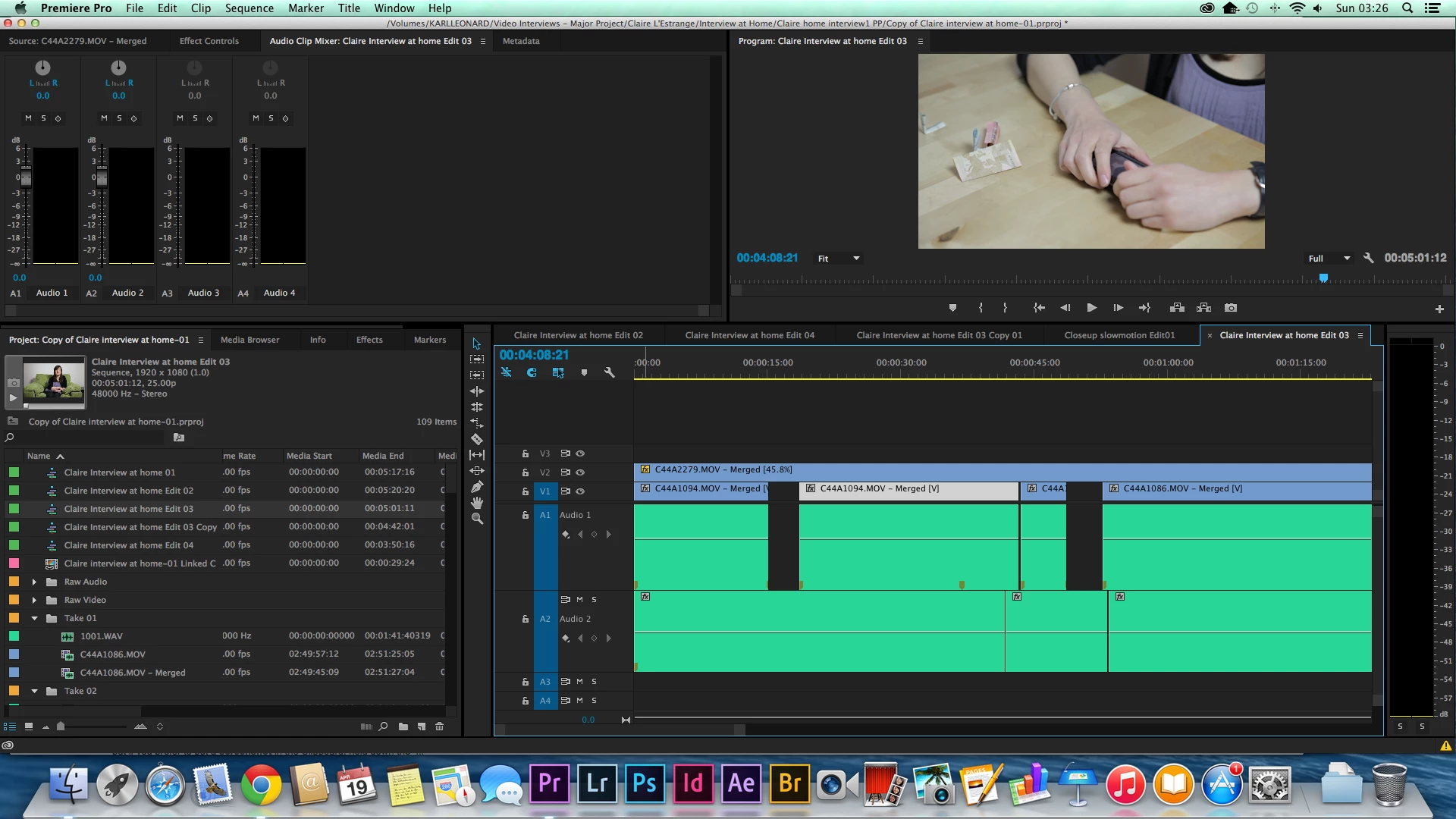
I've searched online and found descriptions in old threads (for CS6 and before) that say there is a speaker icon in the audio track with a triangle that drops down the waveforms. But I can't see any of that in my timeline.
 AdChoices