Inspiring
January 31, 2020
Answered

Wavy lines on exported video

  • January 31, 2020
  • 2 replies
  • 2463 views

Hi there,


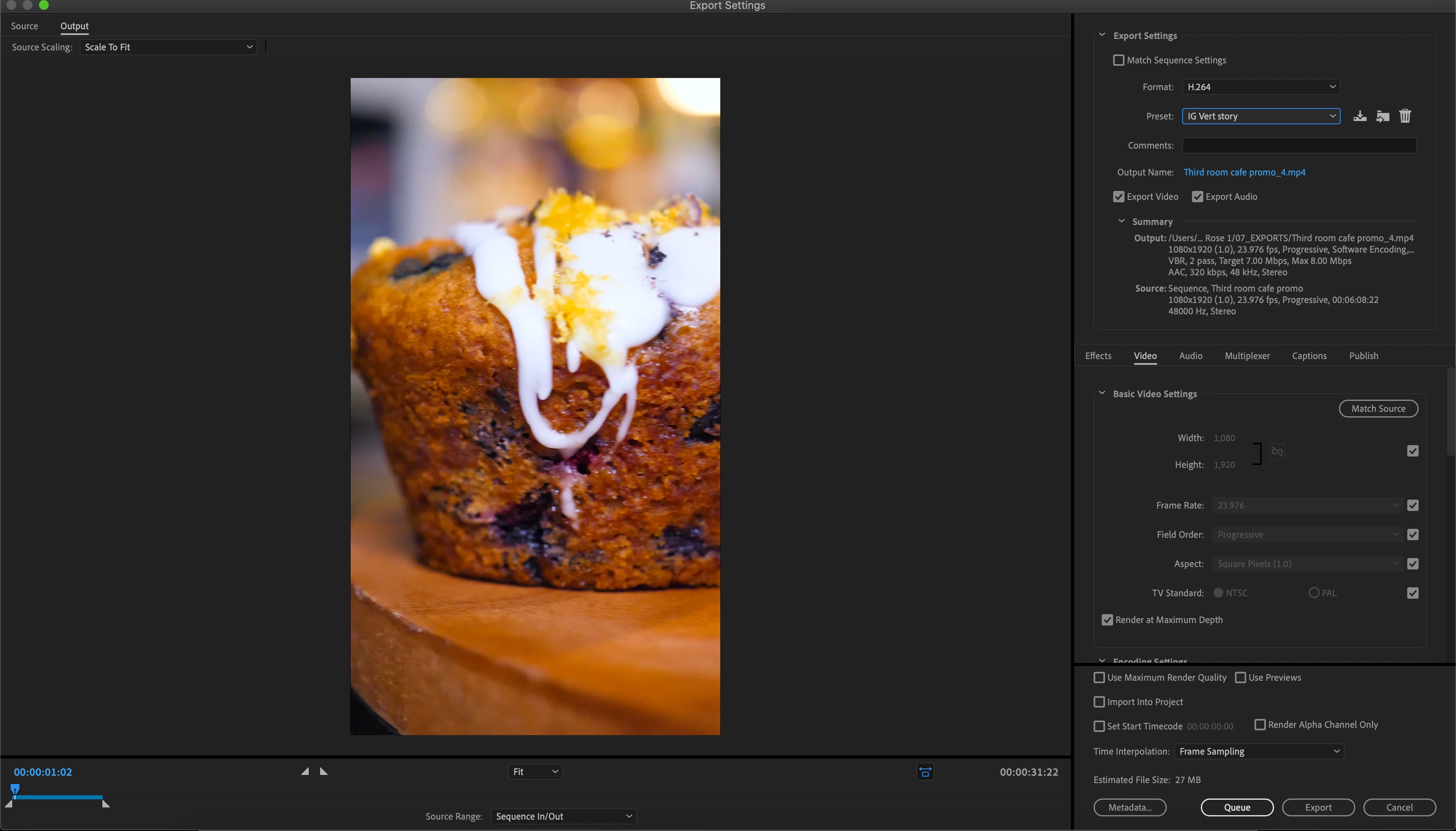
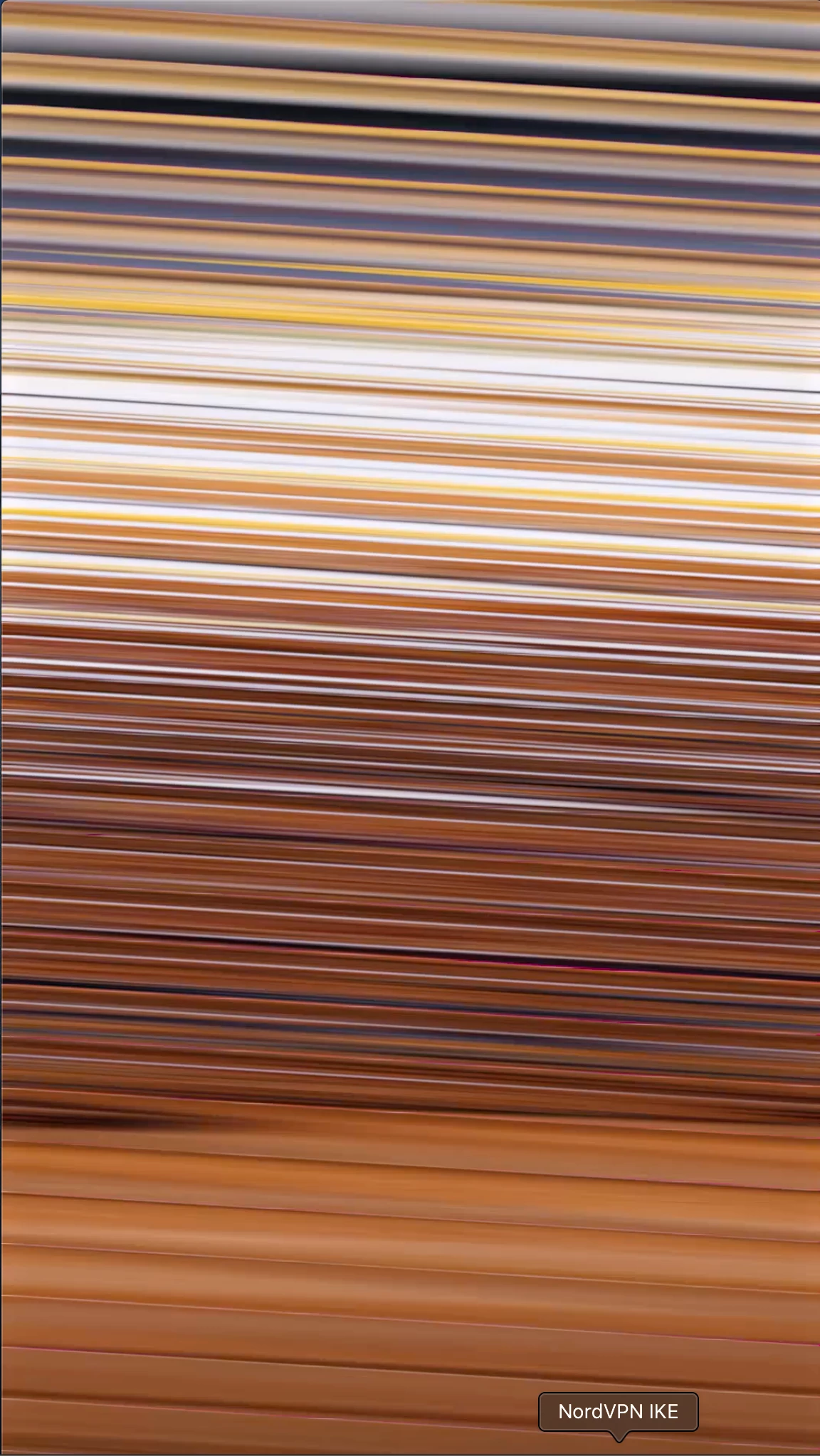
I've been exporting a video and when its exported it has wavy horizontal lines on the exported video. Its only during a fast blur/stretch transition. But its fine in edit, so it must be in the export settings I just dont know where.. Can anybody help? Below are some screenshots of what I'm talking about..



This topic has been closed for replies.
Correct answer R Neil Haugen

It's having a fail at handling video data at that point. Have you tried going into your Project settings and changing the Mercury Acceleration to Software Only? If that works, it definitely shows you have a graphics card issue.


You may need to update or roll-back the GPU driver.


Neil

2 replies

Participant
September 6, 2023

*FIXED*

(NVIDIA DRIVER)

Personally I'm using a GTX 2070 and I found that by updating/downloading your NVIDIA Studio drivers fixes this. 


Download: 

https://www.nvidia.com/en-gb/geforce/geforce-experience/

R Neil Haugen
R Neil HaugenCorrect answer
Legend
January 31, 2020

It's having a fail at handling video data at that point. Have you tried going into your Project settings and changing the Mercury Acceleration to Software Only? If that works, it definitely shows you have a graphics card issue.


You may need to update or roll-back the GPU driver.


Neil

Everyone's mileage always varies ...
Inspiring
January 31, 2020

That worked, thank you!!