
Question
Weird Pixel Overlapping Glitch While Editing And Exporting Video (Please Help)
Hey!
So I've been experiencing this glitch for quite some time now, and it's been happening in every version of Premiere Pro that I've updated to. Basically, what happens is that when I play the video clips inside Premiere Pro, some of them get this weird glitch where it looks like some pixels from another part of the clips are overlapping and glitching into the actual clip that I'm playing. It's quite hard to explain and very weird. But the main problem is that the glitches persist even when the video is already exported and played in another player on the computer. Could anyone help me with this? I've tried absolutely everything and nothing has worked 😕😕
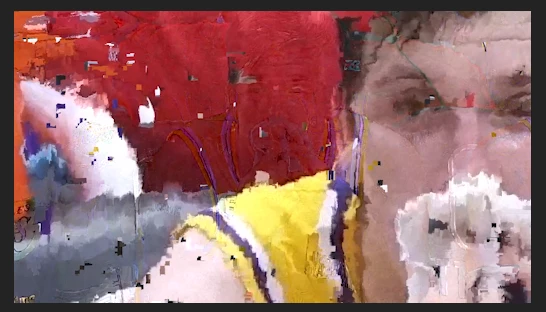
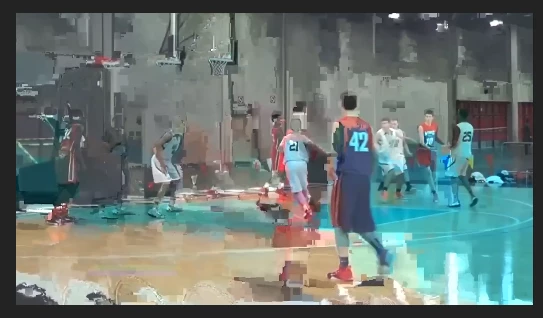
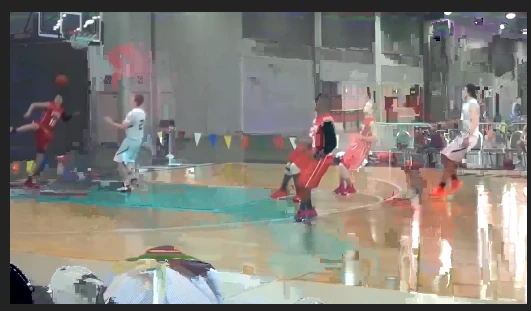


 AdChoices