

WEIRD problem with zebra in Fuji XT3 video files. Help!
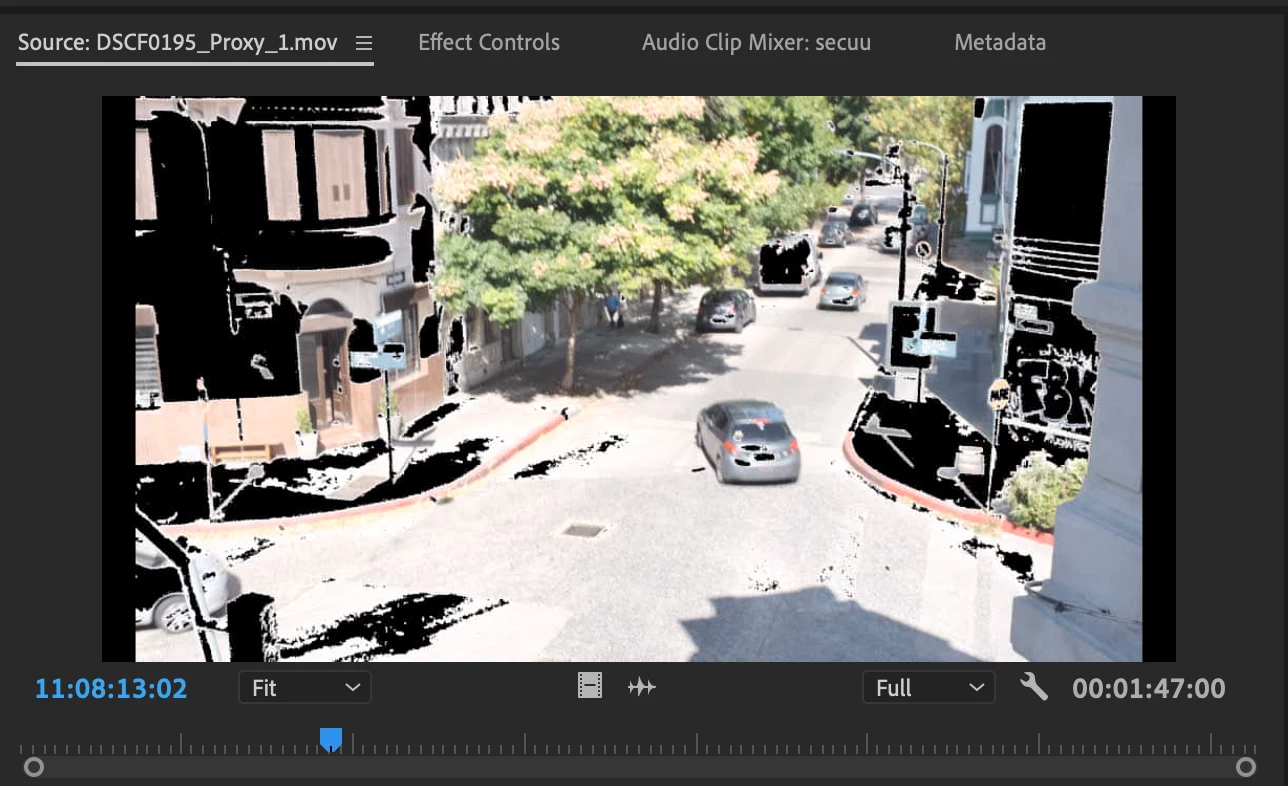
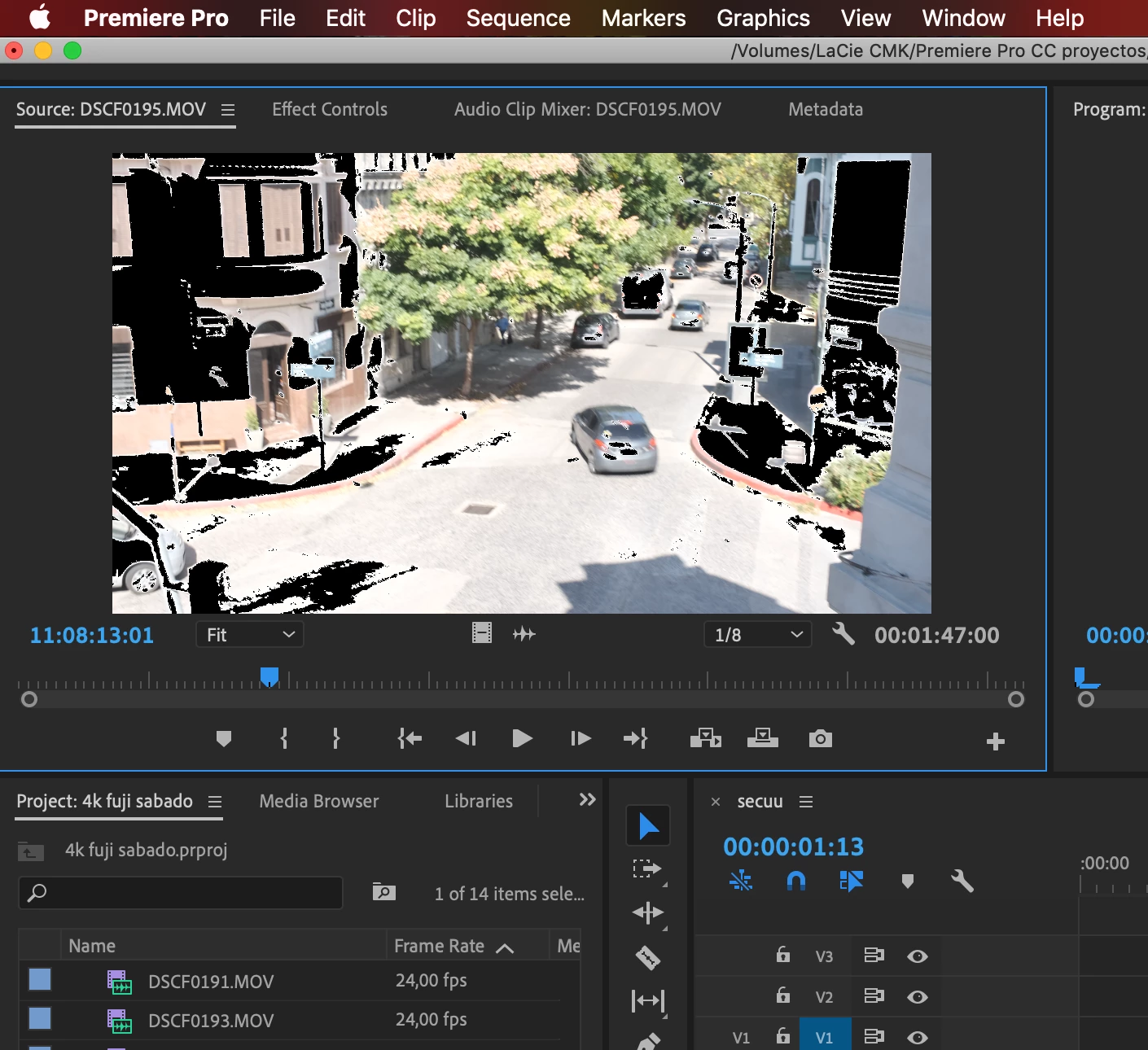
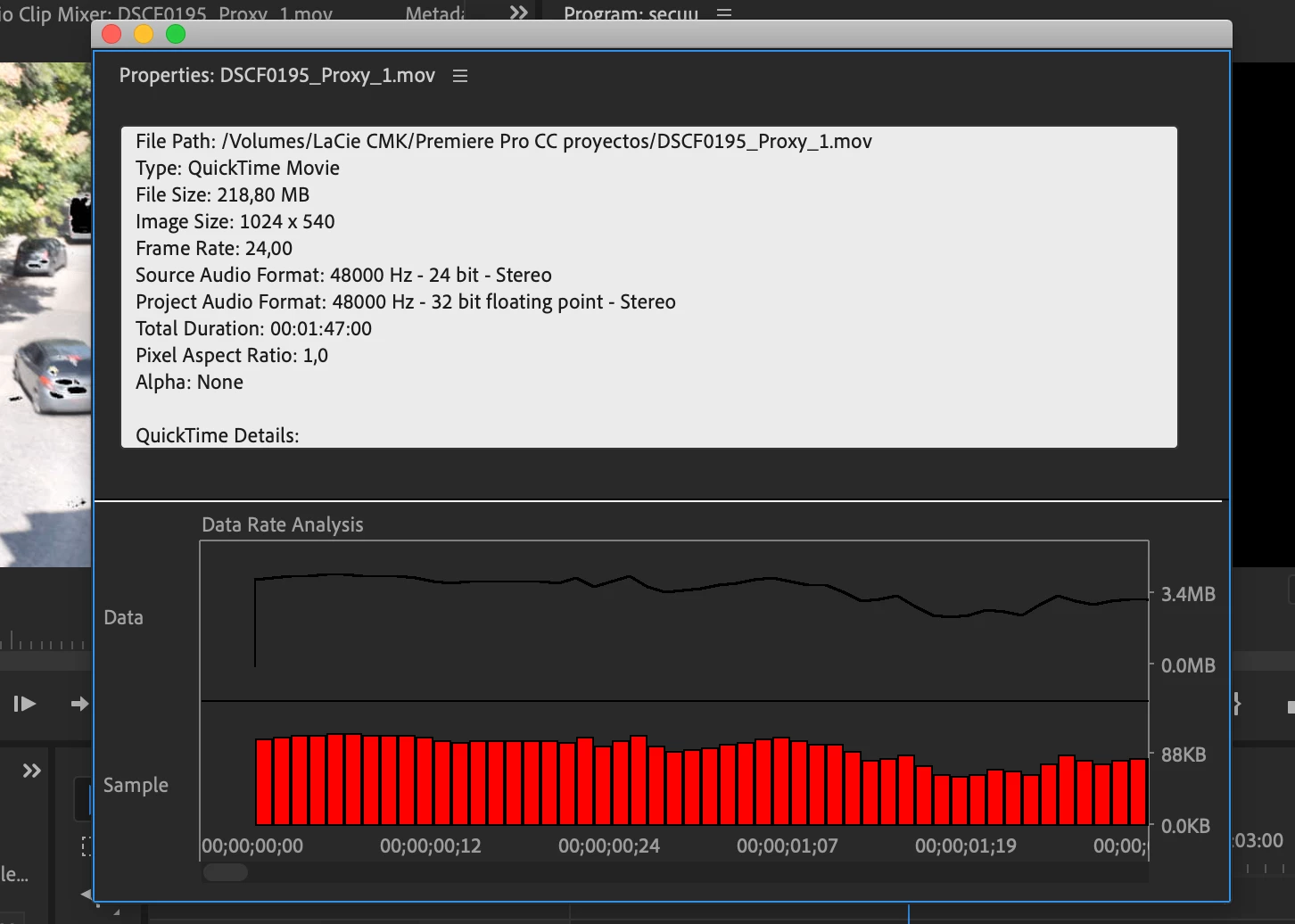
My Fujifilm XT3 video files are not properly displayed in Premiere Pro. What the camera shows as overexposed highlights with zebra set at 70%, appears in Premiere as black dots, circles and shadows in source monitor, and in the sequence. Interestedly, when exporting the video files the black images stay and render in the file! Also, I tried transcoding the original media during ingestion with ME, and the proxy files also embed the black dots for highlights in the video (I've checked them in the finder folder...)
It's quite a weird bug, considering that FCPX reads the files without this highlight markers, both at importing them and reproducing them. Also original media in finder reproduces them ok. It only happens inside PP and ME.
My mac is an mbp 2012, running the latest version of MacOS Mojave 10.14.4, and using Premiere Pro CC 13.1
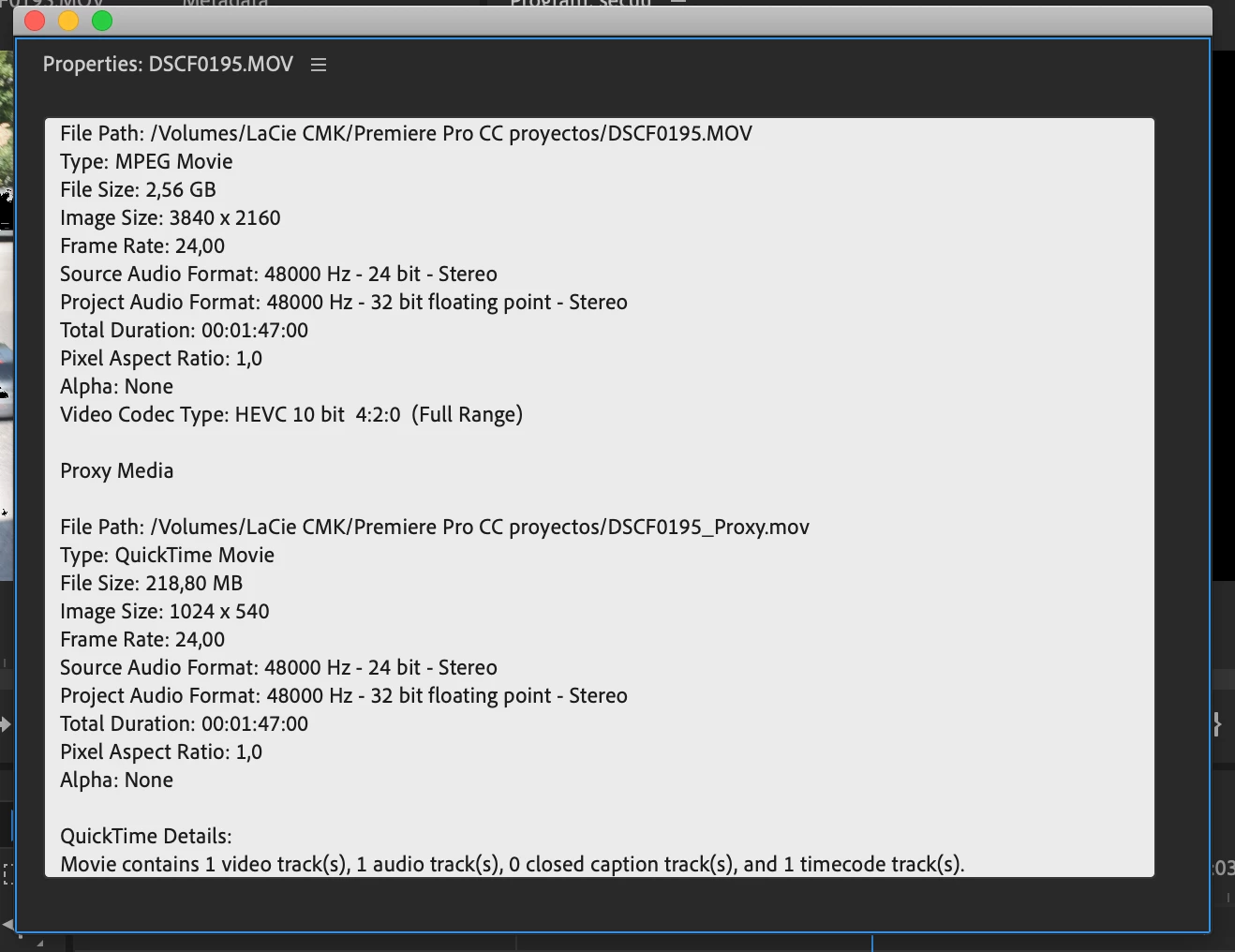
Video settings in camera 4K 24p 200mbps, H265 (HEVC) 4:2:0 10bit, Long GOP, film simulation Eterna.
I'm attaching screen captures with more information.
It's an annoying bug, guys please help me! thanks!!!

 AdChoices