
Participant
June 6, 2019
Answered

Weird quality loss when rendering

  • June 6, 2019
  • 3 replies
  • 845 views

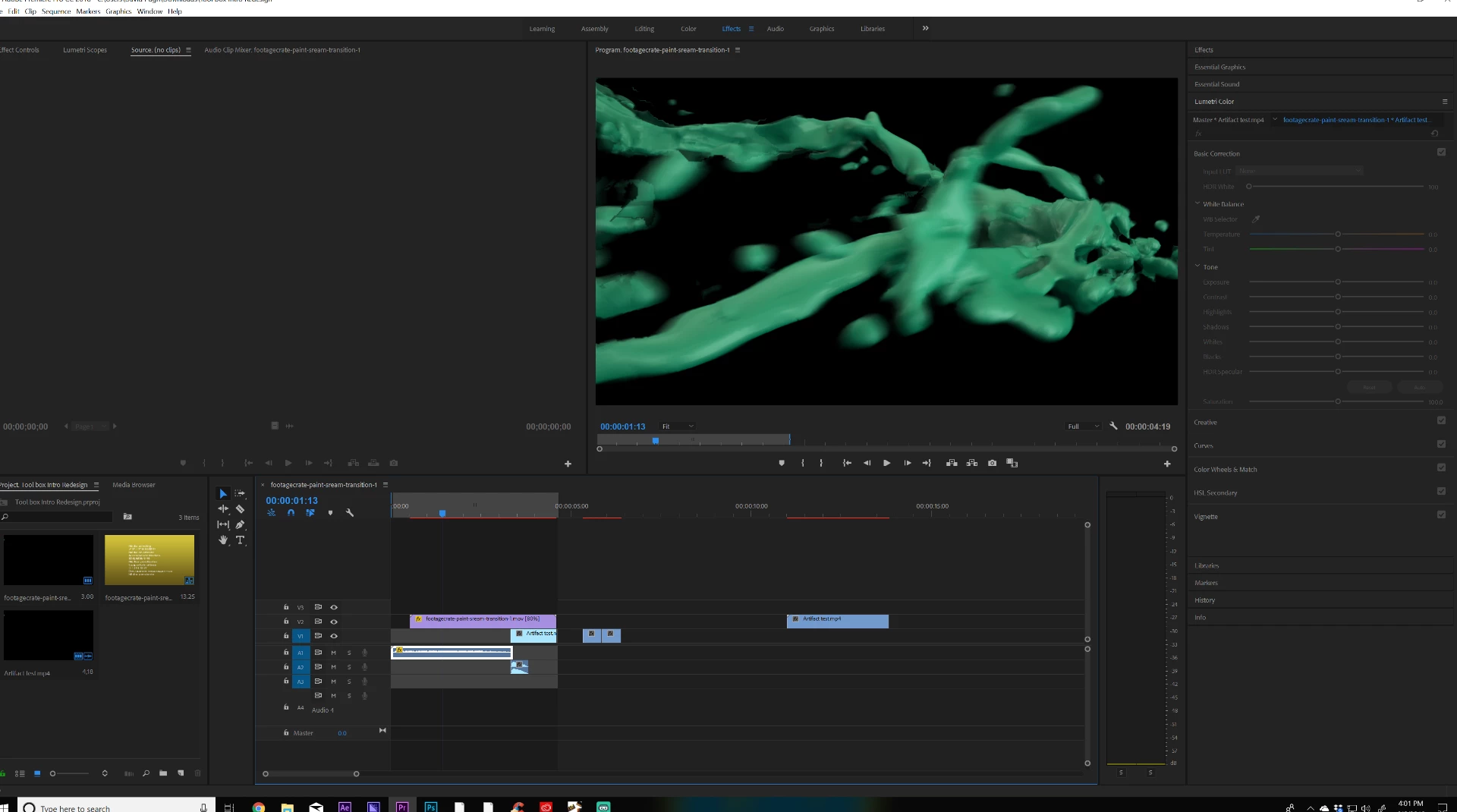
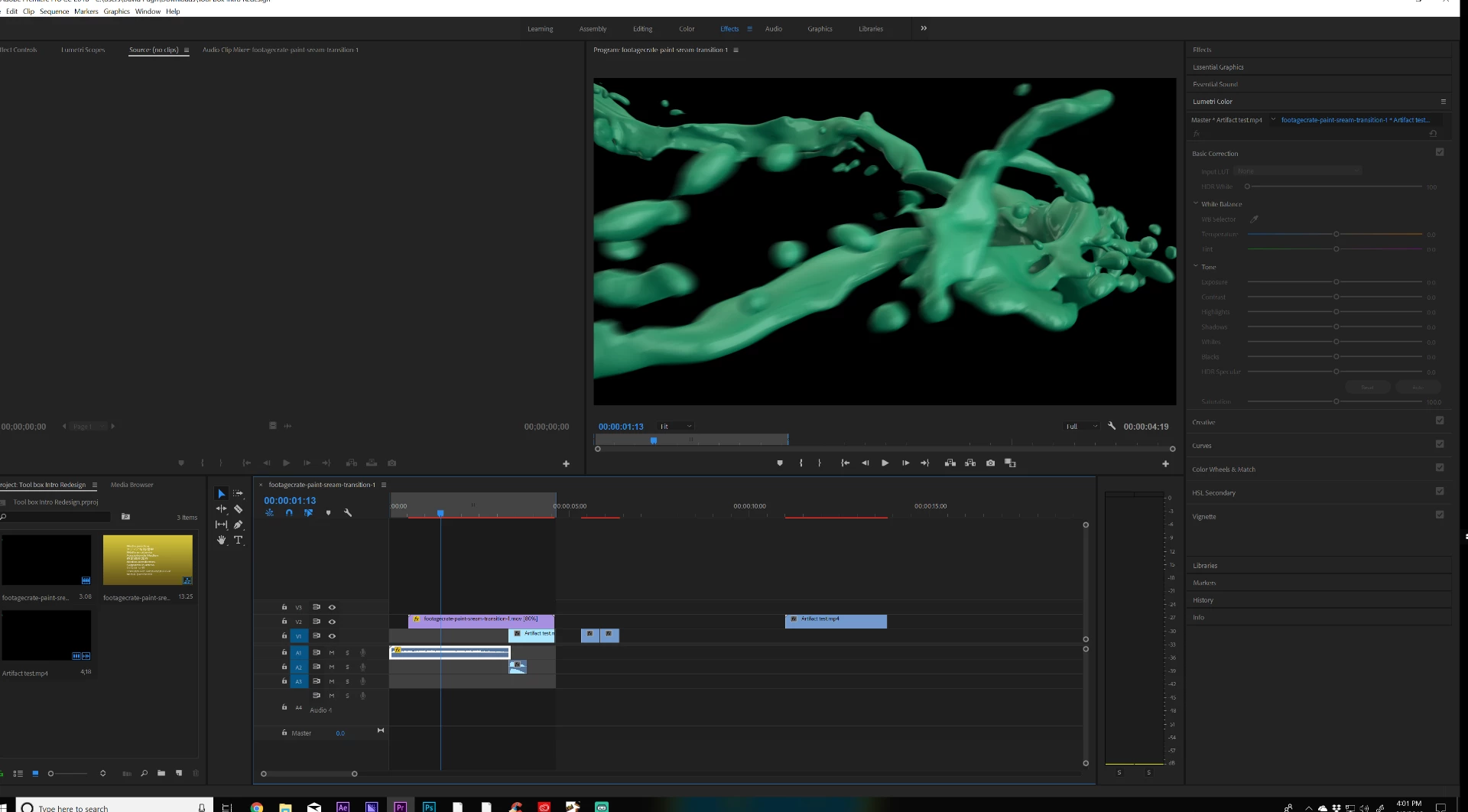
This frame is the the same as the one below it but when I let it sit there for a second it detracts in quality, same applies to if I render or even render and export the final result is a jagged mess of FX instead of the smooth paint flow that it is without having rendered. So to clarify when I play the video while is has zero video previews rendered it looks completely fine but after having rendered it, it seems to break. I have tried changing the encoder as well as a million different settings upon export to fix it, but alas I still have a problem.
    This topic has been closed for replies.
    Correct answer Justin Taylor-Hyper Brew

    It looks like you're time remapping (Clip Speed / Duration) with Optical Flow turned on, which is causing those artifacts. Make sure your source and sequence framerates match and don't use optical flow if you do need to time remap for something with lots of particles like that.

    3 replies

    Participant
    June 17, 2019

    That fixed it immediately, why does optical flow distort footage with lots of particle effects?

    Justin Taylor-Hyper Brew
    Community Expert
    Community Expert
    June 17, 2019

    Optical Flow does frame interpolation. Basically, gives it a "best guess" approach to in between frames. These "best guesses" work fine in some scenarios that are easy to predict, static wide shots, basic surfaces, but with complex moving objects, like moving particles, it simply can't guess correctly enough, which results in all those bad artifacting. There are some plugins that can guess better than the built-in tools, like Twixtor and others, but if it's a CG render, best to render in the same or higher frame rate that you want to deliver in and not rely on After Effects / Premiere to do any guess work on the post end.

    Justin Taylor-Hyper Brew
    Community Expert
    Community Expert
    June 6, 2019

    It looks like you're time remapping (Clip Speed / Duration) with Optical Flow turned on, which is causing those artifacts. Make sure your source and sequence framerates match and don't use optical flow if you do need to time remap for something with lots of particles like that.

    Inspiring
    June 6, 2019

    What are the properties of the source footage?

    Post a screen shot of your sequence settings, then post a screen shot of your export settings summary.

    MtD