

PosadaPhotography
Inspiring
November 3, 2021
Answered

Weird wavy distortion when playing a sequence

  • November 3, 2021
  • 2 replies
  • 1090 views

Hi guys...something weird. I'm making adjustments to clips and all of a suddent, on playback, I get a weird wavy effect that goes away as soon as I stop playback. It looks as follows (most obvious on the keyboard against the left side of the image):
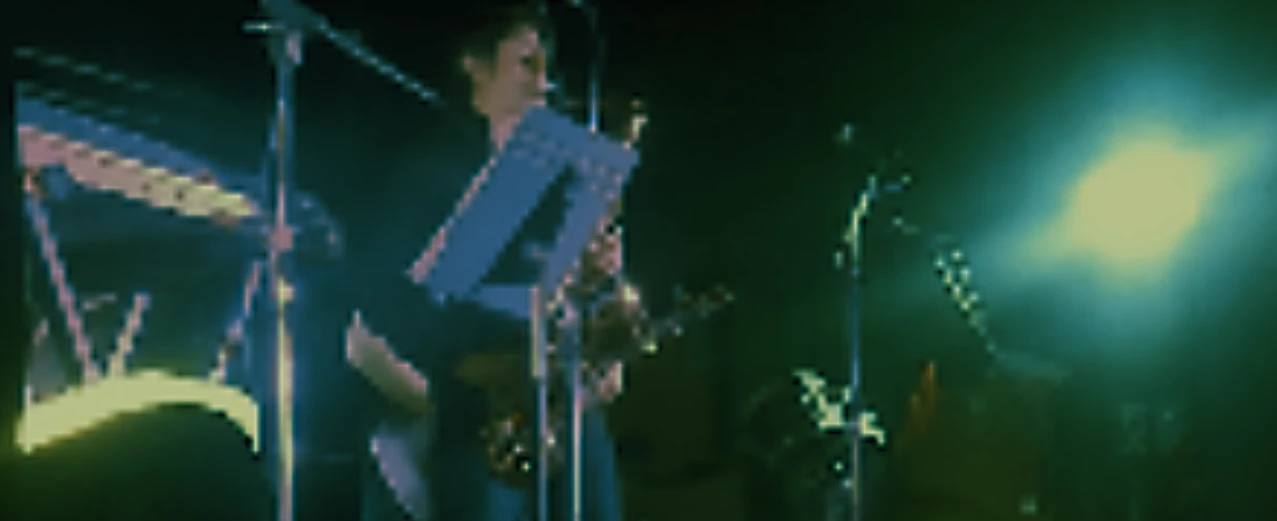
as soon as I stop playback, it looks as follows:
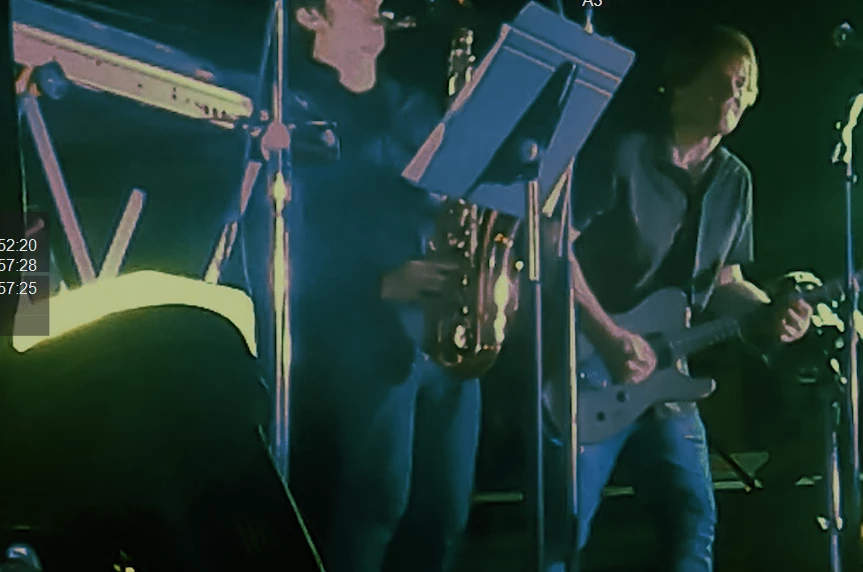
No comments on the colors...I have alot of adjustment I know I need to make and the onsite lighting was HORRIBLE. 

Anyone experience that wavy effect? I can give you machine specs, but in general,

PP version 22/build 169

Win10

9 core

32 ram

Nvidea Quadro RTX 4000 total memory 24GB/6.3GB free

This topic has been closed for replies.
Correct answer Steve Griffiths

From your images it looks like reduced resolution playback. Could be because you are playing clips with FX applied that are not rendered. When you stop playback the frame you are sitting on will display at full resolution, which would explain why it looks OK when paused.

Try preview rendering your sequence - or the part that is causing problems.

Also check that your playback resolution is set to 'full' in the 'Program' window (bottom right hand corner).

2 replies

Steve GriffithsCorrect answer
Inspiring
November 3, 2021

From your images it looks like reduced resolution playback. Could be because you are playing clips with FX applied that are not rendered. When you stop playback the frame you are sitting on will display at full resolution, which would explain why it looks OK when paused.

Try preview rendering your sequence - or the part that is causing problems.

Also check that your playback resolution is set to 'full' in the 'Program' window (bottom right hand corner).

PosadaPhotography
Inspiring
November 3, 2021

Yep...Playback Resolution. I had it at 1/8. When I brought it up to 1/2, the issue went away. Thanks

Inspiring
November 4, 2021

No worries and good luck with the grade - looks like a lot of work!

PosadaPhotography
Inspiring
November 3, 2021

Resolved...I used an adjust layer with a 250 scale. I changed it to 240, ran the clip OK, changed it back to 250 and distortion was gone.

PosadaPhotography
Inspiring
November 3, 2021

Nope...its back. <sigh>