



Welcome to Premiere Pro 14.3!
Premiere Pro 14.3 is here!
Today marks the release of Premiere Pro 14.3.
Update FAQ
- How do I update Premiere Pro?
- To update Premiere Pro, open the Creative Cloud desktop application and choose > Update.
- What should I do if I don't see the update in my Creative Cloud desktop application?
- Choose Help > Check for Updates from the Creative Cloud desktop application to refresh the list of available updates.
Use Adobe Stock Audio within Premiere Pro
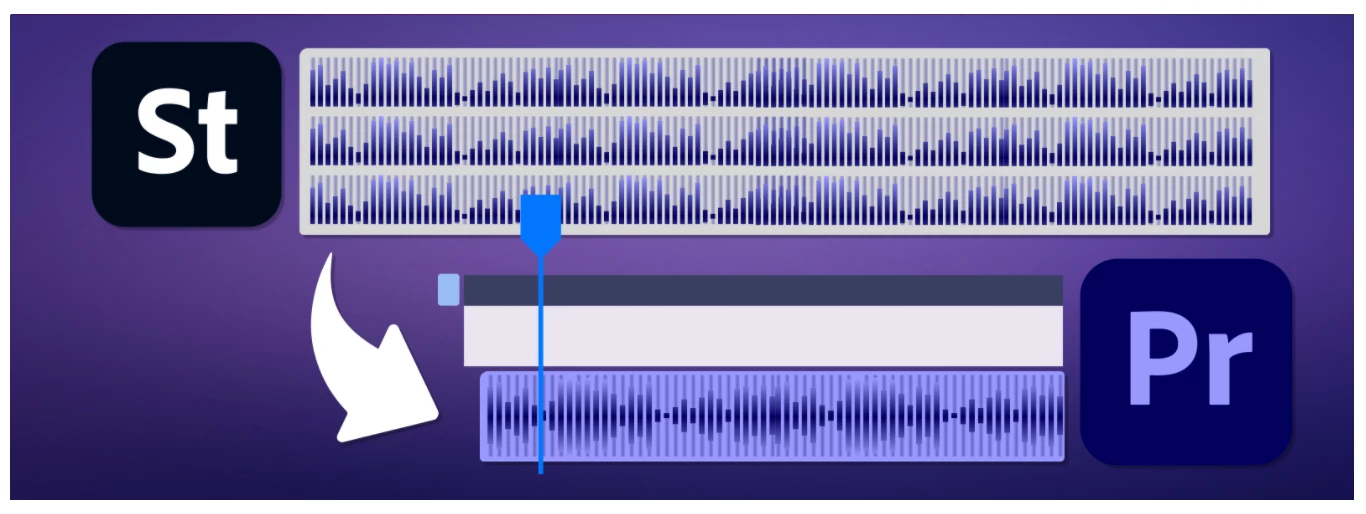
Adobe Stock is launching an entirely new content category, audio, making music tracks available for license. And you can now search, download, and license royalty-free audio soundtracks from Adobe Stock via the Essential Sound panel in Premiere Pro.
Afterburner support (macOS only)
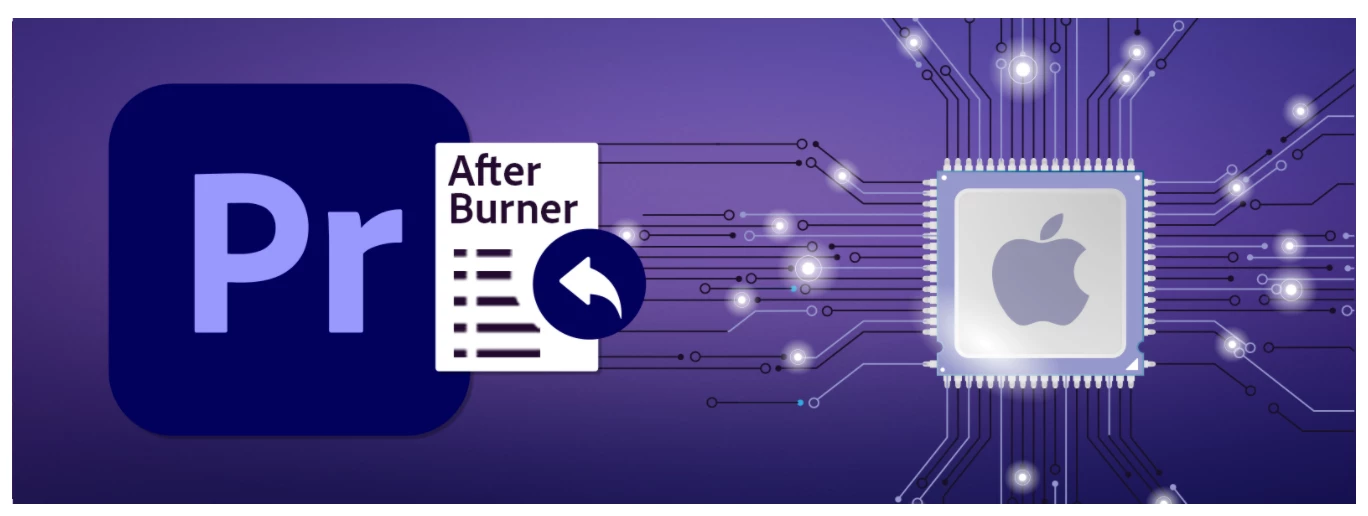 You can now use the Apple Afterburner card with Premiere Pro to decode ProRes 422 and ProRes 4444 media (decoding in hardware instead of software).
New file format support
Premiere Pro now supports the following file formats:
- Enhanced bitrate controls for JPEG 2000 MXF export
- Import of Canon EOS R5 footage
- Import of Canon EOS-1D X Mark III footage
- Import of RED Komodo footage
For a complete list of supported file formats, see Supported file formats.
Complete documentation
- Complete list of the new features
- List of Fixed Issues
- Release Notes
- Known Issues
- System Requirements
Adobe Digital Video and Audio Team Blogs:
- Accelerate Workflows and Craft Better Stories With Adobe Creative Cloud Video and Audio Applications
- How Beta is Helping Us Build Better Products
Videos
Let's now discuss the new features, including new Adobe Stock Audio within Premiere Pro feature!
 AdChoices