

Welcome to Premiere Pro 15.2!
 Premiere Pro 15.2 (May 2021 release) is now available for download from the Creative Cloud desktop app. This update includes numerous bug fixes, several new features, and performance improvements.
- This update is recommended for all users.
- If you are experiencing any issues, please create a new post explaining your issue so we can help.
- If you have a bug to report or any complaint please do that on User Voice, not here.
New Features in Premiere Pro 15.2
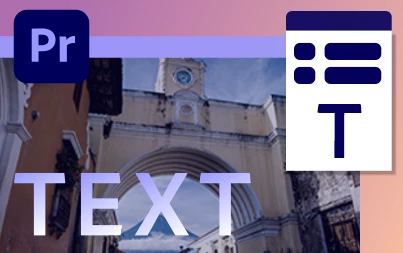
Text gradients
You can now add visual impact to titles and text with new tools in the Essential Graphics panel for adding gradients.. More info about text gradients here.
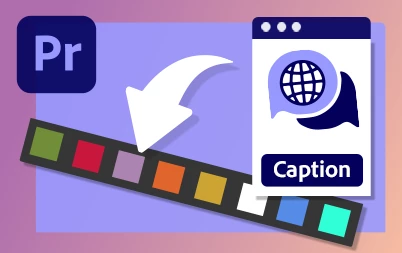
Caption items in the Captions track now have the same label color options as other items on the timeline.
Info about this feature is here.
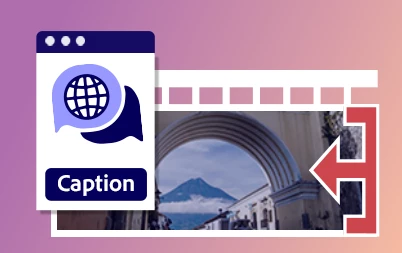
Edit video files containing embedded captions more intuitively. Caption items are linked to their associated video and audio clips, making it easier to fine-tune edits and keep everything in sync on the Timeline. More info here.
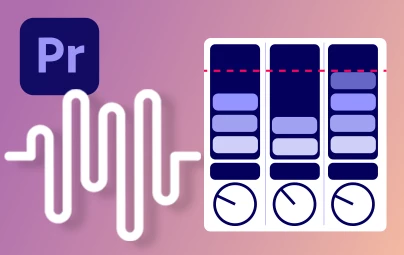
New Loudness Meter
The new Loudness Meter transparently measures program loudness for full mixes, single tracks, or buses and submixes. More info here.
Support for DirectX12 display technology on Windows
DirectX now replaces OpenGL as the default display rendering technology for Premiere Pro, providing improved stability. DirectX also supports native High Dynamic Range (HDR) playback for Premiere Pro with HDR10-capable monitors and a DirectX-compatible GPU. More info here.
Canon XF HEVC performance improvements
Performance optimizations in Premiere Pro mean smoother playback and scrubbing on the timeline, as well as faster seeking. More info here.
New Features


 AdChoices