



Welcome to Premiere Pro 25.3!
Welcome to Premiere Pro 25.3!
Hello, and welcome to the June release of Adobe Premiere Pro! Premiere Pro 25.3 is now available from the Creative Cloud desktop app and is recommended for all users.
Learn about best practices for updating Premiere Pro.
New features
The 25.3 release of Premiere Pro features advanced filtering in the Search panel, label colors in sequence tabs, improved color handling, and more. It's the perfect time to update. 😊
Advanced filtering in the Search panel
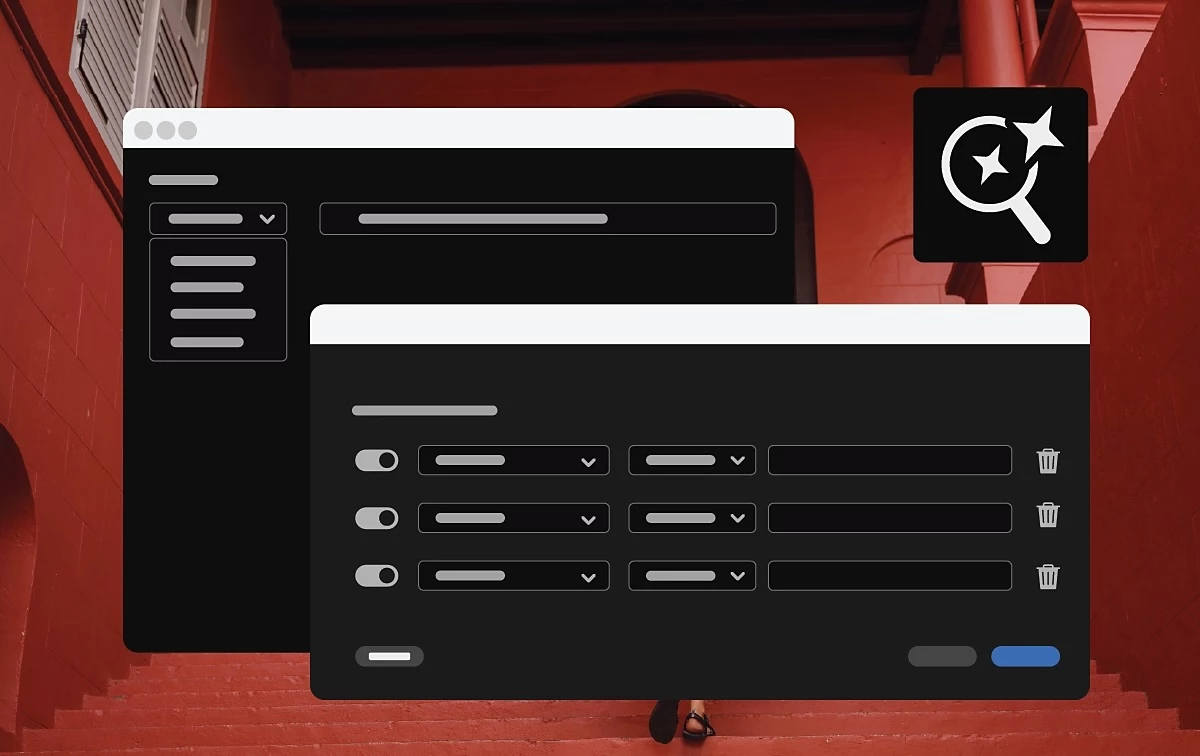 Refine your search results with precision by applying filters based on metadata. Whether you're working with hundreds of clips or trying to track down that one perfect shot, advanced filtering helps you zero in faster.
Label colors in sequence tabs
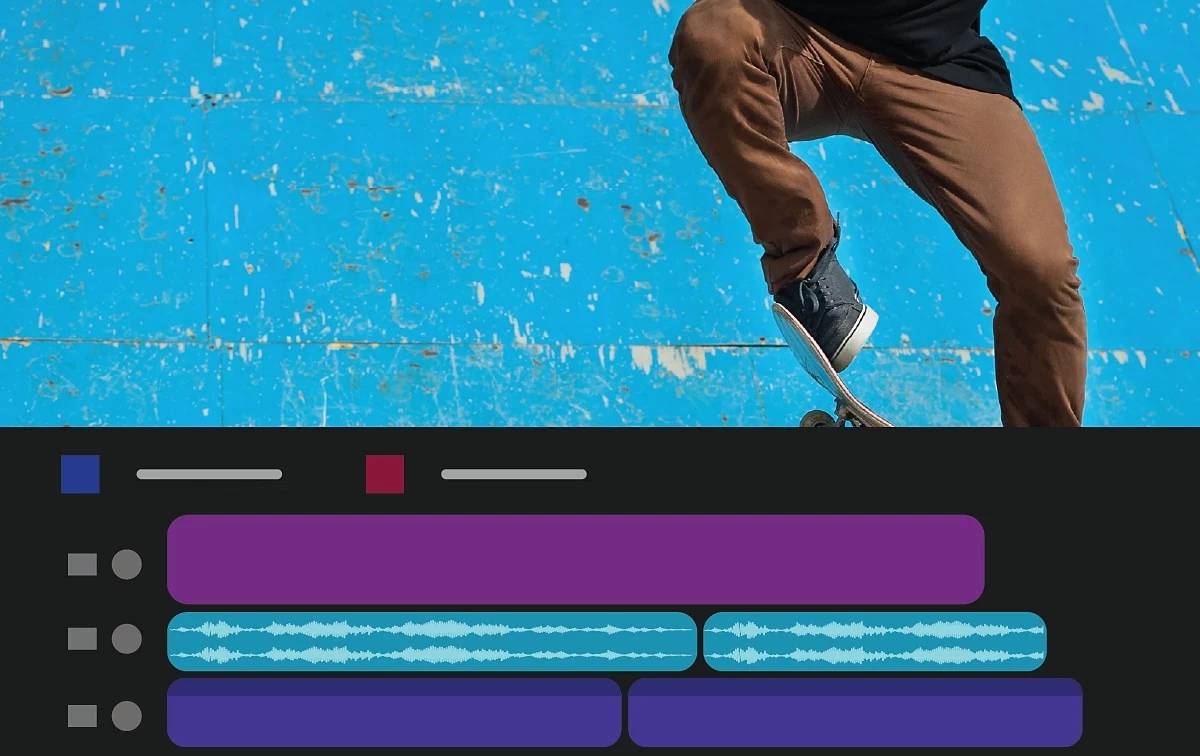 You can display and change the label color of sequences directly in the Timeline panel, enhancing organization and making complex projects easier to manage.
Improved data range and color metadata handling for DNxHR, DNxHD, and PNG
 Premiere Pro now automatically detects and applies the correct data range for DNxHR/DNxHD (MXF) and PNG files based on embedded metadata, preserving super-whites and sub-blacks. It will support CICP-tagged color metadata for PNGs and provide enhanced export options for precise color space control and HDR metadata embedding.
Support for NVIDIA Blackwell Architecture GPUs
 Hardware acceleration of 10-bit 4:2:2 video provides dramatically improved playback performance.
Fixed issues in 25.3
AI and Generative Extend
Fixed:
-
No Content Credentials were shown in the Media File Properties dialog for Generative Extend clips.
-
No Content Credentials icon was shown on Generative Extend clips in freeform view.
Audio
Fixed:
-
Audio streams with a starting audio packet with an incorrect sample size could cause the audio and video to go out of sync during playback.
-
A disk error event was sometimes thrown during audio conforming.
Captions and transcription
Fixed:
-
Auto-transcription on clips longer than 1 hour could fail.
Color
Fixed:
-
Input LUTS were ignored when dragging in/out markers in the Source Monitor.
Editing
Fixed:
-
With the Project panel not in focus, adding a new synthetic clip item would fail to add the item to the project.
Export
Fixed:
-
23.98 sequence could be exported as 23.00.
-
Media Encoder could crash after parallel encoding.
Effects
Fixed:
-
After clicking on a parameter in the Effect Control panel to select the keyframes, using shortcuts to change the interpolation could fail.
-
Addressed a crash with some 3rd-party effects.
-
If the project was saved on a computer without the plugin installed or disabled, the customized parameters of third-party transitions would be lost.
Formats
Fixed:
- When using RED R3D media, a LUT selected in camera during recording was not correctly applied to the media. Selecting the LUT in the Source Settings panel could cause a crash.
- Importing a bad Canon Cinema RAW resulted in playback and import errors for other known good Cinema RAW files. Restarting the application was the only remedy to restore import and playback operations.
- On a Windows computer, scrubbing, playing, or exporting MXF media files could display random artifacts.
Import
Fixed:
-
Footage could be in a media pending state long after the project opened and the media was relinked.
Markers
Fixed:
-
The Add Marker command on some custom keyboard presets could act as a double press, opening the Edit Marker dialog.
Search
Fixed:
-
Search panel results were incorrect after using Replace Footage on clips.
-
Media with modified pixel aspect ratios would not show correct thumbnails in the Search panel during hover-scrub.
 AdChoices