

Welcome to Premiere Pro 25.6!
Welcome to Premiere Pro 25.6!
Premiere Pro 25.6 is now available from the Creative Cloud desktop app and is recommended for all users.
New in 25.6
Premiere Pro 25.6 delivers smarter media search, seamless Firefly integration, Frame.io V4 workflows, and powerful audio cleanup tools—all designed to speed up your edit!
Here are the new features coming with version 25.6
Send media from Firefly to Premiere desktop
Send media from Adobe Firefly on the web straight to Premiere on desktop for a smoother creative workflow.
Find footage faster with media intelligence
Search your footage for specific sounds by simply describing what you want to find. Locate similar shots or alternate takes with ease.
Learn how to find audio or similar shots quickly ›
Quickly clean up audio with bulk bleep or mute
Easily bleep or mute unwanted words and sensitive information across your timeline in one go.
Learn how to clean audio faster ›
Adobe Stock integrations in Premiere
Discover, license, and import over 835 million high-quality images, videos, templates, music, and more directly within Premiere.
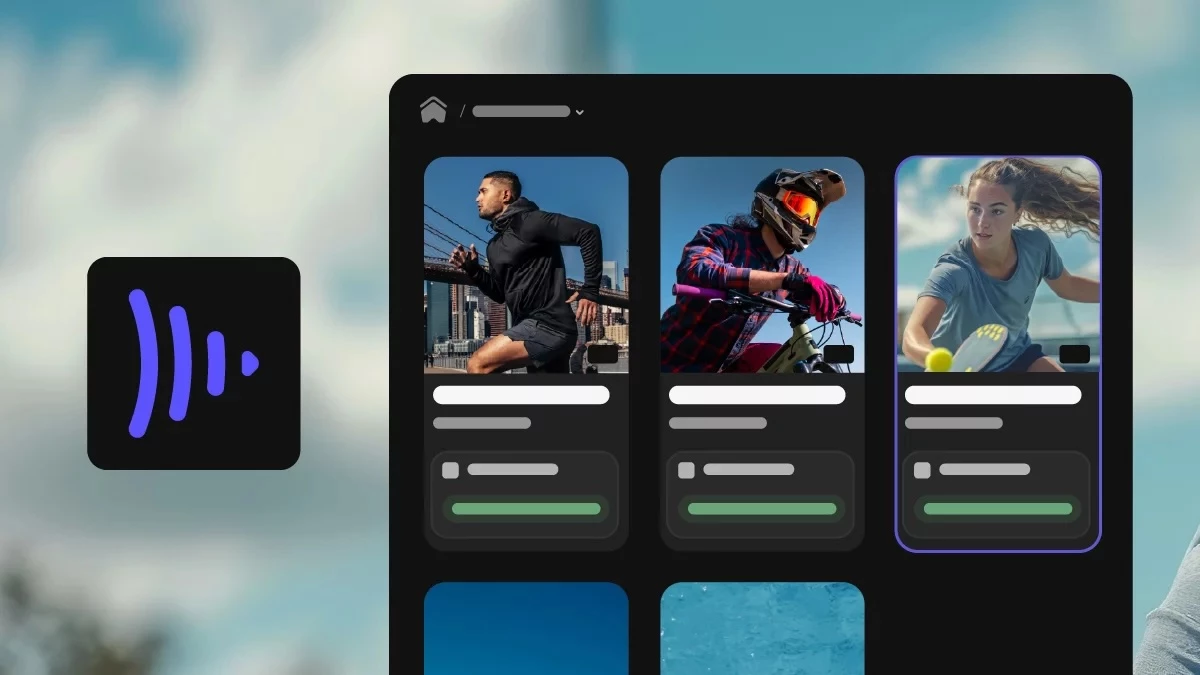
Frame.io panel integration
Navigate, view, and import media from Frame.io V4 into Premiere using a newly designed native panel.
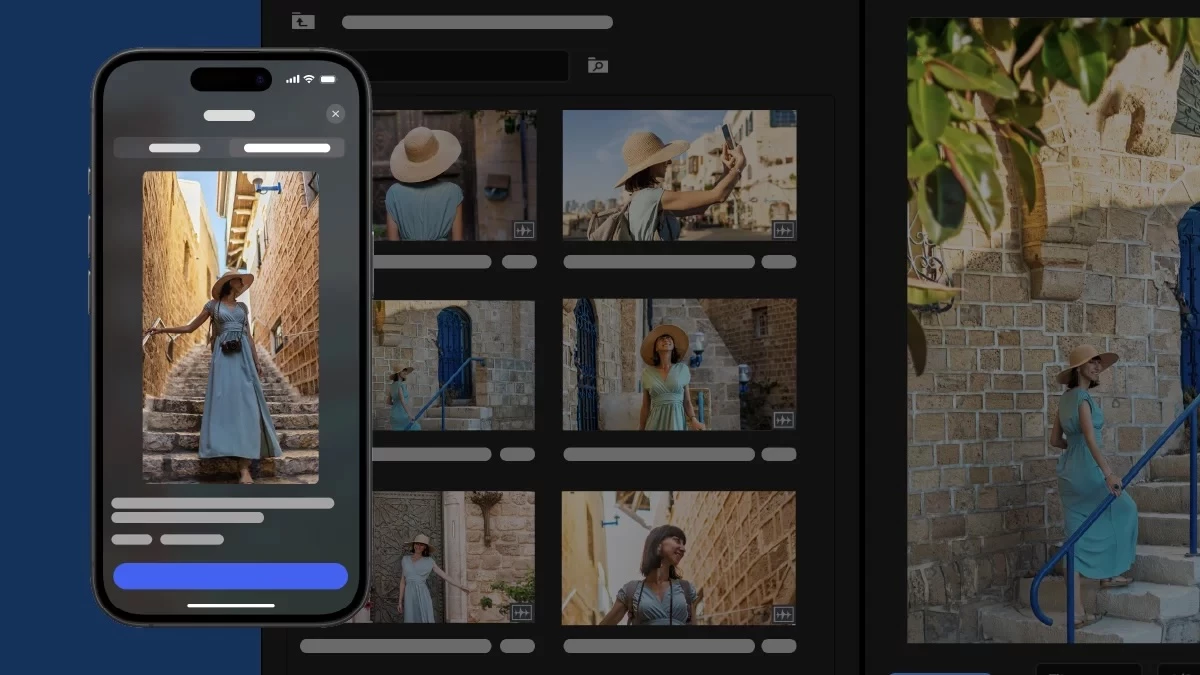
Send Premiere on iPhone projects to desktop
Edit anywhere using Premiere on iPhone, then send your project to Premiere on desktop and keep your creative flow uninterrupted.

Native support for Nikon N-RAW
Premiere now supports native import and editing of Nikon N-RAW footage for improved image quality and faster workflows.
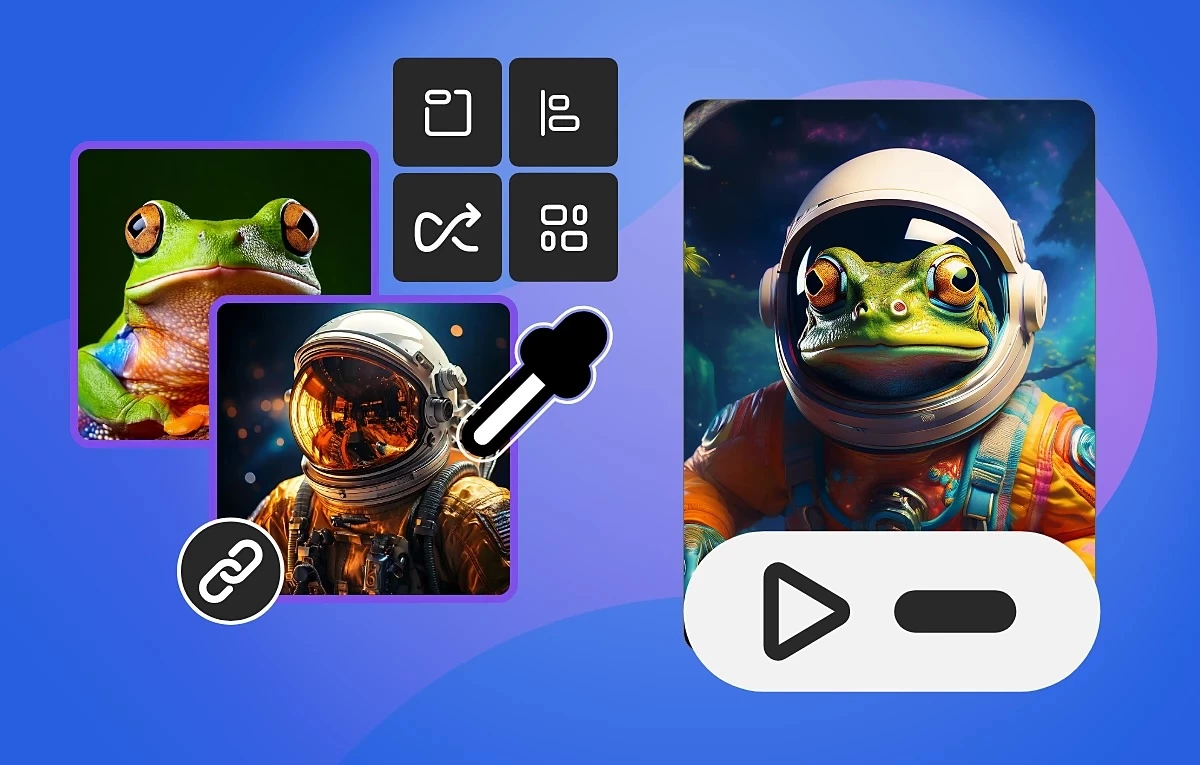
Open Adobe Firefly Boards directly from Premiere
Access Firefly Boards from the File menu in Premiere to explore early ideas, craft moodboards, and develop storyboards.
New in Premiere Pro Beta
Explore the new and enhanced features in the latest releases of Adobe Premiere Pro (beta) desktop.

Object Masking
Masking now allows you to isolate specific areas of your footage to apply effects, color corrections, or blur elements selectively. These tools are designed to streamline your editing workflow, enabling you to accomplish complex tasks without leaving your editing environment.
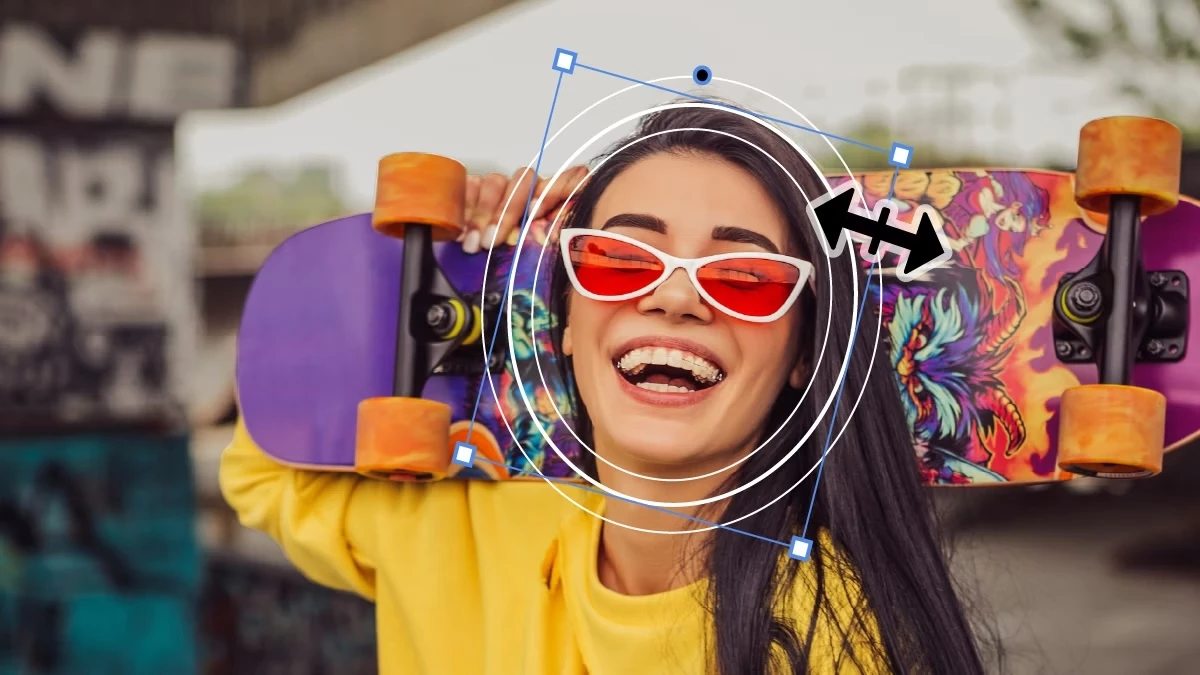
Redesigned Rectangle, Pen, and Ellipse Mask
With redesigned Ellipse, Rectangle, and Pen masks, you have more creative control over working with effects, from isolating color grades to blurring faces, relighting areas of your frame, and more.
Intel NPU-supported Audio Category Tagger
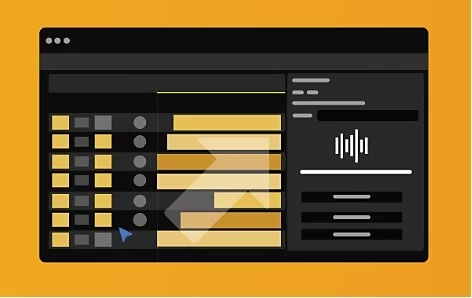
Through collaboration with Intel and Microsoft, Audio Category Tagger can now optionally utilize Intel’s NPU using DirectML. This frees up the GPU for core editing tasks, improving performance and reducing lag for complex AI workflows.
Learn to access audio controls to enhance video sound›
 Known and Fixed Issues in 25.6
Learn about the status of known and fixed issues in Adobe Premiere here.
Get Help and Provide Feedback Quicker
When you select Help or Provide Feedback inside Premiere Pro, you’ll automatically log in to the Adobe Premiere Pro Support Community Forums.
Resources


 AdChoices