
Question
What causes some imported assets to be labelled as hidden?
Apart from explicitly setting a clip to "Hide" (which I never do) what causes some assets to be labelled as hidden? I've had some very frustrating moments before discovering the "View Hidden" option in the Project panel.
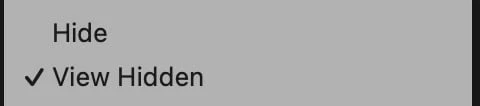
This project has been a wrap-up edit and I've been copying clips from sequences within other projects including one or two which I had experimented with Productions (not doing that again, I think it's all in or all out). I've also imported clips by dragging from the Finder or Bridge to the source monitor... just haven't figured out which of these methods is creating hidden clips.
 AdChoices