Kizzume
Inspiring
January 31, 2019
Answered

What is the trick to dragging a video into the timeline *the first time*?

  • January 31, 2019
  • 1 reply
  • 429 views

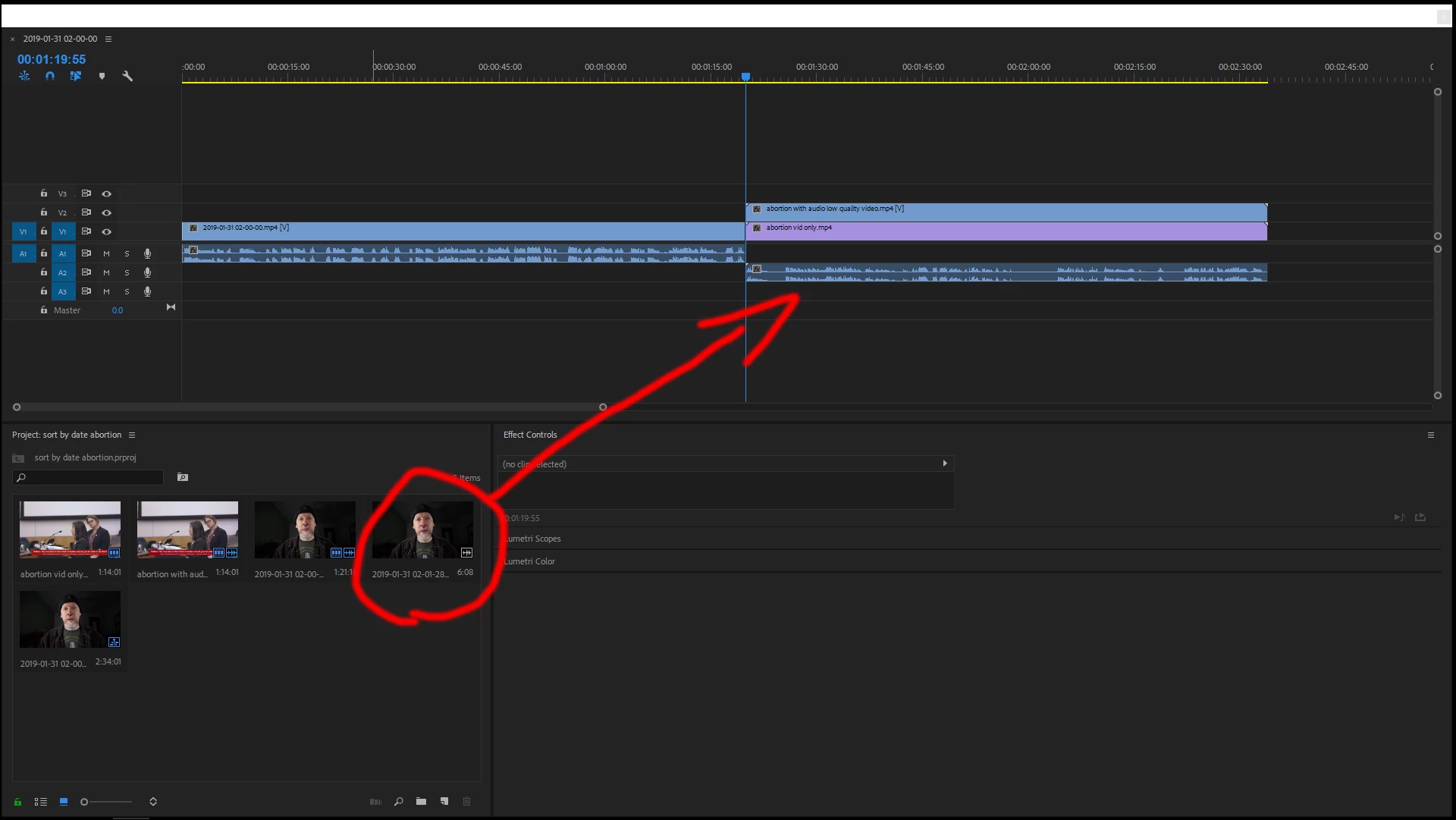
This has been mildly frustrating for years now, and I thought I'd actually finally ask on the forums if there's a trick to it.  What can I do so when I drag a video from the media area to the timeline, it works the first time?  Generally I have to drag it 2 or 3 times before it actually works.  What's the trick to it?  Is there a key combo I can hit before dragging it or something?

Thanks
    This topic has been closed for replies.
    Correct answer Ann Bens

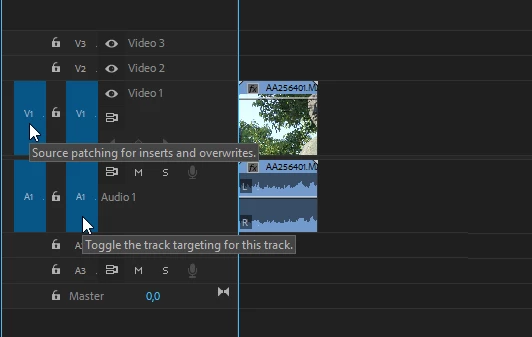
    Most common workflow is opening clip in Source Monitor so tracks are source patched, set in and outpoint and drag (or use kbsc) to timeline.

    If you dont want to use the SM instead of dragging from Project Window you can use kbsc.

    1 reply

    Ann Bens
    Community Expert
    Ann BensCommunity ExpertCorrect answer
    Community Expert
    January 31, 2019

    Most common workflow is opening clip in Source Monitor so tracks are source patched, set in and outpoint and drag (or use kbsc) to timeline.

    If you dont want to use the SM instead of dragging from Project Window you can use kbsc.

    Kizzume
    KizzumeAuthor
    Inspiring
    January 31, 2019

    Thanks.  What's kbsc?  Well anyway, that worked.  I just have to double-click it and THEN drag it.  Awesome.  Consistency is awesome.

    Ann Bens
    Community Expert
    Community Expert
    January 31, 2019

    Keyboard Shortcuts.