Inspiring
June 16, 2021
Answered

Whats are best new project settings for HD youtube and vimeo?

  • June 16, 2021
  • 2 replies
  • 12332 views

I'm beginning the biggest project I've done in PP - a 3 minute video portfolio, and I'm looking for recommendations for the best settings to start with that might serve me well /be unlikely to cause grief for the next 5 years at least.


I'll export versions for Vimeo and Youtube as well as my own portfolio site. I don't need help exporting.


Choosing one from all the new project settings is confusing - I don't know which works best for what. All I know is 1920x1080 would be good but not sure about frame rate (or other concerns?).  I'll be importing some cell phone footage, but mostly this video will be static images in motion with voiceover. (I could do most of it in AfterEffects but I like PP).


I don't want to be finishing in a few weeks and find it was a mistake to choose HDV 1080i v. HDV 1080p, or choose 23.97fps or 29 fps instead of 30 or 24fps..


LMK if I need to provide more info.... thx
 

Correct answer Averdahl
quote

Choosing one from all the new project settings is confusing - I don't know which works best for what.


By @TheOriginal150mph


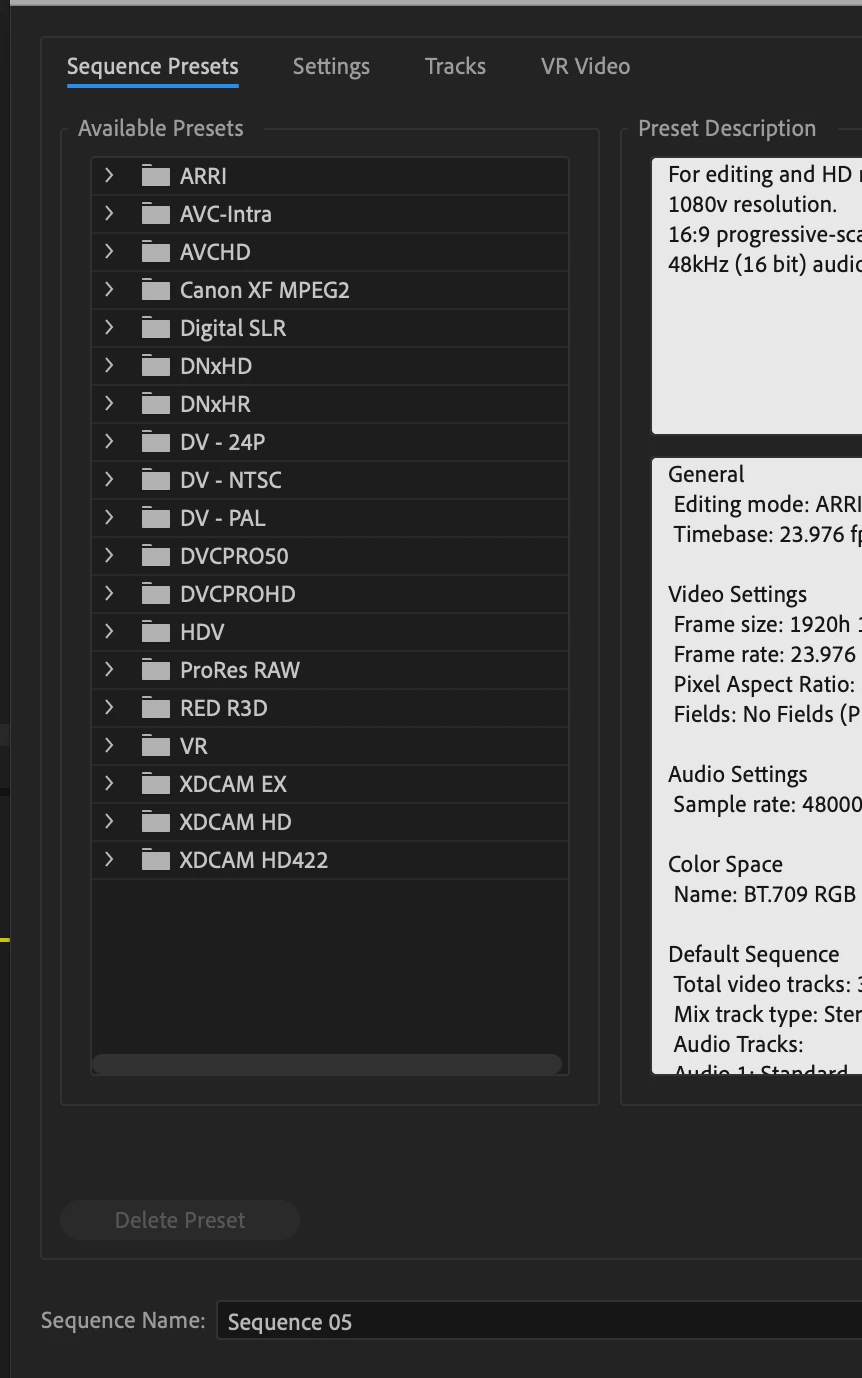
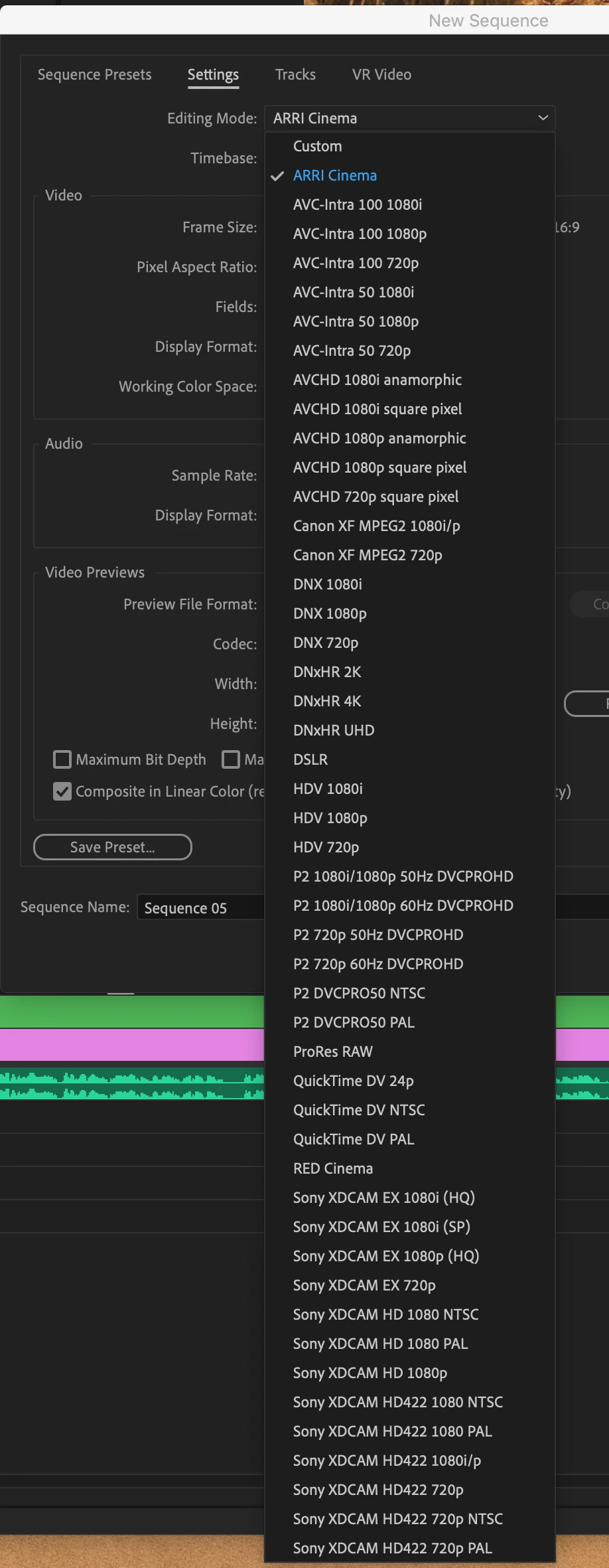
The only things that matters is the correct frame size, the correct frame rate and the correct aspect ratio. If you have 1920x1080, 23,976 fps, 1.0 PAR that´s what you want your timeline to be. There is no setting for "best" or "better than..." quality. If you however have 1920x1080, 23,976 footage and put it on a 720x576, 25 timeline you will loose quality. Always aim for the sequence settings that matches your footage. When using Presets i often choose from the Canon XF MPEG2 or Digital SLR, or use the Settings tab and set everything manually.


So you must know your footage´s properties to get it right.


Selecting the preview codec is only important if you will render effects on the timeline that are too heavy to playback in realtime and when you use those renders to speed up the final export. The latter is not a must.

2 replies

Averdahl
Community Expert
AverdahlCommunity ExpertCorrect answer
Community Expert
June 16, 2021
quote

Choosing one from all the new project settings is confusing - I don't know which works best for what.


By @TheOriginal150mph


The only things that matters is the correct frame size, the correct frame rate and the correct aspect ratio. If you have 1920x1080, 23,976 fps, 1.0 PAR that´s what you want your timeline to be. There is no setting for "best" or "better than..." quality. If you however have 1920x1080, 23,976 footage and put it on a 720x576, 25 timeline you will loose quality. Always aim for the sequence settings that matches your footage. When using Presets i often choose from the Canon XF MPEG2 or Digital SLR, or use the Settings tab and set everything manually.


So you must know your footage´s properties to get it right.


Selecting the preview codec is only important if you will render effects on the timeline that are too heavy to playback in realtime and when you use those renders to speed up the final export. The latter is not a must.

Community Expert
June 16, 2021

^ Hard to add more than this.

John T Smith
Community Expert
Community Expert
June 16, 2021

Have you checked the destination sites to see what they want?


For example... go to Google and enter


youtube video requirements 2021

Participant
April 25, 2022

I did, and it sent me here 😛