
Participant
November 1, 2020
Answered

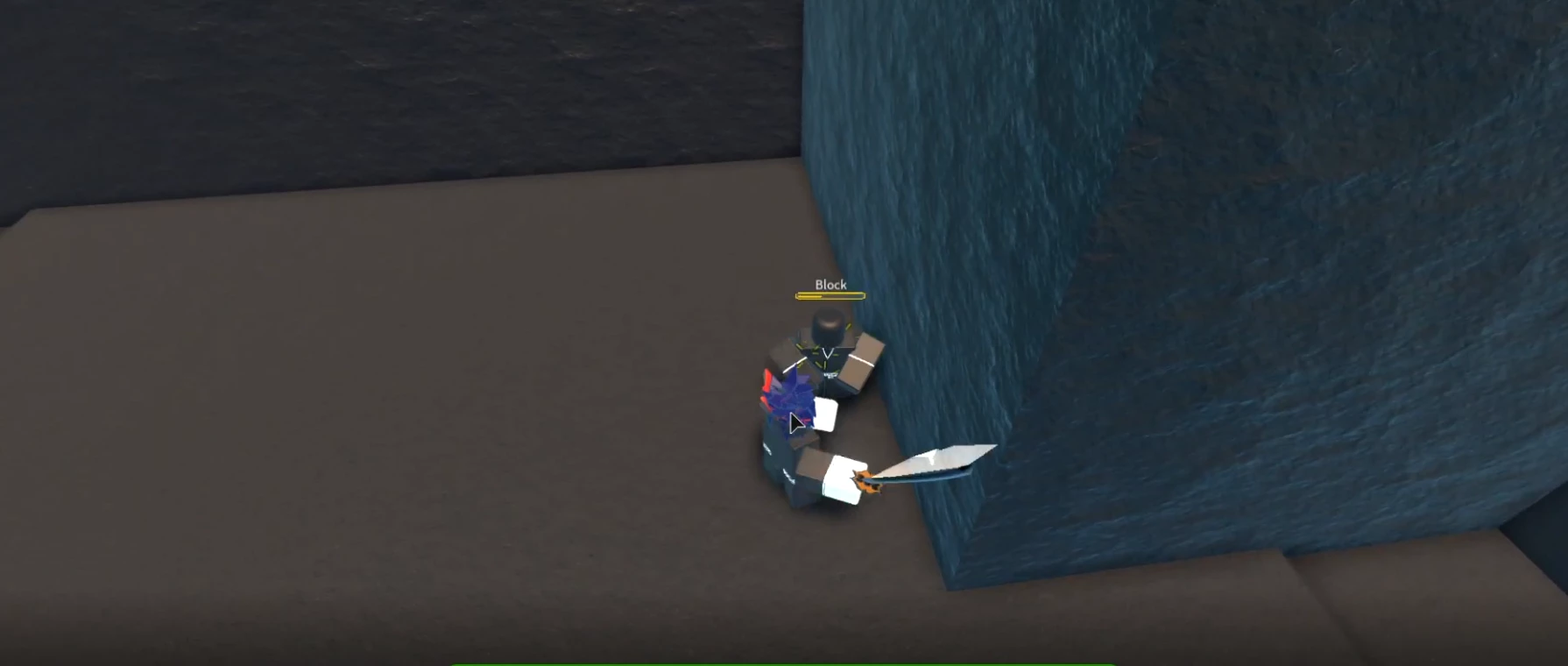
when i add a text box it looks fine in premiere but in video it turns the background a little white

  • November 1, 2020
  • 2 replies
  • 2087 views

the first one is without text and the second is with it, it makes the background a little bit white. Any way to fix this? It doesn't show the background like this in studio, but when exported this happens.


This topic has been closed for replies.
Correct answer Peru Bob

Try unchecking Composite in linear color in the sequence settings.

2 replies

Peru Bob
Community Expert
Peru BobCommunity ExpertCorrect answer
Community Expert
November 12, 2020

Try unchecking Composite in linear color in the sequence settings.

Participant
November 12, 2020

that worked thank you

Peru Bob
Community Expert
Community Expert
November 12, 2020

You're welcome. 

Peru Bob
Community Expert
Community Expert
November 1, 2020

If there is a red line above the timeline, press enter to render the timeline and turn the red line to green.

Participant
November 12, 2020

sorry for the super duper late response, but it is all yellow. I tried turning it green but it really wasn't any different from the yellow. It looks perfect when in studio but when I export it, it has the little white background with a bit of transparency.