This topic has been closed for replies.

2 replies

R Neil Haugen
Legend
October 5, 2022

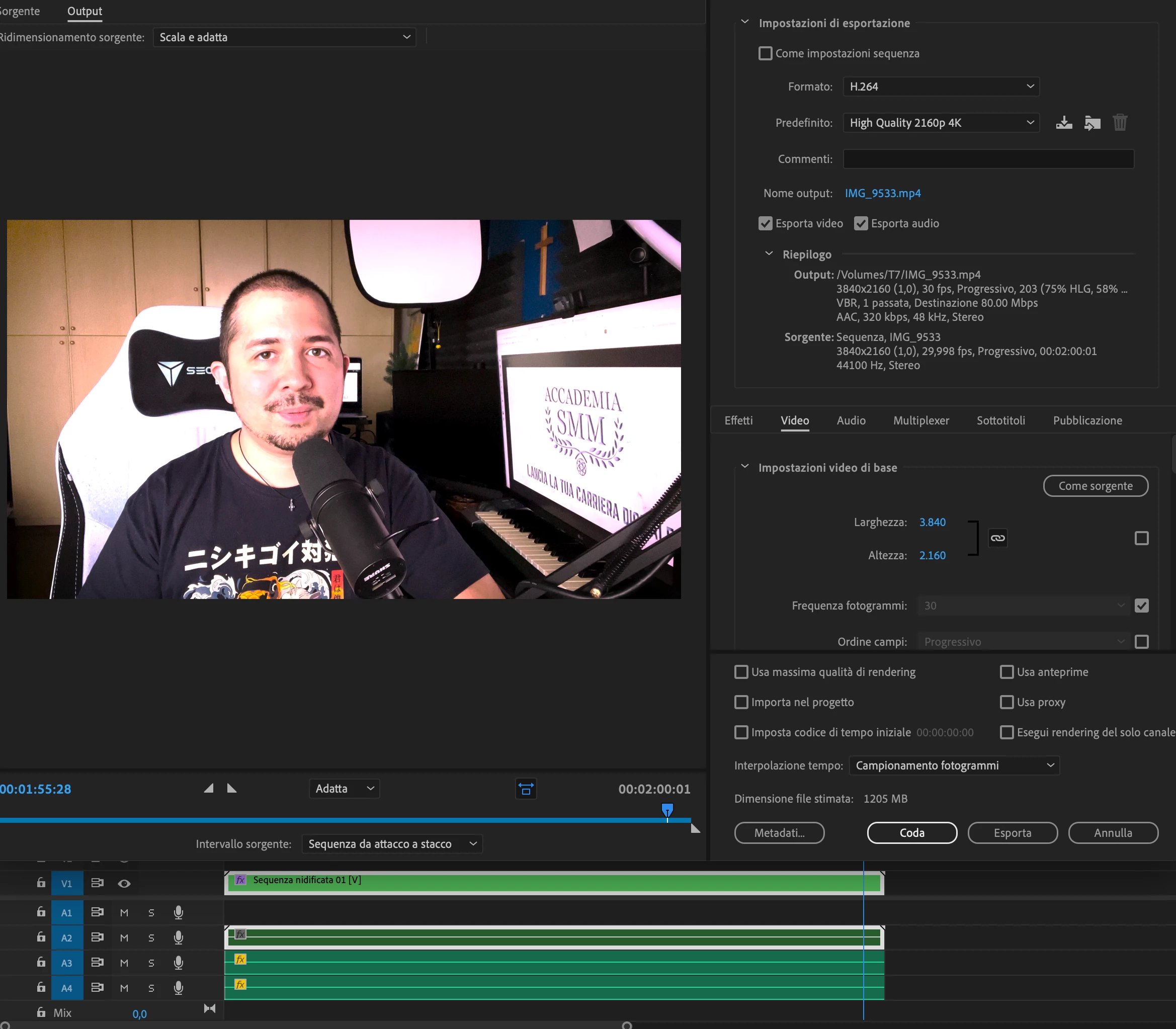
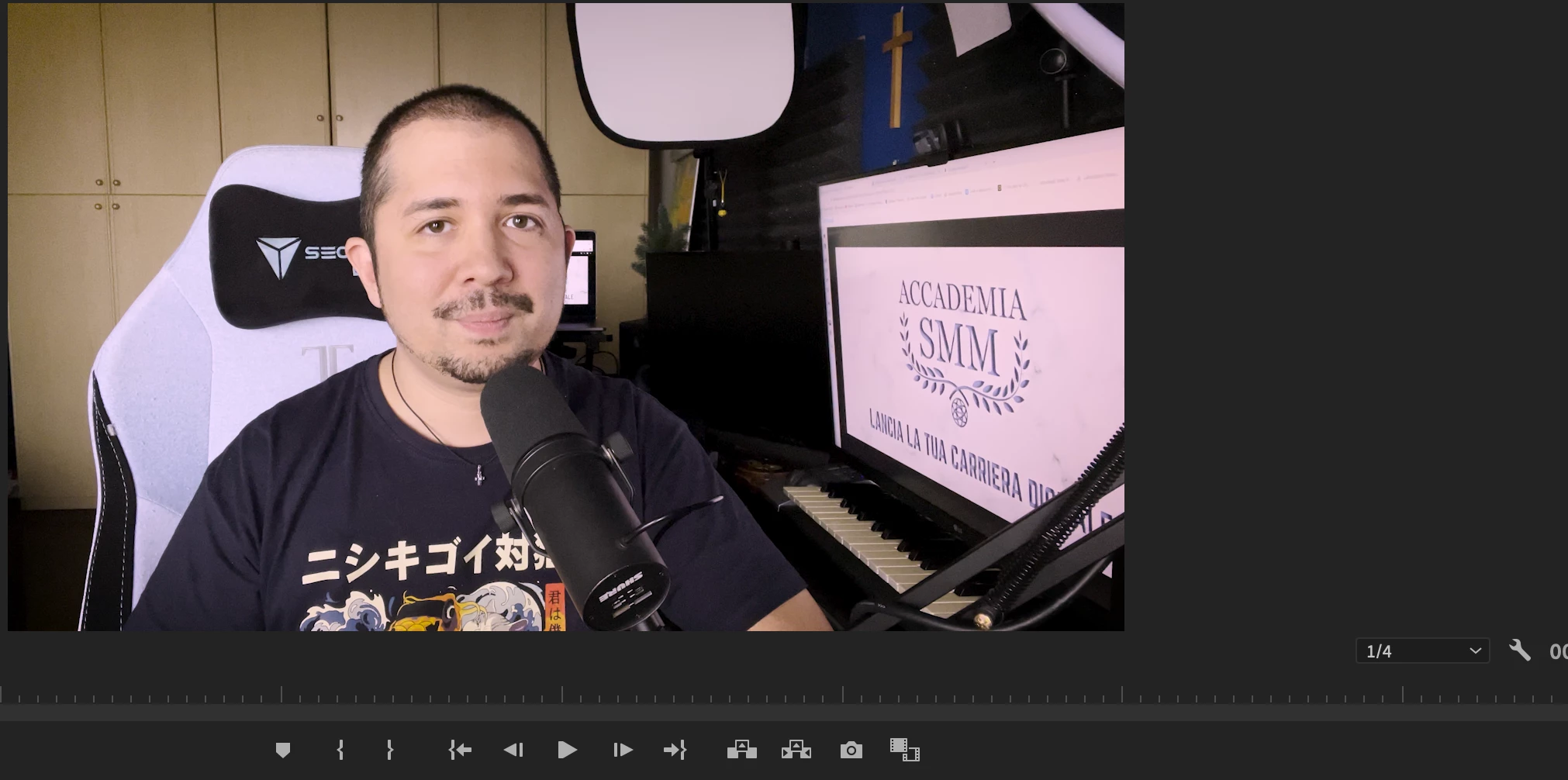
Your media, sequence settings, and export preset color management all need to match.


You have HLG media, a form of HDR, and are exporting using an SDR/Rec,709 preset.


To use that preset, you would need to go to the project panel, select the clips, right-click/Modify/Interpret Footage and set the color mamagement's Override to ... option at the bottom to Rec.709 AND make sure your sequence color management is set to Rec.709.
 

Neil

Everyone's mileage always varies ...
Richard van den Boogaard
Community Expert
Community Expert
October 4, 2022

Before we can help you, we would like to know what camera and codec was used.


It seems like this is an issue where you have a mismatch between the type of footage and how it is interpreted by Premiere Pro.


Help us help you.

Ishan Y
Inspiring
October 4, 2022

Hey rody,


Could you let us know in which color space the footage was shot? This could be an issue with color management. Here are a few links for more info: https://community.adobe.com/t5/premiere-pro-discussions/faq-how-to-fix-saturated-over-exposed-hlg-hdr-clips-in-premiere-pro-v-22/m-p/12489252#M375535

https://youtu.be/odwptnEhxJs


Thanks,

Ishan
