



When I import a file with an alpha channel into Premiere it artifacts.
So hoping someone can help me out. I use a program to create golf tracers called Shot Tracer Pro. It's for Mac and PC. The PC version does not export the tracer as an alpha channel but the Mac version does. In the past I've exported a clip from Premiere on my PC and then imported it into my Macbook Pro into Shot Tracer Pro, the up and then exported the tracer as an alpha channel that I can bring into Premiere on my PC. I simply place it on top of the golf shot and I have a tracer. It all worked well until I updated to the latest version of Windows 11. (25H2) Now I seem to get artifacting in the alpha channel clip. Please see the attached photo.
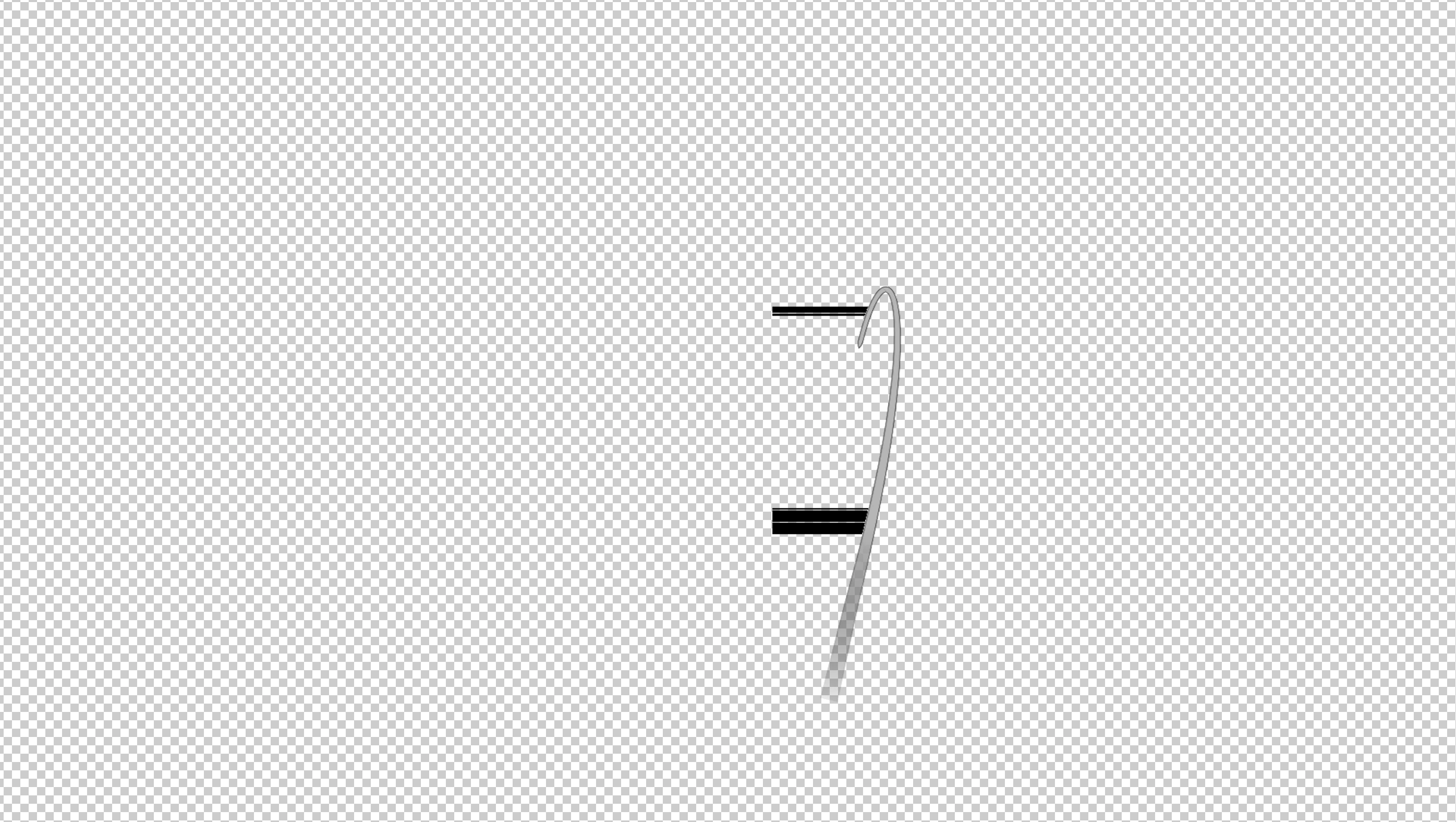
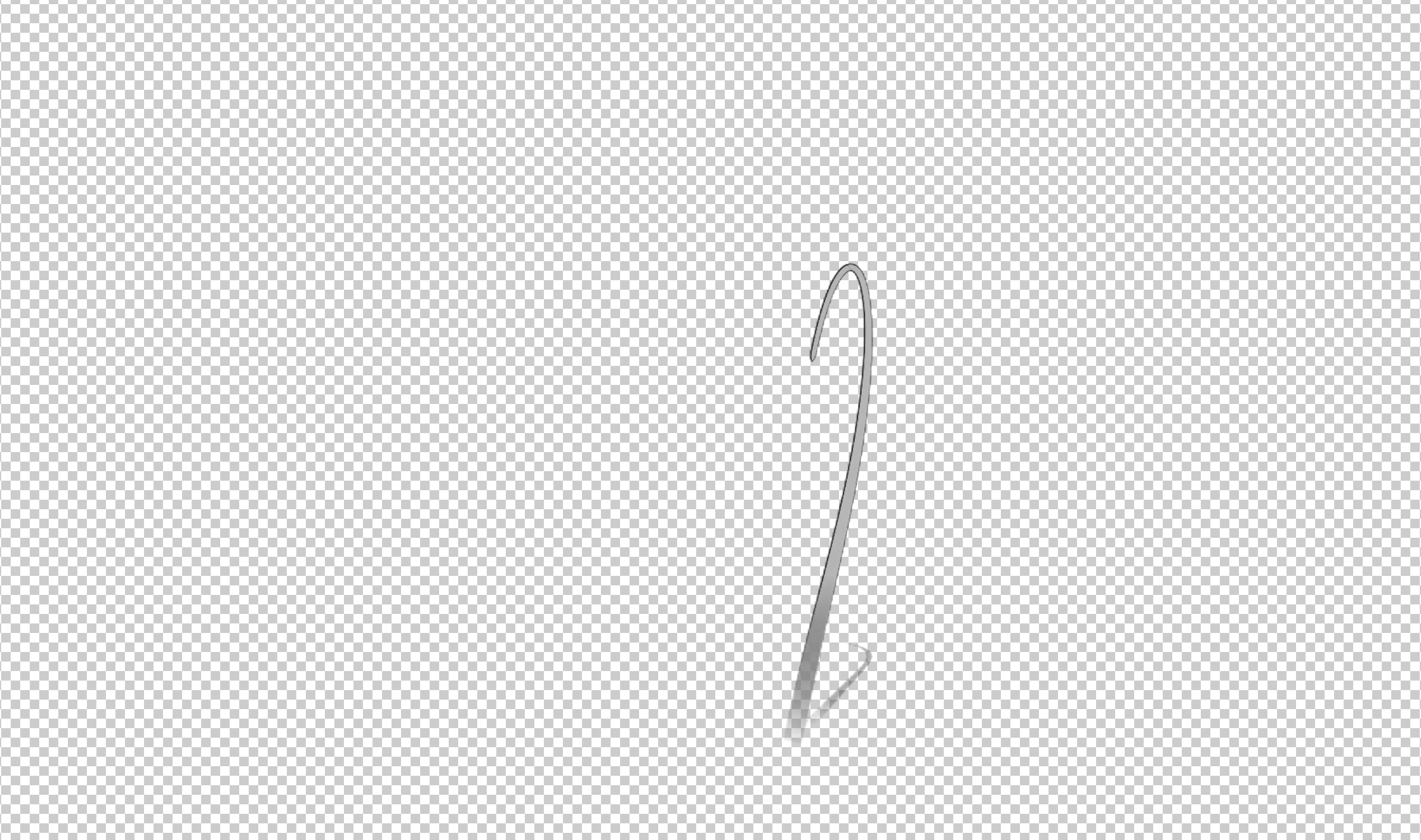
Those black lines on the tracer to the left shouldn't be there. When I put these on a timeline on the Mac in Premiere, which I have on my Macbook Pro, it doesn't happen. The photo without the black lines is from the Mac. I know most people won't know the program shot Tracer Pro but I thought somebody might have an idea of what's going on. Again this used to work fine until the update. I am running on the latest version of Windows, My and graphics card have all been updated and I even uninstalled and reinstalled premier.
One more thing. When I actually play the clip on the timeline you don't see the artifacting, It's when I stop the playhead you'll see it BUT it also appears in the final export.
If anybody has an idea of what is going on I’d love some help.
Thanks guys.
 AdChoices