Inspiring
August 10, 2021
Answered

Whenever I input a video, it lowers the picture quality and it stays low even when I export it

  • August 10, 2021
  • 1 reply
  • 264 views

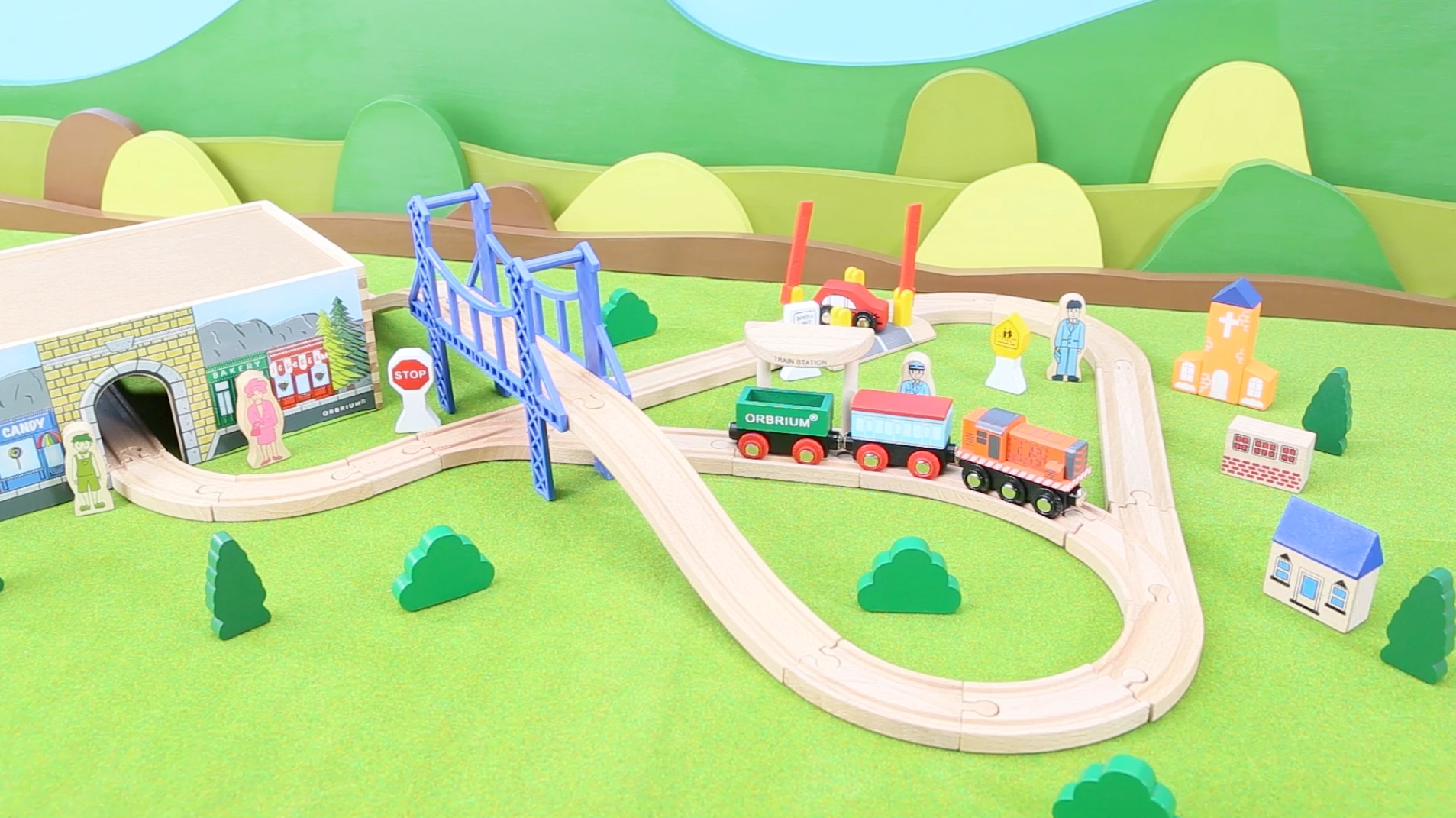
Here's a still of the video before it's imported into premiere
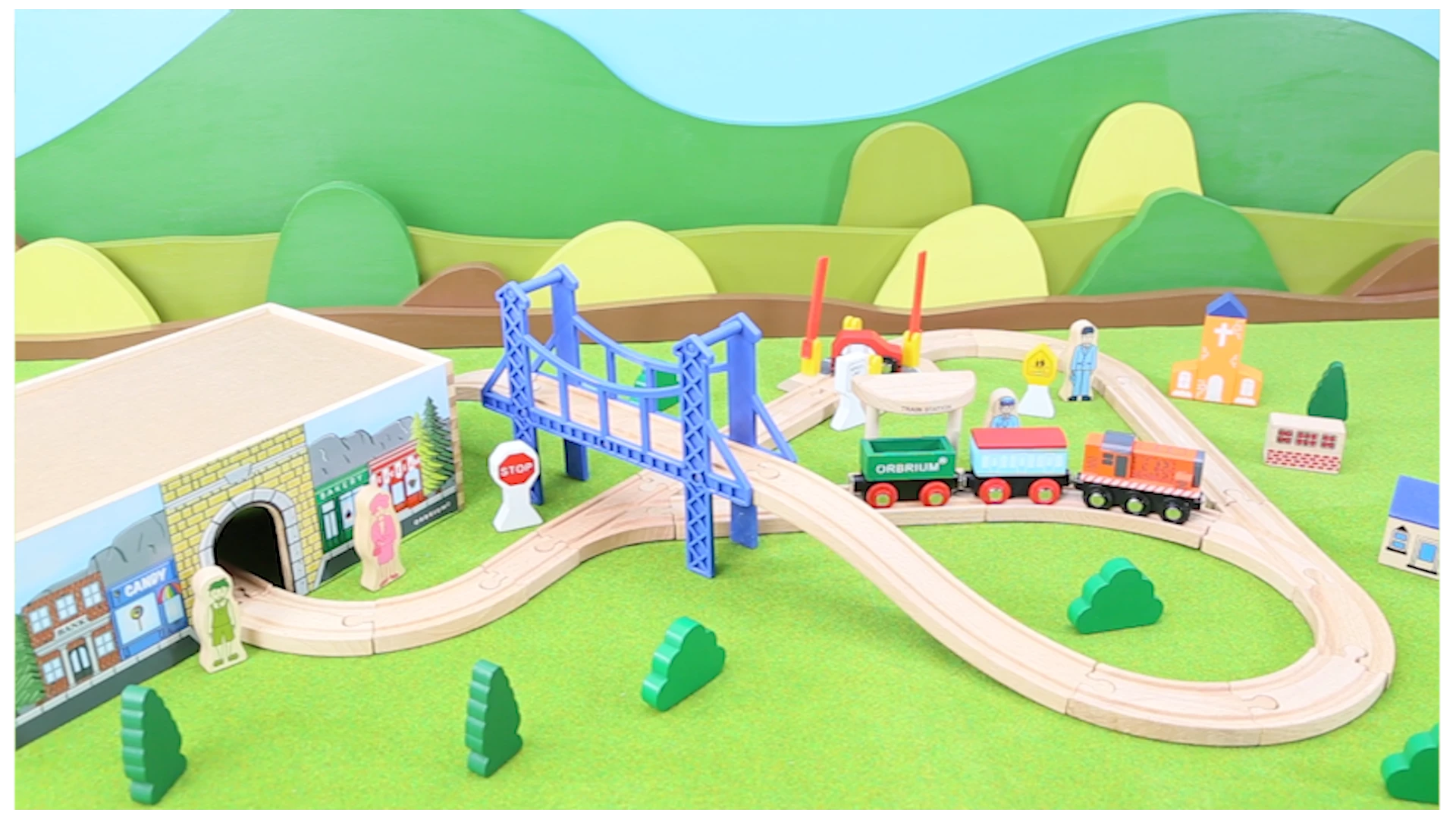
And here's a still of the video that I saved from within premiere. As you can tell its slightly blurry. And it looks worse when the video is actually playing 
 

I've looked into almost all the settings and i'm wondering if I'm missing something??? Does anyone know what I should do? 

This topic has been closed for replies.
Correct answer laurenr42438644

I think I solved it myself but i'll leave this up in case someone else has the same issue. Turns out my nested sequences were at 720p and not 1080 so when they were in my main sequence they had been compressed and then blown up. I went through my nested sequences and adjust them all to 1080p and that did the trick. 

1 reply

laurenr42438644AuthorCorrect answer
Inspiring
August 10, 2021

I think I solved it myself but i'll leave this up in case someone else has the same issue. Turns out my nested sequences were at 720p and not 1080 so when they were in my main sequence they had been compressed and then blown up. I went through my nested sequences and adjust them all to 1080p and that did the trick.