Answered
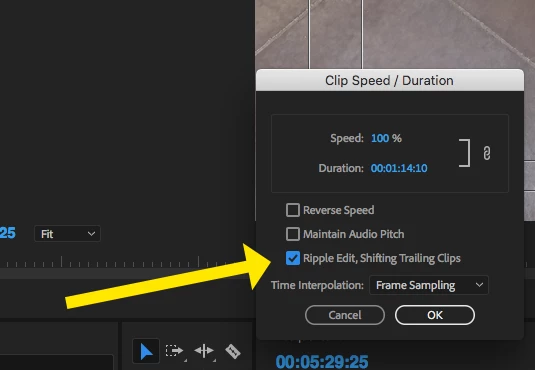
Whenever I speed up/slow down a clip in the timeline, every single clip after it moves accordingly?
In all my time that I have been using Premiere, whenever I would speed up or slow down a clip in the timeline, any clip on any layer coming after it was NEVER moved. Suddenly, I open Premiere today and this is happening.
It would constantly be a hassle if every time I change the speed of a clip I'm forced to select everything I have after it and move it back in it's place. ESPECIALLY when I'm trying to match video to a song or audio. I have looked everywhere but cannot find settings to change this. Does anyone else experience this?
This is before: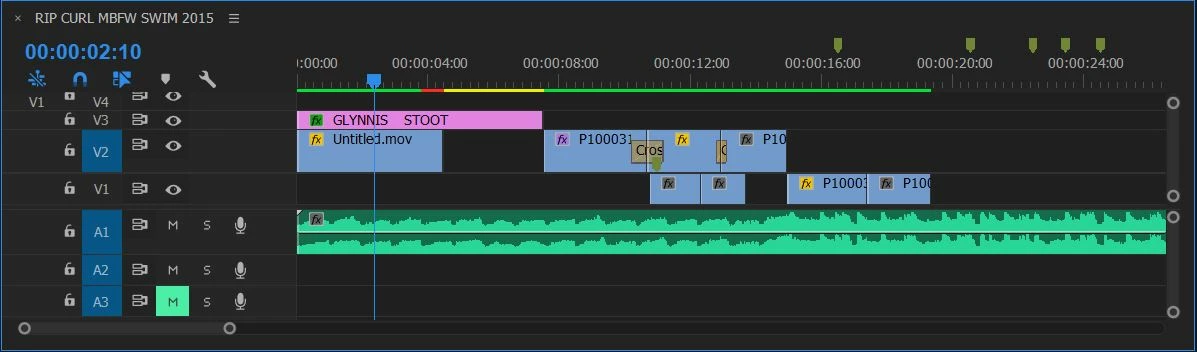
This is after: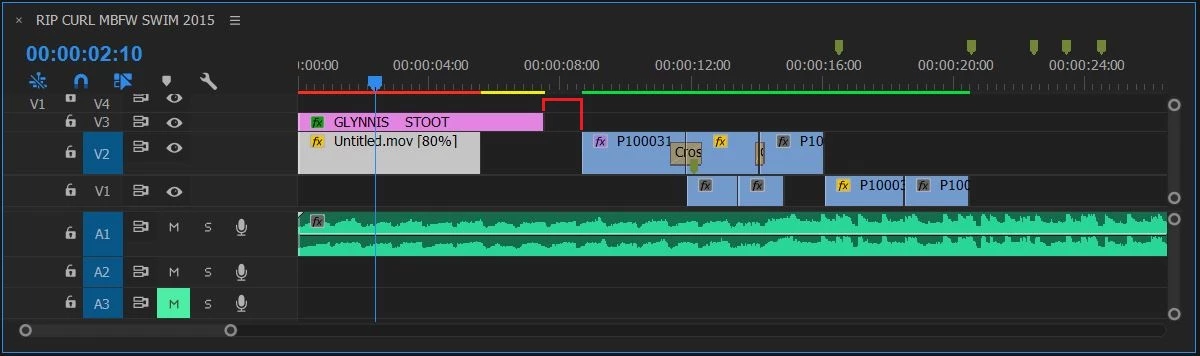
 AdChoices