
Known Participant
Nov 19, 2026 12:54 AM UTC
Question

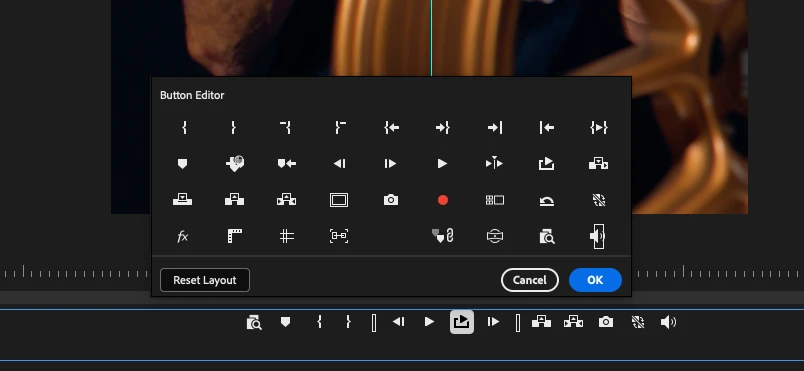
Where did "Comparison View" go?
Premiere Pro 27.0

Where is “Comparison View”? Now that the new Color Mode is forced on us, and completely destroyed my workflow, I need to match different scenes. Right now I’m forcing Lumetri Color effects to be back on my adjustment layers, adding extra steps, but trying to match between frames is impossible without Comparison View. Where is it?

    2 replies

    R Neil Haugen
    Legend
    Nov 19, 2026 2:23 AM UTC

    Comparison view is kinda weird now, hard to explain unfortunately. I don’t understand why that changes at all. Not handy.


    It’s actually easier for me to explain the basis of color mode. And that new mode was built to do what colorists have been working at for at least five years now, getting away from shotmatching as much and however possible. It’s the slowest, hardest to do slog of grading.

    If you can use auto color managment, metadata in bins and such to get entire groups closer together to reduce shotmatching … and eliminate it when possible … you save a ton of time. That’s the reason for the grid view rather than a timeline view. To build in working in groups, not clips.

    And the way you can copy/paste bits of a grade, is really helpful. In Lumetri you can only copy/paste the entire effect. 

    Translate
    Everyone's mileage always varies ...
    Inspiring
    Nov 19, 2026 1:46 AM UTC

    Do the tuts. Drop some makers make some color pins and compare.

    Translate