DustinJamesKid
Participating Frequently
February 16, 2015
Answered

Where did my timeline/sequence go?! Please help!

  • February 16, 2015
  • 12 replies
  • 190028 views

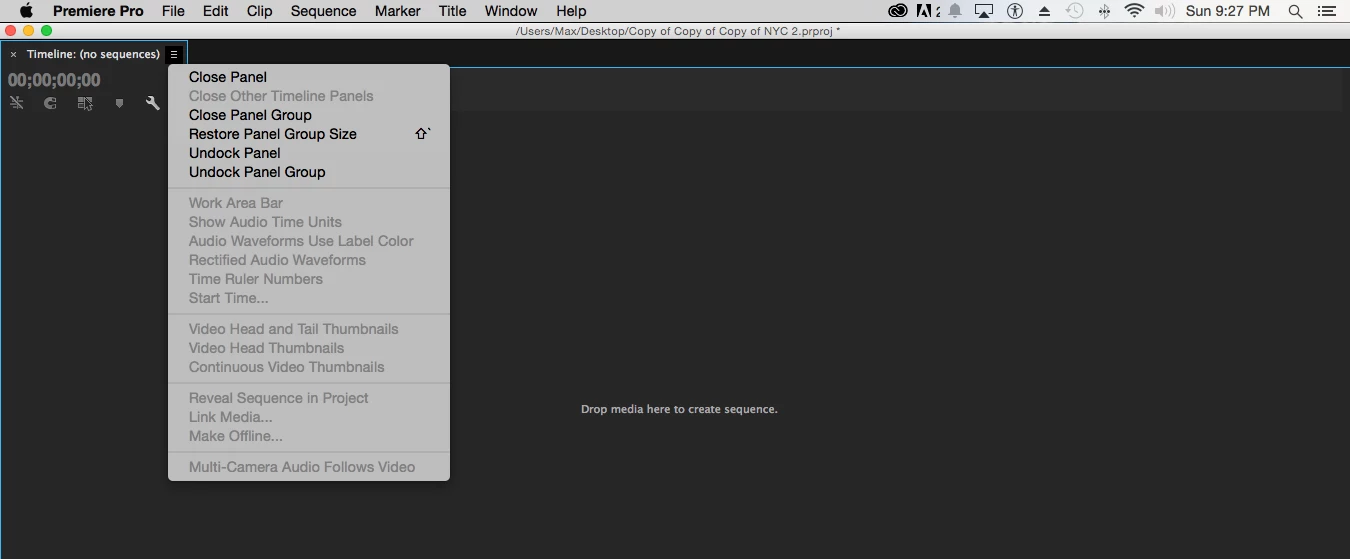
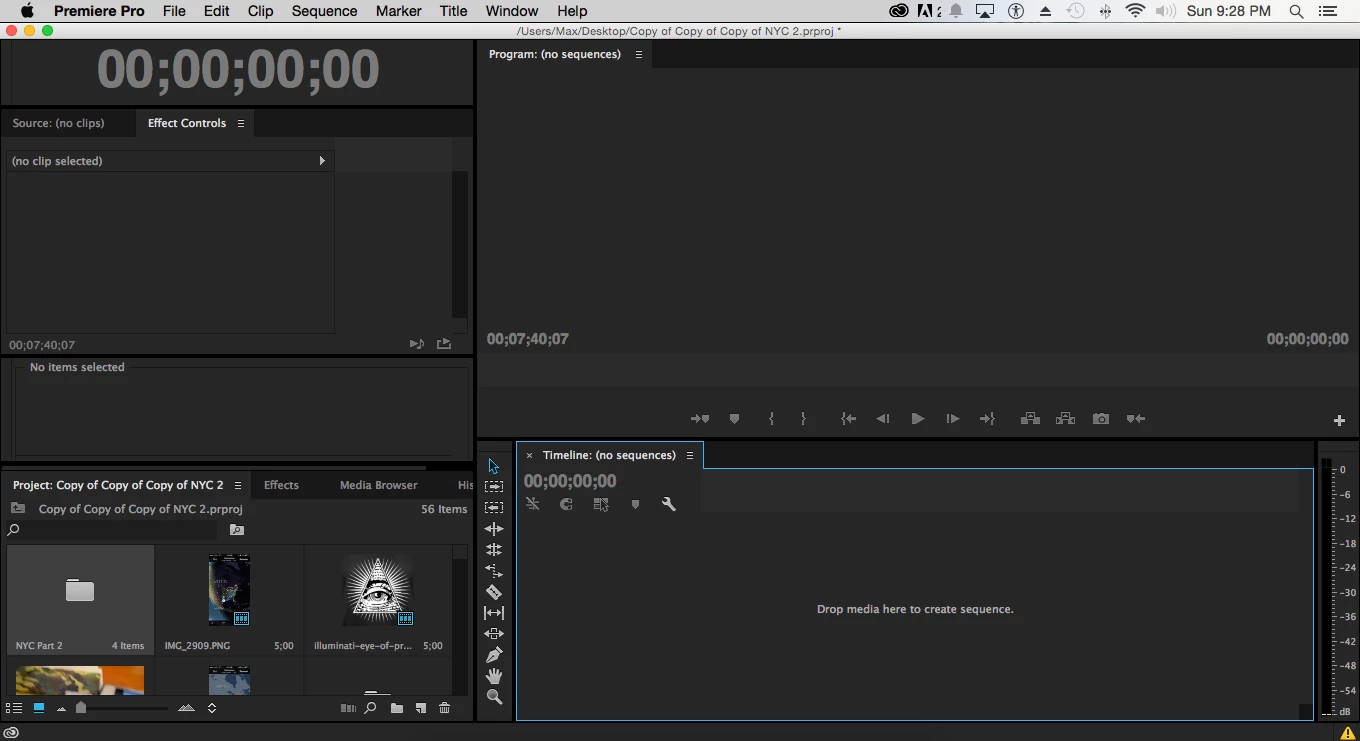
I've spent around 15-20 hours on a project. when I was about 5 minutes from finishing, I maximized the timeline panel as shown in the 1st picture below. While trying to click "Restore Panel Group Size" I hit this spacebar, or some hotkey, or accidentally hit "close panel group". When I reopened the timeline panel, all my hours of hard work were instantly gone. How do I recover my sequence on the timeline? If you can fix this problem for me, I will send you $20 through paypal.
Correct answer Ann Bens

there are lots of strange things happening with premiere that folks posting here... i haven't seen this exact problem before. you can change the auto-save settings in the preferences, to something like every 5 minutes, and even put some obscene number like 1,000 copies. if thats what it takes to get this working... also good idea to keep a copy of the project in another location, like another hdd. just do this manually each time you close the program.


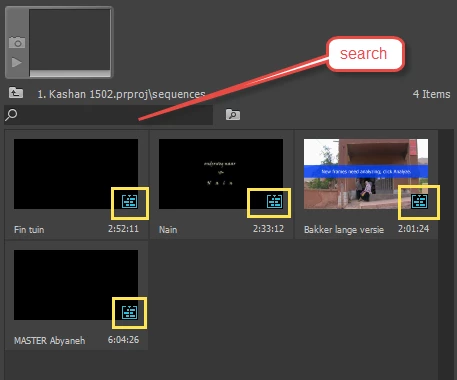
Look for these or try search:

12 replies

princessdarkrainbow
Participant
August 6, 2015

HI!

THIS JUST HAPPENED TO ME!  DID YOU EVER FIGURE OUT HOW TO GET YOUR SEQUENCE BACK!?

I am hoping it is not lost forever and I don't have to start again but am super fearful I do...What the heck!? Same exact thing, sequence suddenly gone! Screen black!

help!!

thanks
Cara

Inspiring
August 6, 2015

Dear All,

Go to the "undo" menu and undo the last action?? -- and learn to save often, especially during large blocks of work -- I do that and it has saved my bacon many times!  Why only save at the end of the project, or set you auto save preferences to more frequent save periods.

RoninEdits
Inspiring
February 16, 2015

nothing should be lost unless you did something and saved the project when you closed the program. if you just closed the sequence from the timeline window, the sequence should still be in your project bins. just have to double click it to open it back into the timeline. is the sequence not in your bins?

DustinJamesKid
Participating Frequently
February 16, 2015

No

RoninEdits
Inspiring
February 16, 2015

you might have an auto-save that you could recover from. file>project settings> scratch disks.  see where its saving your auto-saves and try opening one of those dated before this happened.