

Averdahl
Community Expert
Community Expert
July 31, 2020
Question

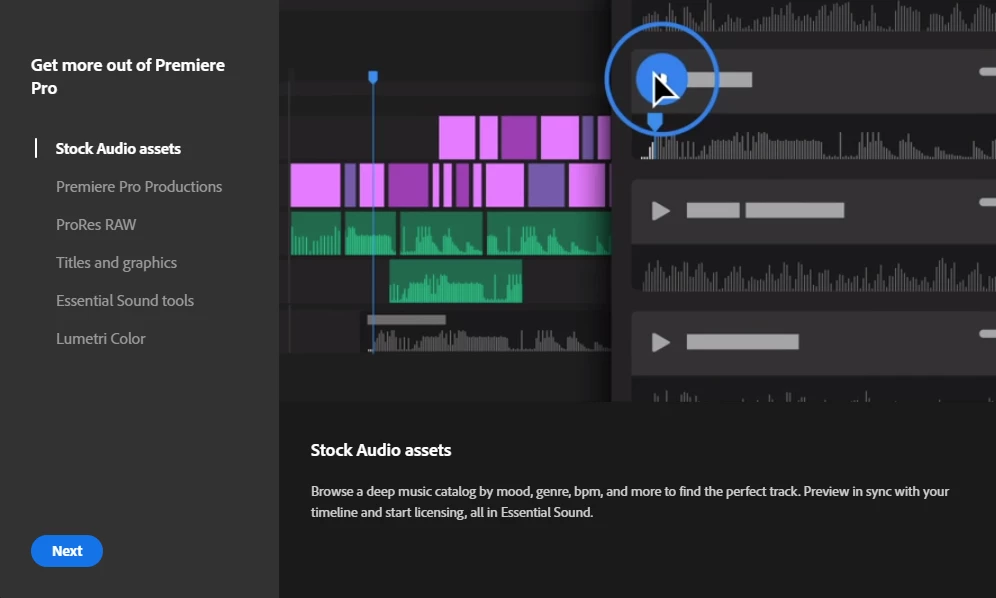
Why am i seeing the "What´s new" dialog each time i launch Premiere Pro?

  • July 31, 2020
  • 2 replies
  • 545 views

Yes, why do i see the "What´s new" dialog each time i open Premiere Pro? Some Adobe apps has a check box one can check such as "Don´t show again." but not in Premiere Pro. Deleting the Preferences don´t do the trick either.


Can´t we just get a "Don´t show again." box for this dialog and be done with it? This has been an issue for some versions now but now it´s ridiculous.
This topic has been closed for replies.

2 replies

Legend
August 31, 2020

you do realize that you can open the app by just double-clicking on the project file and avoid this screen entirely... going right to your project.  Of course if you want to create a new project...

Averdahl
Community Expert
AverdahlCommunity ExpertAuthor
Community Expert
August 31, 2020

you do realize that you can open the app by just double-clicking on the project file


Yes i certainly do, but most of the times it is more convinient to launch Premiere Pro and open the project rather than browsing for the project file in Explorer.


But the question remains, how to permanetly get rid of the "What´s new" dialog and how can one make the Hide Suggestions option sticky. I prefer a fix for that rather than having to work around a such basic thing. 🙂

FedericoPacheco
Participant
December 13, 2024

yes. I want this feature also. Please. I like a clean app with no distractions. Thank you

Ann Bens
Community Expert
Community Expert
July 31, 2020

Right top corner: hide suggestions.

Averdahl
Community Expert
AverdahlCommunity ExpertAuthor
Community Expert
July 31, 2020

I have it already set to that if i interpret it correctly. I have clicked on the text so it says "Show suggestions". It kind of indicates that showing suggestions is on rather than off though...


Having it set to that the interface is clean and if i click it so the text changes to "Hide suggestions" i do get suggestions in the Home dialog such as "Create a social video", "Get out more of Premiere Pro", "Start tutorial", "Find out how". See on the attached image how i have it set. 🙂