
Participant
February 11, 2024
Question

Why are the blacks seen worse in exported videos?

  • February 11, 2024
  • 3 replies
  • 257 views

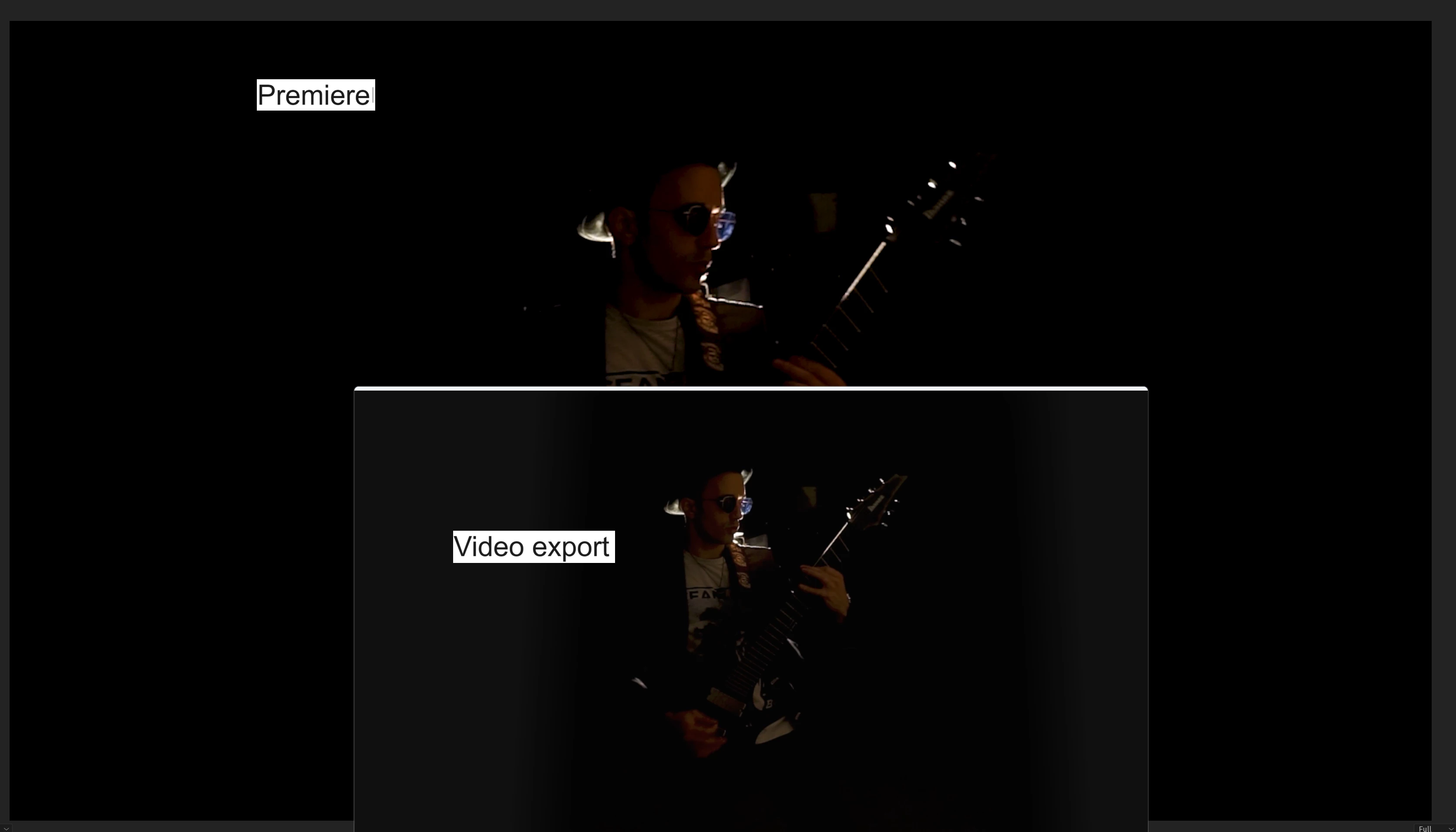
Not sure if it's a bug or a settings issue. When I edit the video, the playback has good colors and no issues, but when I export the colors look "Paler" and less "HDR" (if any of that is making sense).

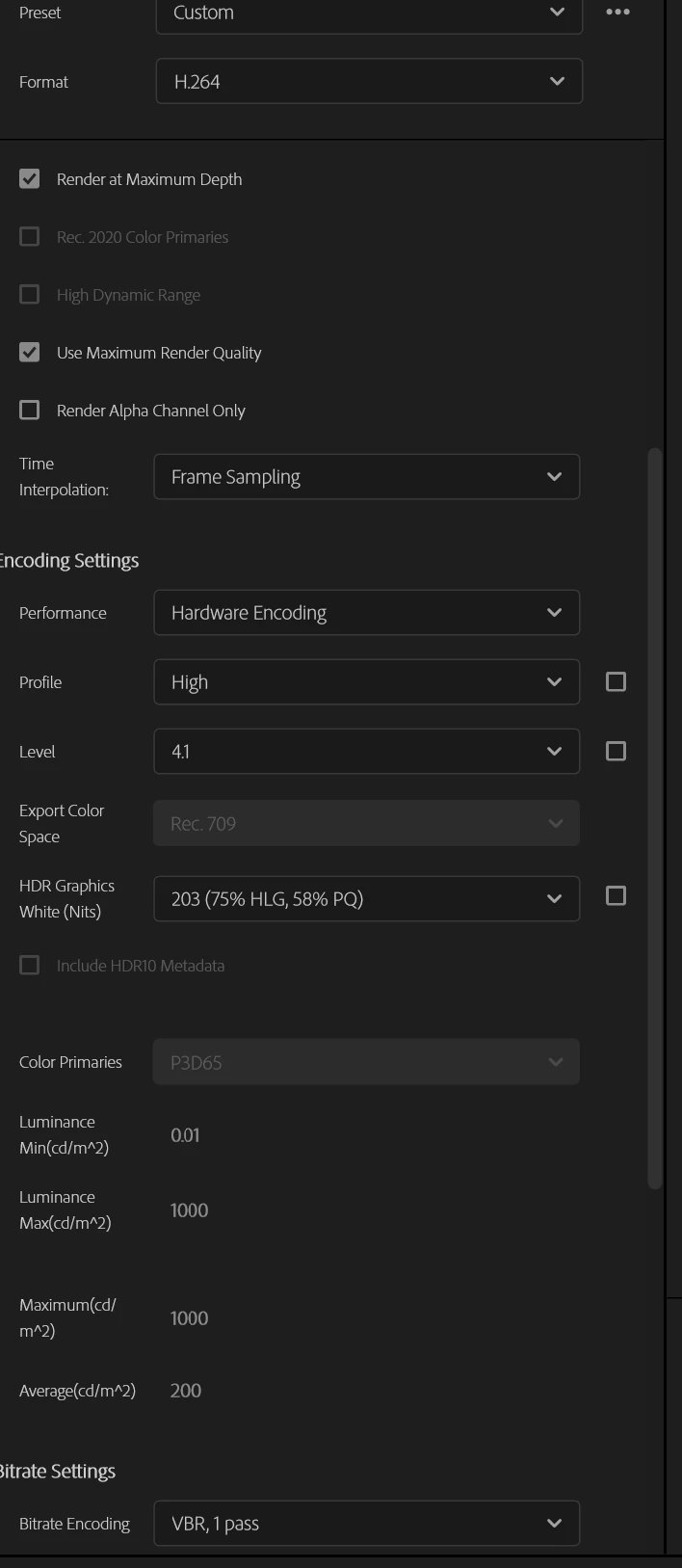
Both sequence settings and export settings are set to the Rec.709 color scheme
This topic has been closed for replies.

3 replies

R Neil Haugen
Legend
February 11, 2024

You didn't also post the all-important information as to what your color management is set to, which can influence this.


And ... are you on a Mac, perchance?


As noted by Richard, every screen out there is different. Colorists with more in their display and calibration gear than all video gear you probably own can't force two "identical" monitors to always be "identical" visually side by side. That's Reality, and a bane of the pro colorist.

Everyone's mileage always varies ...
Community Expert
February 11, 2024

You can only make it look good on your system. As you have found not all computers or players are the same.

Community Expert
February 11, 2024

How are you viewing the export? What does it look like if you view it using Premiere.

Participant
February 11, 2024

I just imported it again and it looks the same as before the export. I tried playing it back in several players and I did notice that in the default Windows player and VLC, it all looks good. In other players (BSplayer and Quicktime) there was a color difference. I guess it has something to do with the format or compression, but is there a way to make sure? I don't want to export and upload multiple times for something I might have missed